You can have a clear front camera, rear footage, and a clean standard dash cam setup, but none of it helps if the memory card stops writing before the clip you need. Dash cams record in a loop, so the card is constantly saving new video and overwriting old files.
GearNudge may earn a commission when you buy through some links in this guide. That does not change the compatibility checks you should make before buying.
Quick Answer
Choose a high-endurance or industrial-grade microSD card that your exact dash cam model supports.
Do this in order:
- Check your dash cam manual or product page first. Find the maximum supported capacity and required speed class.
- Choose high-endurance or industrial-grade. Dash cams write continuously, so ordinary consumer cards wear faster.
- Use U3/V30 for 2K, 4K, or front-and-rear recording. VIOFO’s memory card guidance also points 2K and 4K users toward U3-rated cards.
- Pick capacity based on how long you need clips to stay available.
- 64GB: minimum baseline for simple 1080p single-channel use, when supported.
- 128GB: practical sweet spot for many drivers.
- 256GB: better for 4K, front-and-rear coverage, parking mode, or longer overwrite windows.
- 512GB: only if your exact dash cam officially supports it.
- Format inside the dash cam. Do not rely on a computer format unless the manual tells you to.
- Record and play back a test clip. Confirm clip retrieval works before you trust the setup.
If you are already seeing errors, missing clips, or failed recordings, start with this guide to dash cam SD card error troubleshooting.
What the SD Card Actually Has to Do
A dash cam SD card does not sit idle like a photo card in a drawer. It works all the time.
The camera records video, fills the card, then overwrites the oldest files. That is loop recording. It is useful because you do not have to clear the card manually every day, but it is hard on flash memory.
That means the card must handle three jobs:
- Write video continuously
- Survive repeated overwriting
- Keep clips readable when you need to retrieve them
A front-only standard dash cam setup usually writes less data than a front-and-rear setup. A mirror-style setup can also record front and rear video, so it may need the same careful card check as a regular multi-channel dash cam.
Rear footage can help with rear-end impacts, tailgating, and lane-change context. But it also increases the recording load. So do 2K, 4K, parking mode, and long night footage sessions.
Capacity is not the same as compatibility
Capacity is how much video the card can hold before old clips are overwritten.
But a bigger card is not automatically better. Dash cams have controller and firmware limits. A card larger than the camera supports may fail to format, record poorly, or not be recognized at all.
So if your camera supports up to 256GB, do not assume a 512GB card will work.
Speed class is about dropped frames
The big “up to” number on card packaging is usually burst or read speed. It is not the number that matters most for dash cam recording.
For recording, look at sustained write ratings. For modern 2K, 4K, or multi-channel dash cams, U3/V30 is the practical minimum. Cards below that can cause dropped frames, stuttery footage, or “Card Slow” warnings.
For some 1080p-only cameras, Class 10 or U1 may be enough. But the manual still wins.
Endurance matters more than ordinary card marketing
Dash cams write constantly. Standard consumer cards are built more for intermittent phone, camera, or file-transfer use.
High-endurance and industrial-grade cards are designed for heavier write cycles. They are a better fit for loop recording, parking mode, heat, and daily driving.
Heat can shorten card life
Parked cars can get very hot. Heat can accelerate card failure, especially with ordinary consumer cards.
If you park in direct sun, live in a hot climate, or use parking mode often, choose a card sold for dash cam, surveillance, high-endurance, or industrial use. Then still plan to replace it proactively.
For more setup-level prevention, see GearNudge’s guide to SD card compatibility and storage problems in dash cams.
Buying Order
Use this order before you choose a brand or capacity.
1. Check the exact dash cam model
Look up your exact camera model. Use the manual, official product page, or brand support page.
Find:
- Maximum supported card capacity
- Required speed class
- Recommended card type
- Any brand-specific warnings
- Whether the camera needs in-camera formatting
This matters for standard dash cams and mirror-style setups. If the model records front and rear video, check whether the rear camera changes storage recommendations.
2. Choose high-endurance or industrial-grade
Do not buy a standard consumer card just because it is cheap.
A dash cam writes and overwrites constantly. That workload can wear ordinary cards quickly. High-endurance and industrial-grade cards are a better fit for daily recording and parking mode.
3. Match speed to recording load
Use this as a practical starting point:
| Dash cam setup | Practical card speed direction |
|---|---|
| 1080p front-only | Class 10 or U1 may work if the manual allows it |
| 2K front-only | U3/V30 is safer |
| 4K front-only | U3/V30 should be treated as the practical minimum |
| Front and rear recording | U3/V30 is the safer baseline |
| 4K plus rear camera or heavy parking mode | Check the manual carefully; the camera may need stricter limits |
4. Pick capacity by overwrite window
The question is not “How big can I buy?” It is “How long do I need useful clips to remain before they are overwritten?”
| Capacity | Best fit | Watch out for |
|---|---|---|
| 32GB | Setup testing, very light use, or cameras with small limits | Short overwrite window, especially with 4K or parking mode |
| 64GB | Basic 1080p single-channel use | May feel tight for front-and-rear coverage |
| 128GB | Strong default for many drivers | Still check max capacity |
| 256GB | 4K, front-and-rear, parking mode, longer clip retention | Not every camera supports it |
| 512GB | Long overwrite windows on supported cameras | Do not buy unless the exact model supports 512GB |
5. Format inside the camera
Many card problems start with formatting.
Some larger cards ship as exFAT, while some dash cams expect a different file system. Windows also has FAT32 limitations that can confuse setup. In-camera formatting is usually safer because the dash cam creates the folders and file structure it expects for loop recording, event clips, and parking mode.
6. Test recording and clip retrieval
After formatting:
- Record a short daytime clip.
- If practical, record a short night clip.
- Play the clip back.
- Confirm you can retrieve it through the app, screen, or card reader.
- Check that the timestamp and file saving behavior make sense.
Clip retrieval matters because useful footage can be overwritten if you wait too long.
For a deeper setup checklist, see dash cam parking mode setup.
Card Options by Camera Brand and Capacity
These are examples from VIOFO, WOLFBOX, and REDTIGER. Treat them as brand and capacity options, not universal-fit claims.
The rule stays the same: match the card to your exact dash cam model before buying.
Dash Cam SD Card Options to Compare
compare brand-oriented card options by capacity and compatibility risk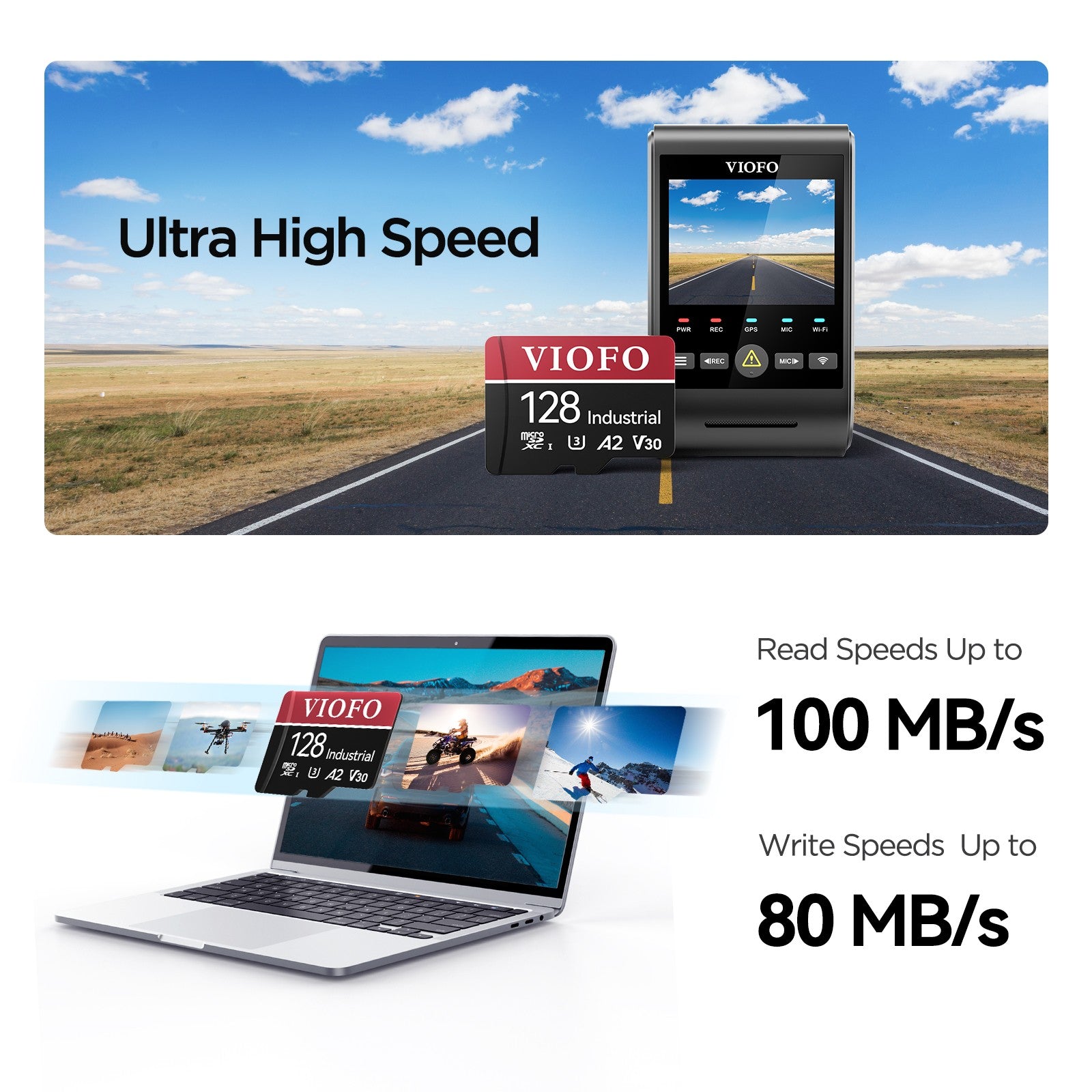
VIOFO Industrial Grade 32GB / 64GB / 128GB / 256GB Optional
gearnudge.com
- Best if
- VIOFO users who want an industrial-grade card in common capacities
- Avoid if
- you need 512GB support or your exact camera has a lower capacity limit
- Evidence
- industrial-grade and U3/A2/V30 listing; still verify the model manual
capacity options can change, so confirm the current variant before buying
Check price VIOFO Industrial Grade 64GB / 128GB / 256GB / 512GB Optional
gearnudge.com
- Best if
- VIOFO users considering larger capacity options
- Avoid if
- your dash cam does not officially support 512GB
- Evidence
- industrial-grade and U3/A2/V30 listing; manual controls max capacity
512GB is not automatically better if firmware cannot use it
Check price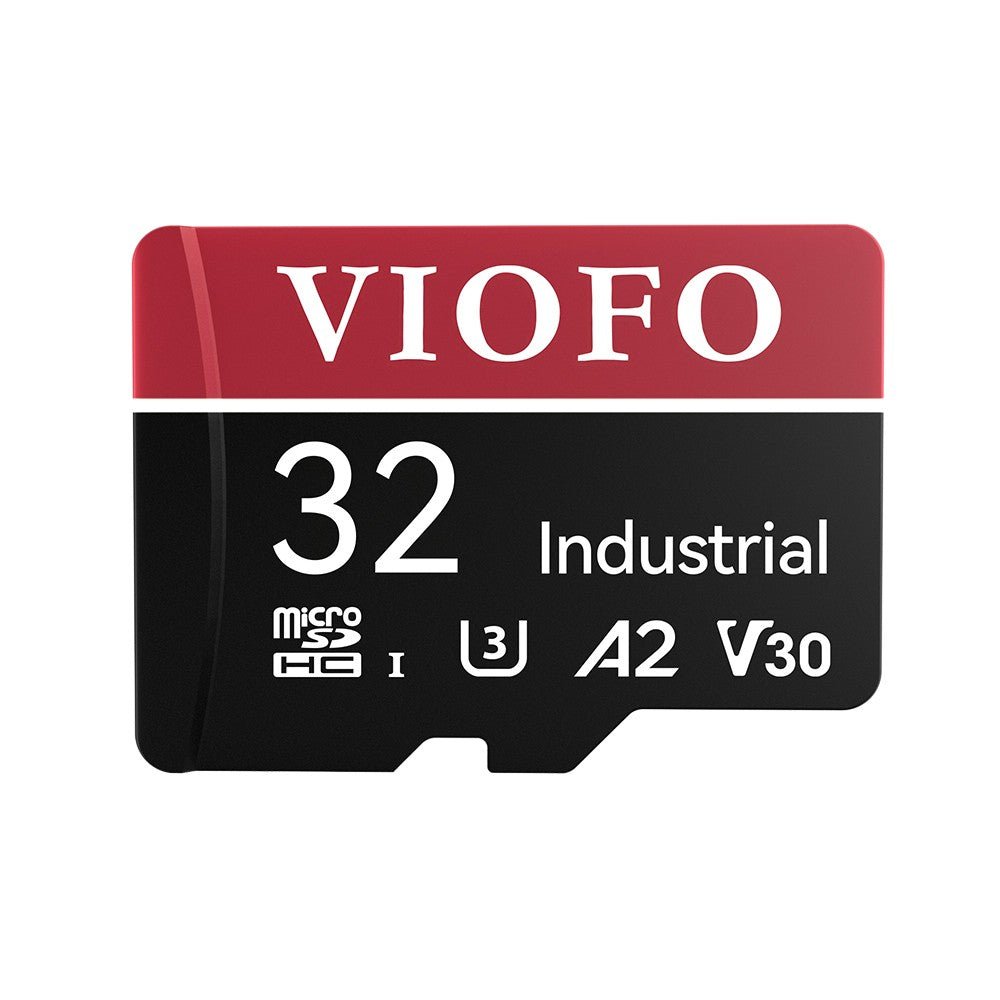
VIOFO 32GB Industrial Grade U3 A2 V30
gearnudge.com
- Best if
- light use, setup testing, or cameras that only support smaller cards
- Avoid if
- you record 4K, use parking mode, or want longer clip retention
- Evidence
- U3/A2/V30 industrial-grade listing
short overwrite window for heavier recording
Check price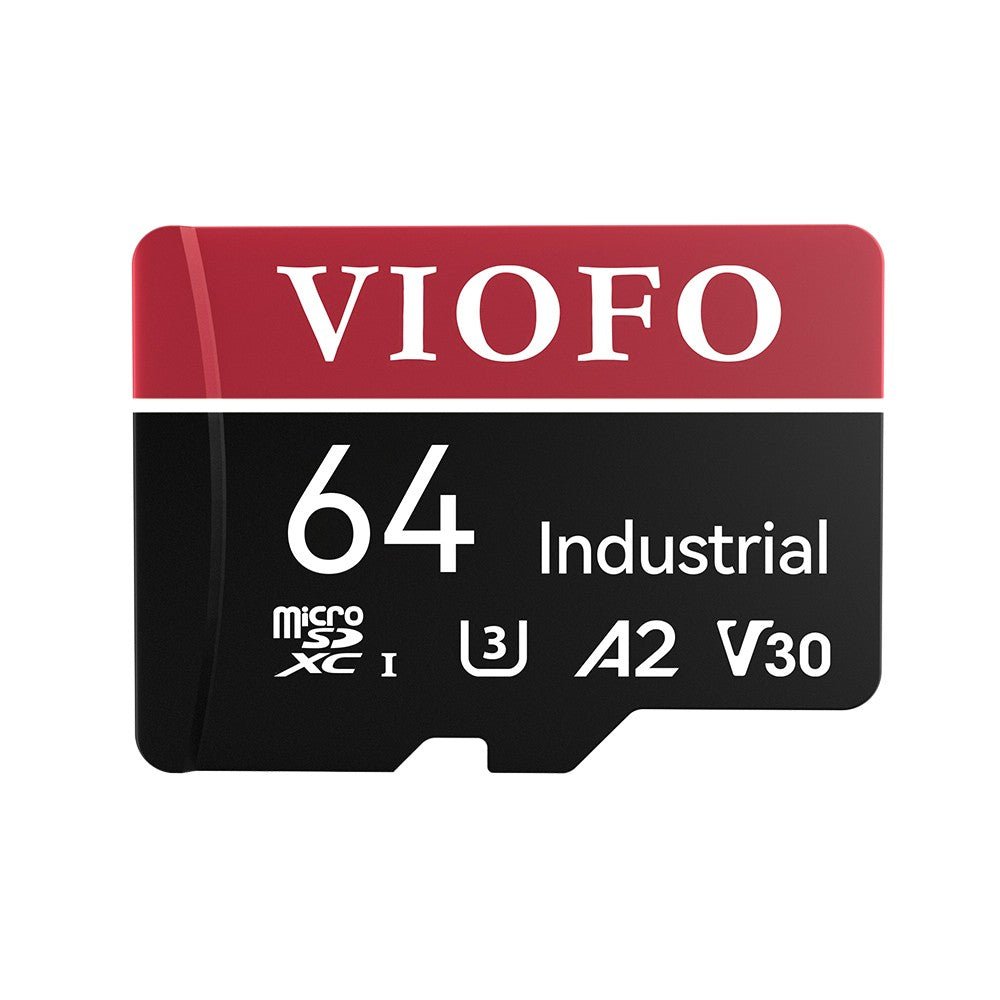
VIOFO 64GB Industrial Grade U3 A2 V30
gearnudge.com
- Best if
- basic 1080p or lighter daily recording when 64GB is supported
- Avoid if
- front-and-rear or 4K recording needs more retention
- Evidence
- U3/A2/V30 industrial-grade listing
treat as a baseline, not a long-retention choice
Check price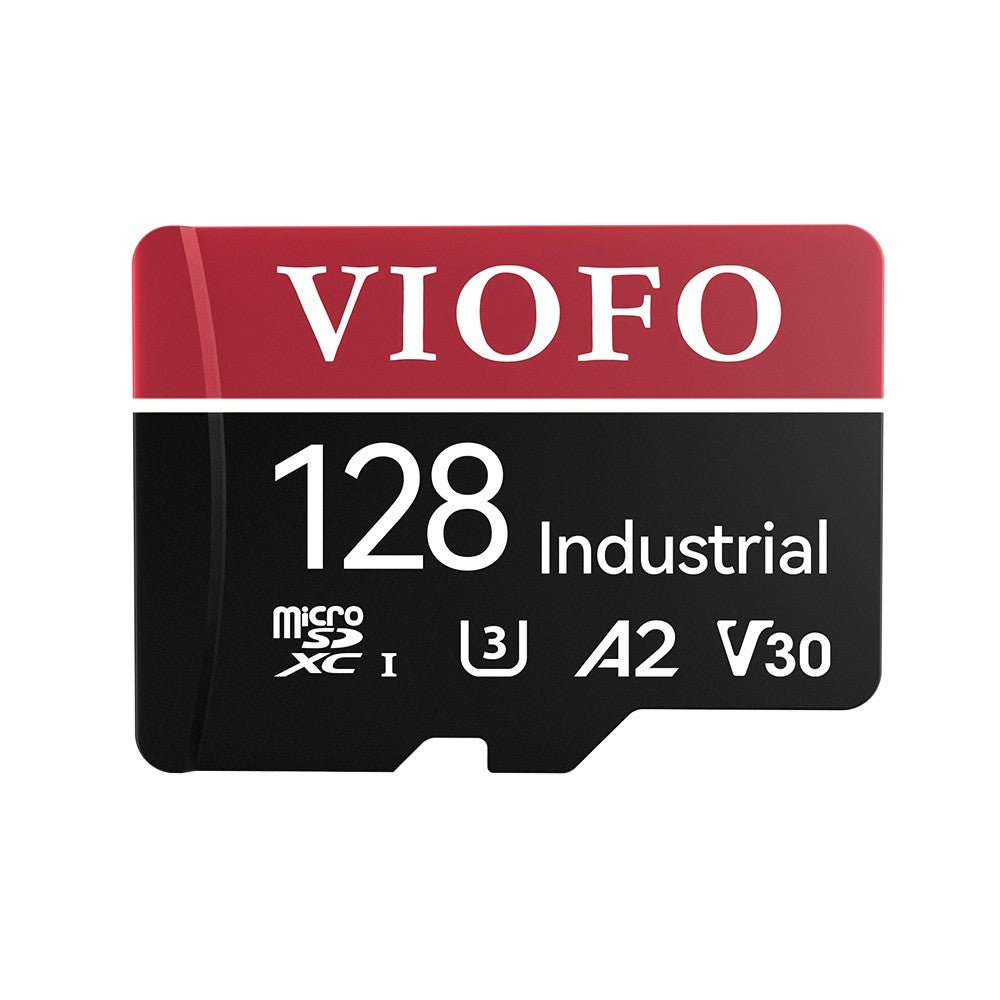
VIOFO 128GB Industrial Grade U3 A2 V30
gearnudge.com
- Best if
- many everyday drivers who want a practical balance
- Avoid if
- your dash cam max is below 128GB or you need longer parking coverage
- Evidence
- U3/A2/V30 industrial-grade listing; 128GB is a common practical capacity
still confirm exact camera compatibility
Check price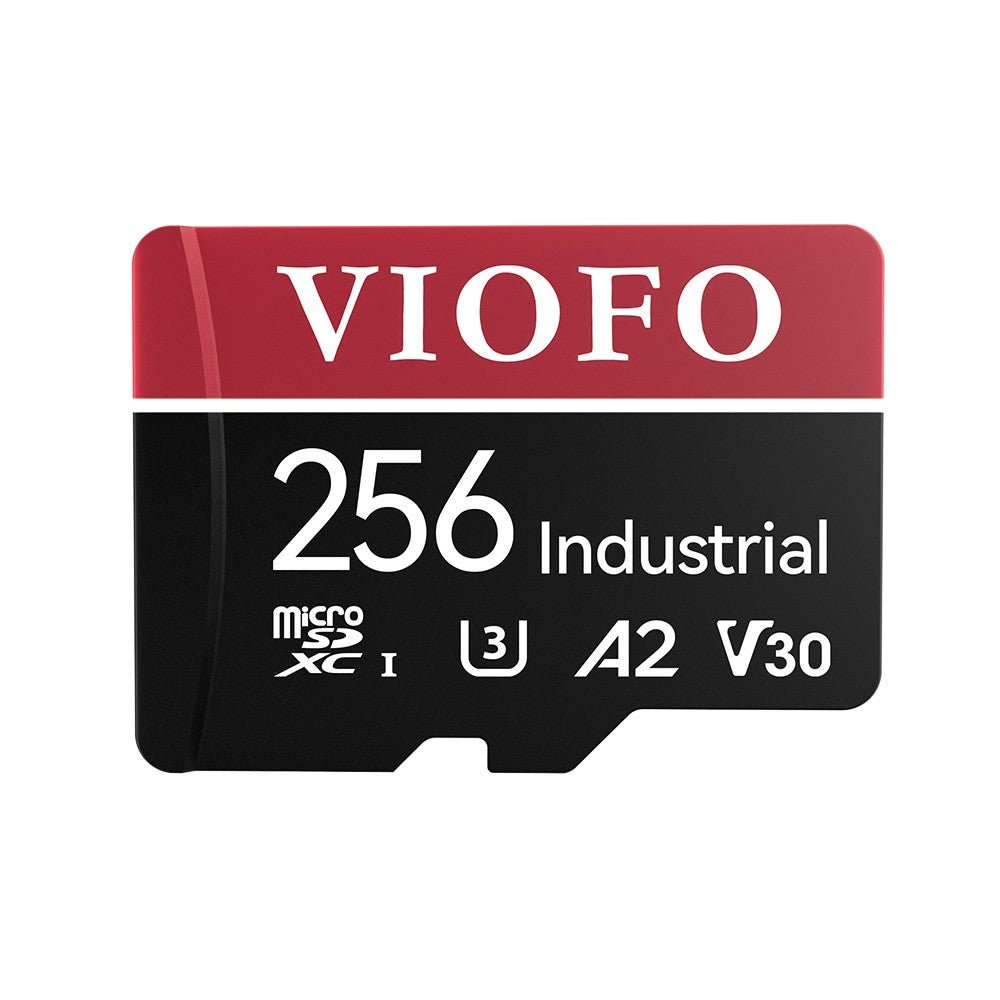
VIOFO 256GB Industrial Grade U3 A2 V30
gearnudge.com
- Best if
- 4K, front-and-rear recording, or longer time before overwrite
- Avoid if
- your manual caps capacity below 256GB
- Evidence
- U3/A2/V30 industrial-grade listing
larger capacity only helps when the camera supports it
Check price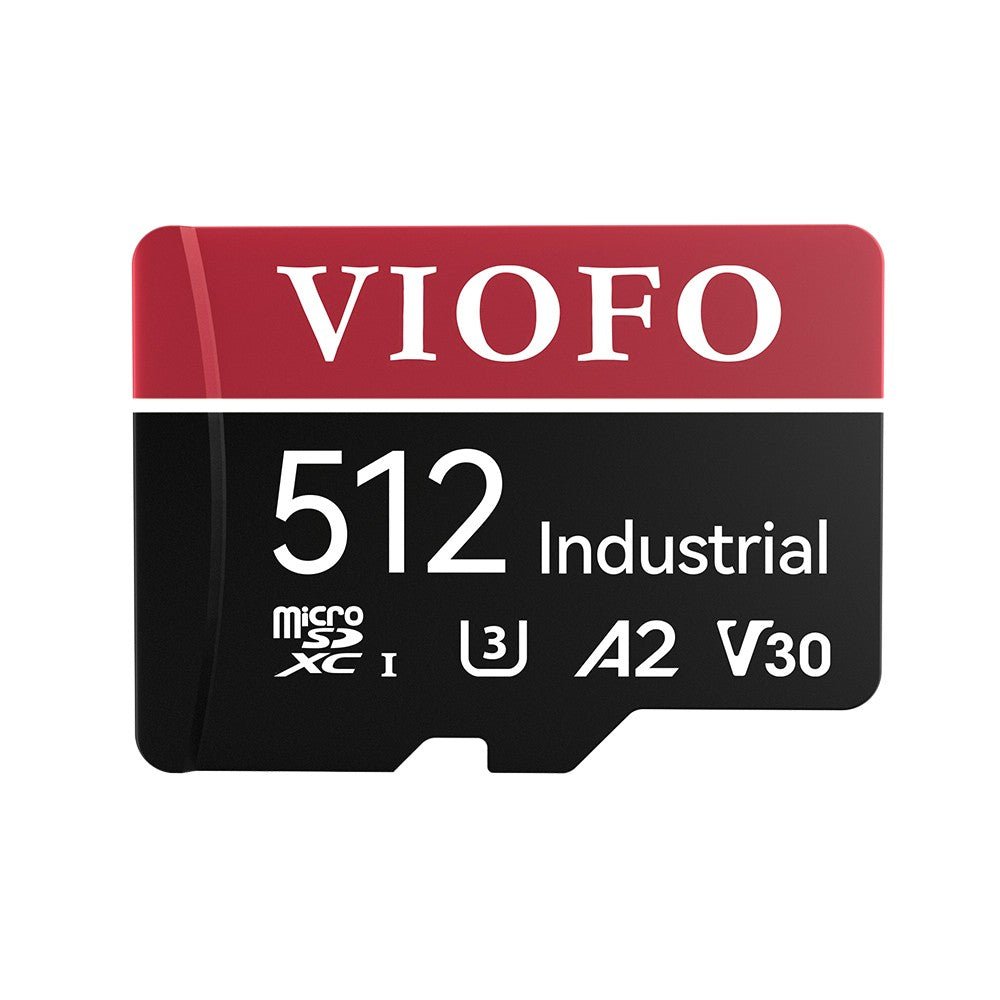
VIOFO 512GB Industrial Grade U3 A2 V30
gearnudge.com
- Best if
- supported cameras needing long overwrite windows
- Avoid if
- the exact camera does not list 512GB support
- Evidence
- U3/A2/V30 industrial-grade listing
manual confirmation is essential at 512GB
Check price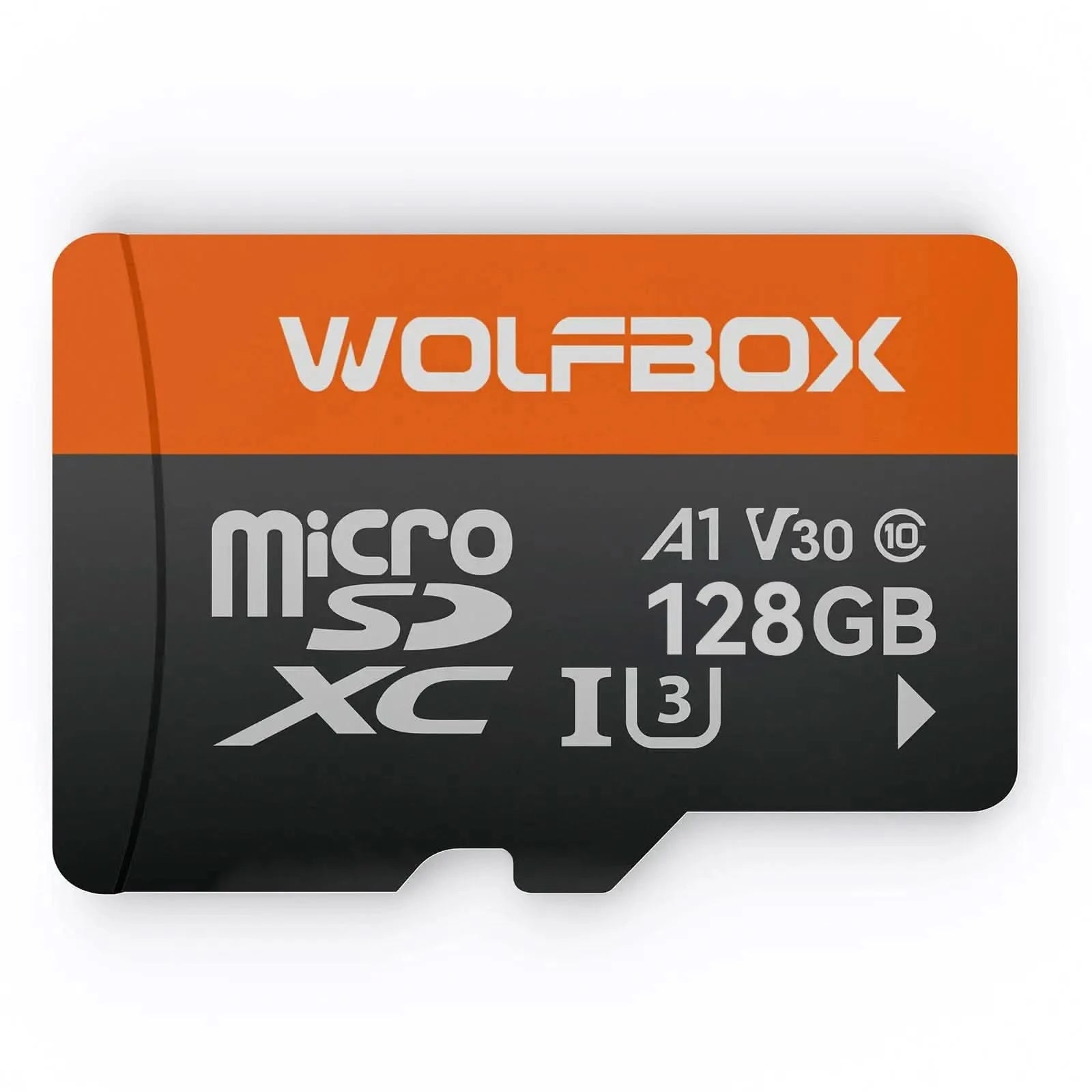
WOLFBOX Dash Cam 512GB / 256GB / 128GB Micro Endurance SD Card Class 10 U3
gearnudge.com
- Best if
- WOLFBOX users who want a brand-oriented endurance card option
- Avoid if
- buying for a non-WOLFBOX camera without checking compatibility
- Evidence
- micro endurance and Class 10 U3 listing
check your WOLFBOX model’s supported capacity before choosing 256GB or 512GB
Check price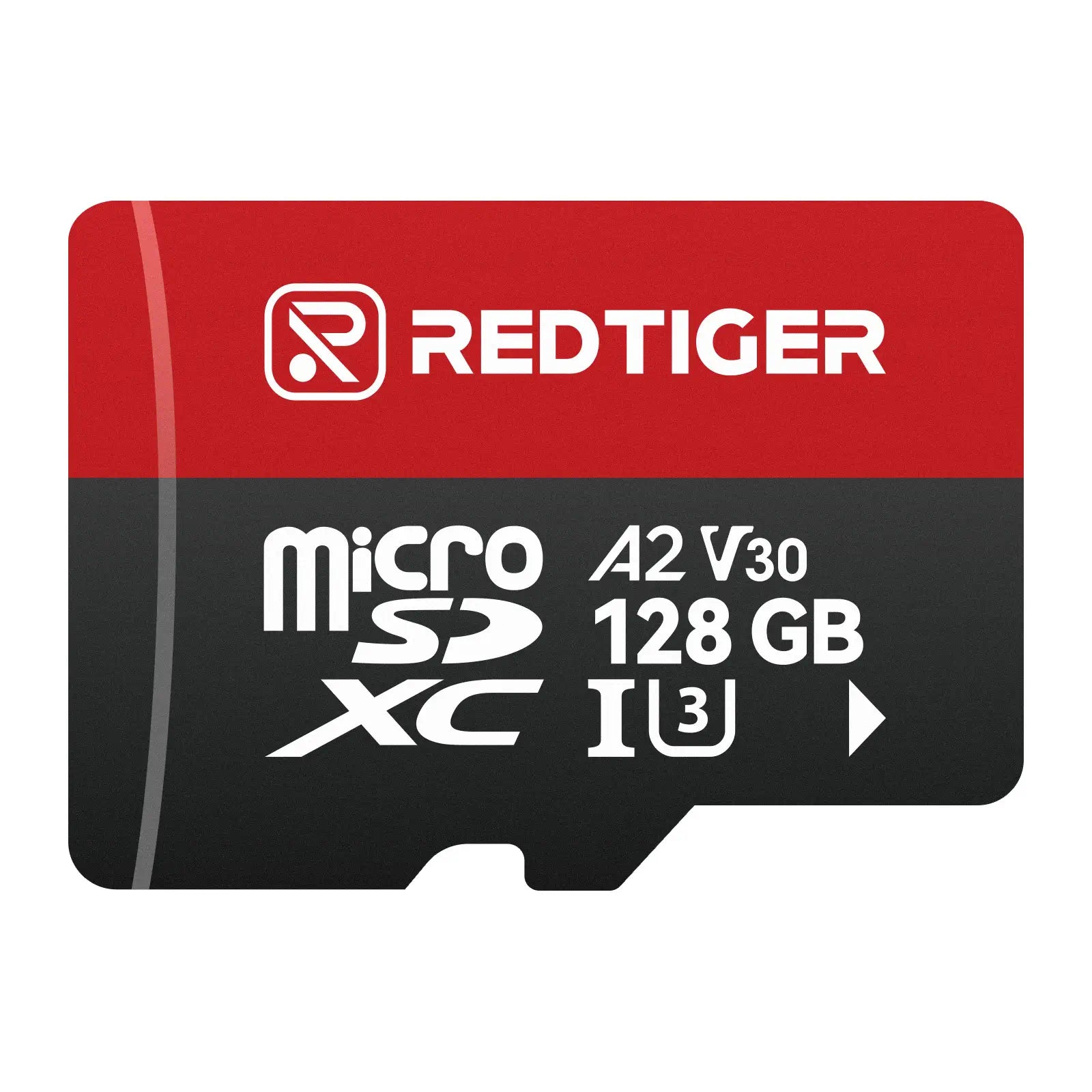
REDTIGER 128GB SD Card Class 10 U3 for REDTIGER dash cams
gearnudge.com
- Best if
- REDTIGER users who want a branded 128GB option
- Avoid if
- you need more retention or your exact model supports a different maximum
- Evidence
- Class 10 U3 listing for REDTIGER dash cams
do not assume every REDTIGER model has the same card limit
Check price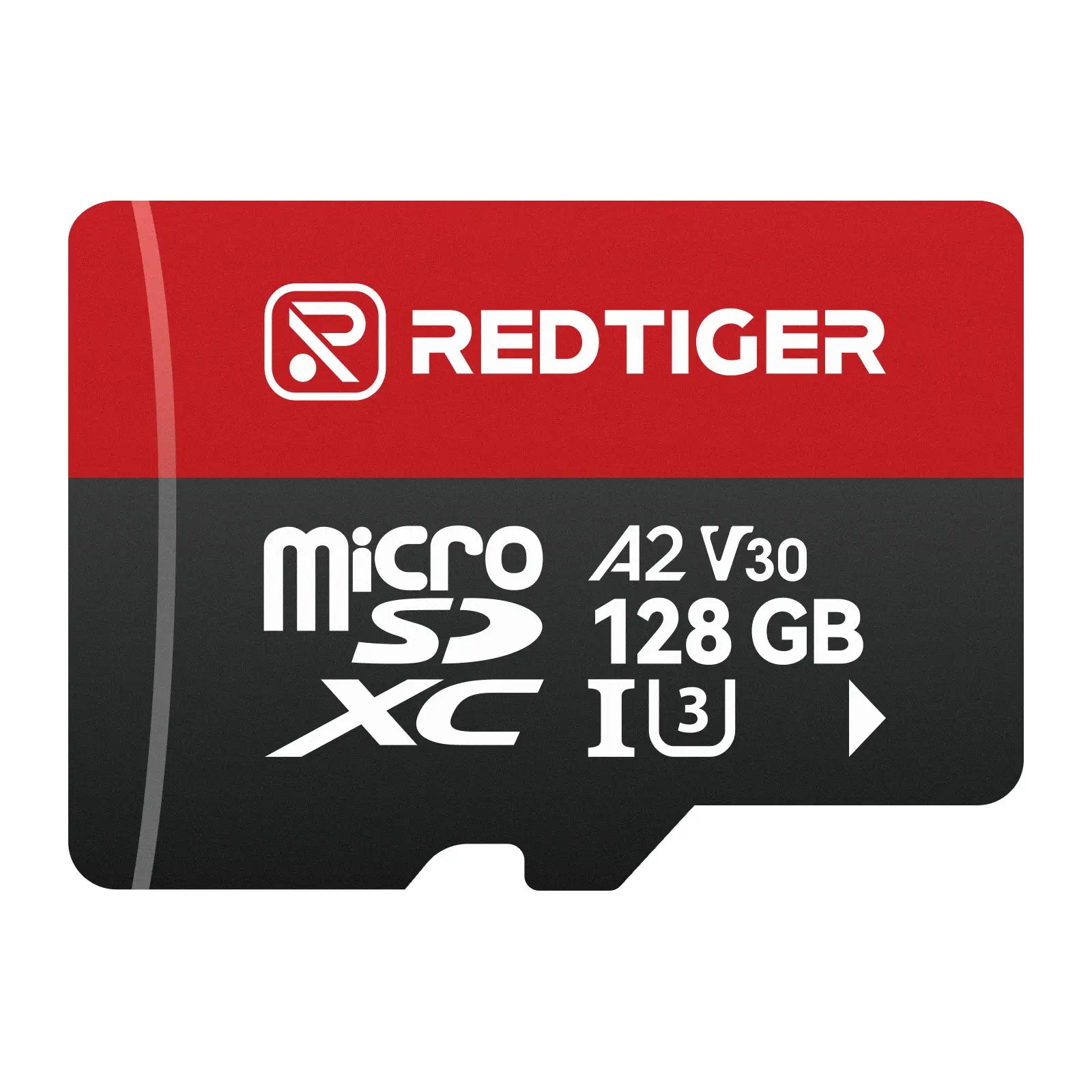
Redtiger 128GB SD Card For Dash Cam Class 10 U3
gearnudge.com
- Best if
- REDTIGER-compatible 128GB use where the listing matches your camera guidance
- Avoid if
- you are unsure whether this duplicates another REDTIGER 128GB listing
- Evidence
- Class 10 U3 listing
compare listing details and model guidance before choosing between 128GB options
Check price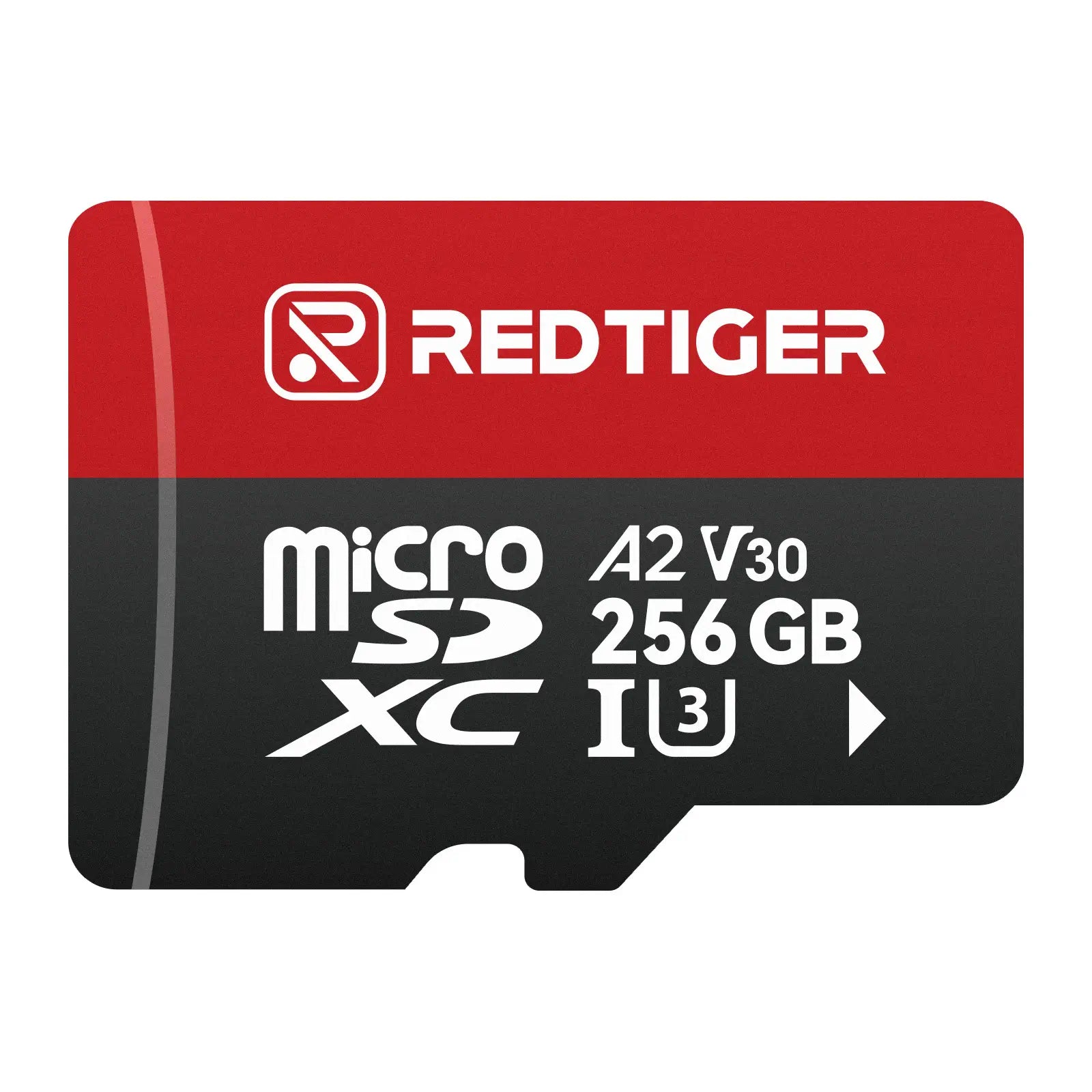
Redtiger 256GB SD Card For Dash Cam Class 10 U3
gearnudge.com
- Best if
- REDTIGER users needing more storage for higher resolution, front-and-rear coverage, or longer overwrite time
- Avoid if
- your specific REDTIGER model does not support 256GB
- Evidence
- Class 10 U3 listing
capacity support must come from the exact model manual or product page
Check price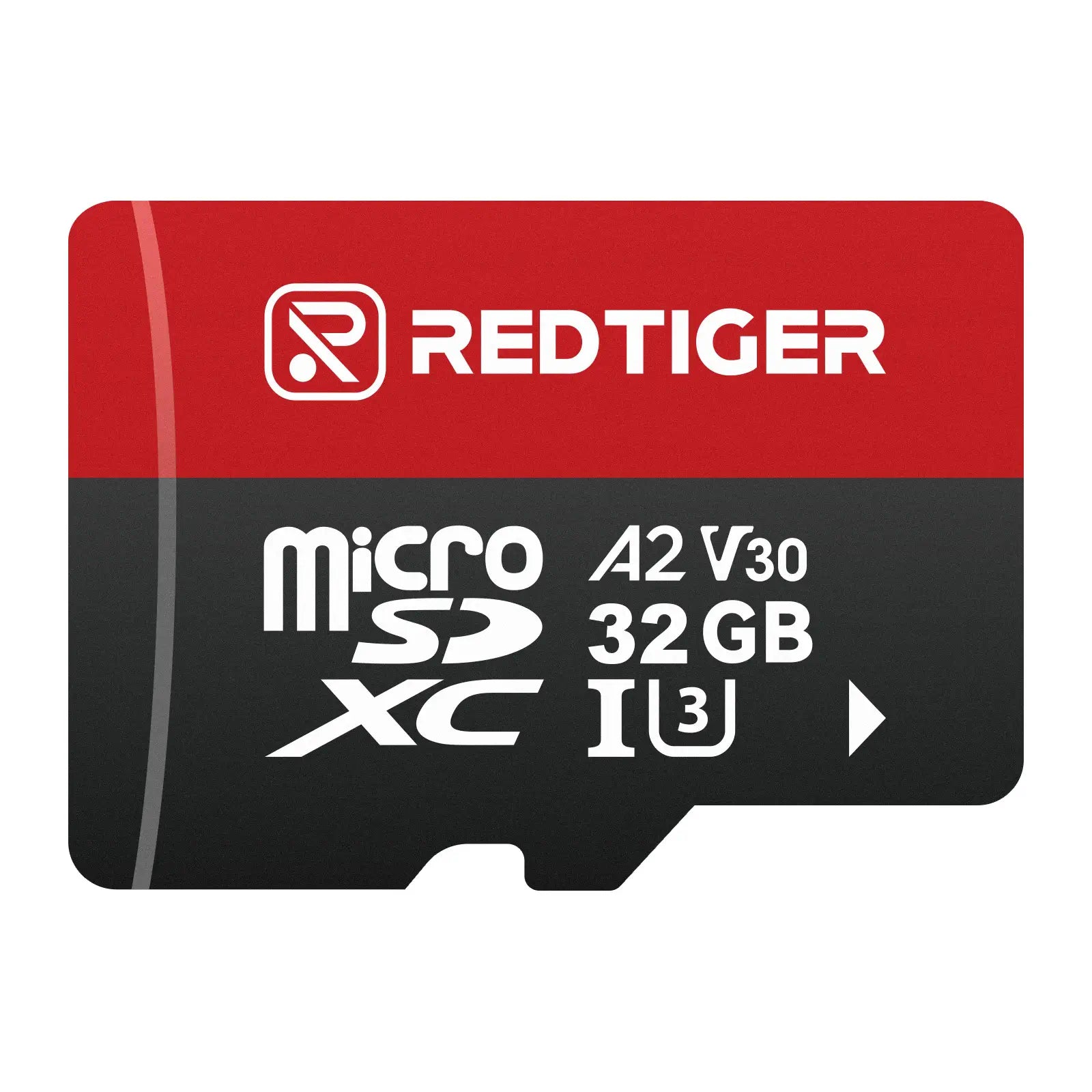
Redtiger 32GB SD Card For Dash Cam Class 10 U3
gearnudge.com
- Best if
- light use, small supported cameras, or initial setup checks
- Avoid if
- you want longer clip retention, 4K recording, or parking mode
- Evidence
- Class 10 U3 listing
32GB can overwrite useful clips quickly in heavier setups
Check priceWhen a branded card makes sense
A manufacturer-branded card can reduce guesswork when it is matched to the same brand and exact camera model. That is the main reason to consider VIOFO cards for VIOFO cameras, WOLFBOX cards for WOLFBOX cameras, and REDTIGER cards for REDTIGER cameras.
But branded does not mean universal.
Best fit: You want fewer compatibility questions and the card matches your exact camera’s guidance. Avoid if: A trusted third-party high-endurance card meets the same specs for less, or the branded card does not come in the capacity you need. Setup or fit risk: The capacity may still exceed what your camera supports. Evidence note: Manufacturer-recommended cards can reduce guesswork, but the camera manual still controls maximum capacity and speed requirements.
How to think about 32GB, 64GB, 128GB, 256GB, and 512GB
A smaller card is not wrong if the camera is basic and the overwrite window is acceptable. A larger card is not right if the camera cannot use it.
Use the size as a decision:
- 32GB: light use, testing, or older/smaller-capacity cameras.
- 64GB: simple 1080p single-channel use.
- 128GB: everyday default for many drivers.
- 256GB: 4K, front-and-rear coverage, parking mode, or longer retention.
- 512GB: long overwrite windows only on officially supported models.
If your main concern is road-incident proof, think about how quickly you can save the clip after a crash, hit-and-run, lane-change event, or rear-end impact. More capacity can give you more time before overwrite, but it does not replace prompt clip retrieval.
Avoid These Buying Traps
The wrong card can fail in boring ways. That is the problem.
You may not know anything is wrong until you need the clip.
Avoid standard consumer cards for serious dash cam use
Standard cards can work for a while, but they are not the best choice for continuous loop recording. Dash cam cards are consumable parts. Even endurance cards wear out eventually.
Replacement timing varies by heat, driving hours, parking mode, and card quality. As practical guidance:
- Normal driving: consider replacement around every 2 years.
- High-mileage use: consider yearly replacement.
- Rideshare, commercial use, or 24/7 parking mode: consider every 6–12 months.
Avoid suspicious marketplace deals
Counterfeit cards can show fake capacity or fake speed. They may work briefly, then corrupt files when they fill past their real capacity.
Be careful with prices that look far below normal. Buy from reputable sellers or official storefronts when possible. If you want extra confidence, test the card with a verification tool before relying on it.
Avoid cards below U3/V30 for heavy recording
For 4K, 2K, front-and-rear, or multi-channel recording, cards below U3/V30 can lead to dropped frames, stuttery footage, or card-speed warnings.
This matters for plate readability too. A better card cannot overcome glare, distance, speed, angle, field of view, or night footage limits. But a slow card can make the camera’s footage worse by failing to record cleanly.
Avoid buying bigger than the camera supports
A 512GB card sounds safe because it holds more video. But it is only safe if the dash cam supports 512GB.
If the manual says 128GB max, buy within that limit.
Avoid default computer formatting
Computer formatting can create file system or folder-structure problems. Larger cards can also create FAT32/exFAT confusion.
Format inside the dash cam unless the manual gives a specific alternate method.
Avoid pulling the card while the camera is powered
Parking mode can keep the camera active after the car is parked. Removing the card while the camera is still powered can corrupt files.
Power the camera off fully before removing the card.
Install and Use Notes
A good card still needs a clean setup.
First setup
- Insert the card.
- Format it inside the dash cam.
- Record a short test clip.
- Play the clip back.
- Confirm clip retrieval through the app, screen, or card reader.
- Check that loop recording and event recording behave as expected.
If your camera has parking mode, also confirm it records and saves clips the way you expect. If you run into power issues, see GearNudge’s guide to dash cam battery drain.
Test day and night footage
At minimum, test a normal daytime clip.
If practical, also test a night clip. Night footage limits can reveal glare, exposure problems, windshield reflection, or unreadable plates. The SD card cannot fix those issues, but it should at least preserve the file without dropped frames or corruption.
Reformat periodically
Many dash cam brands recommend periodic in-camera formatting. A practical interval is roughly every 1–3 months, unless your manual says otherwise.
If an error appears
Dash cam card errors can overlap.
- “Card Slow” may mean the card cannot sustain the write speed, is worn, or needs formatting.
- “Check SD Card” may mean the card is failing, incompatible, corrupted, or at end of life.
- “Memory Card Full” may be a file system issue, not just a capacity issue.
Try in-camera formatting if the manual supports that step and you have saved anything important. If the warning comes back, replace the card with a compatible high-endurance or industrial-grade model.
For post-install issues, use GearNudge’s guide to dash cam not recording.
FAQ
Common Dash Cam SD Card Questions
Do I really need a high-endurance card for a dash cam?
Yes for daily recording, parking mode, or reliability. Dash cams write constantly, and standard consumer cards wear faster under loop recording.
Is 128GB enough for most dash cams?
Often, yes, if the camera supports it. It is a practical sweet spot for many drivers, but 4K, front-and-rear coverage, parking mode, and longer clip retrieval windows may justify 256GB.
Should I buy 512GB?
Only if your exact dash cam model officially supports 512GB and you need the longer overwrite window. Do not assume a larger card will work.
What does U3 or V30 mean?
It points to stronger sustained write performance. For 2K, 4K, or multi-channel dash cams, U3/V30 is the practical minimum.
Why does my dash cam say Card Slow or Check SD Card?
The card may be too slow, worn, corrupted, incompatible, fake, or in need of formatting. If formatting does not fix it, replace the card.
Should I format on a computer or in the camera?
Format inside the dash cam unless the manual gives a specific alternate method. The camera creates the structure it expects for loop recording and event clips.
Can the right SD card improve plate readability?
It can help preserve footage without dropped frames or corruption, but plate readability still depends on resolution, speed, angle, glare, distance, field of view, and night lighting.
Does a mirror-style setup need a different card?
Treat it like any other dash cam. Check the exact mirror dash cam manual, especially if it records front and rear video.
Bottom Line
Start with the dash cam manual, not the biggest card on sale.
For most drivers, the right choice is a high-endurance or industrial-grade microSD card that fits the camera’s supported capacity and speed requirements. Use U3/V30 for 2K, 4K, front-and-rear, or other multi-channel recording.
As a practical capacity rule:
- 128GB is a strong default for many drivers.
- 256GB makes sense for heavier recording, 4K, parking mode, or longer overwrite windows.
- 512GB is only worth considering when your exact camera supports it.
- 32GB and 64GB can work for lighter use, setup checks, or cameras with smaller limits.
Then format the card in the camera, record a test clip, play it back, and confirm clip retrieval before you trust the setup for road-incident proof.
VIOFO Industrial Grade microSD Card, U3 A2 V30 High Speed Memory Card with Adapter, 32GB / 64GB / 128GB / 256GB Optional
gearnudge.com
- Best for
- recommended option from article product list
- Avoid if
- You need confirmed live price or guaranteed fit from this page.
- Evidence
- Listing and source evidence
VIOFO Industrial Grade microSD Card, U3 A2 V30 High Speed Memory Card with Adapter, 64GB / 128GB / 256GB / 512GB Optional
gearnudge.com
- Best for
- recommended option from article product list
- Avoid if
- You need confirmed live price or guaranteed fit from this page.
- Evidence
- Listing and source evidence
All Products Covered
Use this as the complete product list for comparison.
References
Sources used while preparing this guide.
Official sources
- Dashcam Memory Card Troubleshooting: Fix Common Issuesmiofive.com
- My BlackVue camera is repeating 'Check SD card'support.blackvue.com.au
- Troubleshooting cloud connectivity or hardware error codesforum.blackvue.com
- forum.blackvue.com (official)forum.blackvue.com
- lexar.com (official)lexar.com
- viofo.com (official)viofo.com
- wolfbox.com (official)wolfbox.com
User reports
- dashcamtalk.com (forum)dashcamtalk.com
Reviews and guides
- Best 256GB SD Card for Dash Cam (2026 Review)cameraprops.com
- Best Dash Cam SD Cardroadgearlab.com
- Cardashboardcameras – What Is Low Bitrate Recordingcardashboardcameras.com
- Fix Dash Cam Card Error Loop Recordingreviewfriendly.com
- Fix Dash Cam Keeps Saying Format SD Cardminitool.com
- Why Does My Dash Cam Keep Saying SD Card Error?automedian.com
- Why Your Dash Cam Not Recognizing SD Cardmyrecover.com
- automedian.com (guide)automedian.com
- getnexar.com (expert review)getnexar.com
- getnexar.com (expert review)getnexar.com
Other sources
- BlackVue ELITE 9-2CH Product Pageblackvue.com
- VIOFO FAQ – SD Card File Formats (via Blackboxmycar)support.blackboxmycar.com