You do not want to find out after a crash, rear-end bump, lane-change dispute, or parked hit-and-run that your dash cam missed the useful part.
Front footage, rear footage, cabin footage, and parking footage all solve different problems. Buffered parking mode can help with parked incidents because it can save video from before and after a trigger. But it is not magic. It still depends on the exact camera mode, power setup, storage, heat, app controls, and whether you can actually retrieve the clip.
GearNudge may earn a commission when you buy through some links in this article. That does not change how we explain the tradeoffs.
Quick Answer
If you mainly want proof while driving, choose the right camera coverage first. For many drivers, front/rear coverage is the practical starting point because it can show what happened ahead and behind your car.
Buffered parking mode is worth considering if you park on the street, in shared lots, at work, near traffic, or anywhere the seconds before a parked impact matter.
It is less important if:
- You mostly need driving footage.
- Your car usually parks in a private garage.
- You cannot safely power the dash cam while parked.
- The camera only advertises vague “24H parking mode” without saying it saves pre-event footage.
Look for clear wording about pre-event and post-event parking recording. A true buffered mode keeps a short rolling memory buffer while parked, then saves a clip when motion, impact, radar, or another trigger occurs. VIOFO’s explanation of advanced buffered parking mode describes this as continuous temporary recording that is saved only when an event is triggered, and its support page explains that the saved event clip can include footage before and after the trigger.
The biggest trap is assuming “parking mode” means “buffered parking mode.” It does not. Some cameras use motion-only, impact-only, time-lapse, low-bitrate, or wake-up recording. Those modes may not save the approach before contact.
Also, buffered mode does not guarantee readable license plates. Speed, angle, glare, distance, field of view, exposure, and night lighting still matter.
Simple Basics: What Dash Cam Coverage Can and Cannot Prove
Start with the incident you are trying to document.
Buffered parking mode is only one feature. The camera view matters first.
Front-only coverage
A front camera shows what happened ahead of your vehicle.
It can help with:
- Sudden stops.
- Road hazards.
- Traffic lights.
- Vehicles crossing in front.
- Forward crashes.
It may miss:
- A rear-end approach.
- Tailgating.
- A vehicle coming from behind.
- Some side or lane-change context.
A compact front-focused camera, such as the REDTIGER 4K compact mini camera check current price , can make sense if you want a simpler setup. But it is not the same as front/rear evidence.
Front/rear coverage
Front/rear coverage adds a second view behind the vehicle.
It is useful for:
- Rear-end events.
- Tailgating.
- Lane-change disputes.
- Parked hits from behind.
- More road context around a crash.
For many drivers who want road incident proof and some parked-car context, front/rear is the first category to compare.
Standard front/rear examples include the REDTIGER Dash Cam for Cars check current price and the two REDTIGER F7NP listings: the REDTIGER F7NP HDR version check current price and the REDTIGER F7NP WDR version check current price . Treat the two F7NP listings as separate product pages unless the seller clearly explains the difference.
Cabin coverage
Cabin coverage is for interior context.
It can matter for:
- Rideshare.
- Delivery.
- Family use.
- Cabin security.
- Passenger disputes.
It does not replace rear-road footage. A front/cabin camera may see inside the vehicle, but it will not document traffic behind you the same way a rear camera can.
The AZDOME M550 Pro check current price fits this kind of decision better than a rear-end-evidence decision.
Multi-channel coverage
Multi-channel cameras can add cabin, rear, side, or wider surrounding context.
They can help when you want more than front/rear footage. But they add tradeoffs:
- More wiring.
- More install time.
- More storage use.
- More power draw.
- More clips to review.
- More chances for one camera angle to be poorly placed.
Examples to compare include the AZDOME M550 Max check current price , AZDOME M350 check current price , and Redtiger VisionPano 40 check current price .
Mirror-style setup
Mirror-style dash cams replace or overlay your rearview mirror with a recording display.
They can be useful if you want:
- A mirror-integrated look.
- A rear-camera display.
- Front/rear recording in one mirror-style system.
They can be a poor fit if the mirror is too large, glare bothers you, rear-camera routing is difficult, or you simply prefer a normal dash cam body.
The AZDOME PG17 Max Ultra check current price and AZDOME PG17 Pro check current price are the mirror-style options in this guide. For both, verify the exact parking mode behavior and required parking power accessories before relying on them for buffered recording.
How Buffered Parking Mode Works
Buffered parking mode is designed to solve one specific problem: a parked incident often starts before the impact trigger.
A basic impact-only camera may wake up after the bump. That can capture the aftermath, but it may miss the vehicle approaching, the person walking up, or the moment before contact.
Buffered parking mode works differently.
In plain language:
- The dash cam stays powered while parked.
- It keeps a short rolling video buffer in temporary memory.
- It does not save every second to the memory card as a normal clip.
- When a trigger happens, it saves the pre-event buffer.
- It then adds post-event footage.
- The camera writes the combined clip to the memory card, often as a protected event file.
Triggers can vary by model and mode. They may include:
- G-sensor impact detection.
- Motion detection.
- Pixel changes in the camera view.
- Radar detection.
- A combination of these.
Pre-event timing is model-specific. Across the market, pre-event buffers often fall somewhere in the 5–30 second range, with 10–15 seconds being common in many systems. Post-event recording is usually longer because it needs to capture the impact and aftermath.
For example, BlackVue’s parking-mode documentation says some DR970X versions provide a pre-buffer for impact events, with Plus/Plus II versions offering a longer pre-buffer than the original. Thinkware parking-mode evidence for the U3000 Pro supports a 10-second pre-event and 10-second post-event window in motion/impact and radar parking modes.
That is why power setup matters so much. A camera cannot keep a rolling buffer if it has no parked power.
What To Buy First
Do not start with “Which dash cam has parking mode?”
Start with the evidence you need.
| Your main concern | Start with this | Why it matters |
|---|---|---|
| Road crashes, sudden stops, traffic lights | Front camera or front/rear | Front footage shows the road ahead. |
| Rear-end events and tailgating | Front/rear | Rear footage gives behind-the-car context. |
| Lane-change disputes | Front/rear, possibly wider coverage | You may need both ahead and behind context. |
| Rideshare, delivery, passenger issues | Front/cabin | Cabin footage matters more than rear-road footage. |
| Parked hit-and-run | Verified buffered parking mode plus safe power | You want the seconds before contact, not only after. |
| Long unattended parking | Power management first | Battery drain can become the limiting factor. |
| Cleaner integrated display | Mirror-style setup | Fit and rear-camera routing matter. |
| Surrounding context | Multi-channel | More views help, but setup gets more complex. |
If parked hit-and-run evidence is the main reason you are shopping, buffered mode can be worth paying for. But only after you confirm the camera can stay powered safely and the exact parking mode includes pre-event recording.
If road incident proof matters most, front/rear coverage may be more useful than a fancy parking claim.
The Right Buying Order for Buffered Parking Mode
Use this order before you buy.
- Choose the coverage type. Decide between front-only, front/rear, front/cabin, mirror-style, or multi-channel.
- Decide whether parked pre-event footage is a real need. If you rarely need parked-car evidence, do not overbuy.
- Confirm the exact parking mode wording. Look for pre-event and post-event recording, not just “24H parking monitor.”
- Check the trigger types. Impact, motion, radar, and pixel-change detection behave differently.
- Verify buffer behavior in the mode you will use. Some cameras advertise parking mode but do not preserve a pre-event buffer in every parking setting.
- Choose power. Hardwire, OBD-II, or a dedicated battery pack.
- Plan storage. Use the card type and capacity the manufacturer recommends, especially for multi-channel recording.
- Check clip retrieval. Know where event files go and how to download or share them.
- Check the app before you depend on it. If parking settings require the app, unreliable app connection can become a real setup problem.
- Test after installation. Confirm the camera enters parking mode and saves a usable event clip.
If your parking mode is not recording correctly, use a setup checklist rather than guessing. GearNudge’s guide to parking mode not working can help with that next step.
What Buffered Parking Mode Needs to Work Reliably
Buffered parking mode needs power while the car is off.
That sounds simple, but it is where many buyers run into trouble.
Most ordinary 12V sockets turn off when the ignition is off. Manufacturer support guidance from VIOFO notes that parking mode generally needs constant power rather than a switched socket. In practice, that usually means a hardwire kit, OBD-II cable, or dedicated dash cam battery pack.
Power setup choices
| Power method | Best fit | Avoid if | Main risk |
|---|---|---|---|
| 12V plug or USB adapter | Driving recording, rentals, temporary setup | You need true parking mode | Most vehicles cut socket power when off; always-on sockets may drain the battery. |
| Fuse-box hardwire kit | Clean install and reliable parking-mode power | You are uncomfortable with fuse work or airbag-safe cable routing | Wrong fuse choice, poor ground, confusing voltage cutoff, or difficult install. |
| OBD-II power cable | Easier parking-power setup without fuse taps | You need predictable behavior in every vehicle | Some vehicles or cables switch modes slowly or inconsistently. |
| Dedicated dash cam battery pack | Longer parking coverage without using the starter battery | Budget or space is tight | Adds cost and installation planning. |
A hardwire kit is often the standard route for parking mode. Many kits use constant power, accessory power, and ground so the camera can tell when the car is parked.
OBD-II cables are physically easier because they plug into the diagnostic port. But vehicle behavior can vary. Some setups may detect parking late, switch based on door behavior, or provide less control over voltage cutoff.
Dedicated dash cam battery packs cost more, but they can reduce the risk of draining the starter battery. They are worth considering if you park for long work shifts, park on the street overnight, leave the car for days, drive an older vehicle with a weak battery, or want to protect a modern vehicle’s low-voltage system.
For more depth on this issue, GearNudge has a separate guide on dash cam battery drain.
Low-voltage cutoff is helpful, but not foolproof
Hardwire kits often include low-voltage cutoff. The idea is simple: when the battery drops to a set voltage, the kit shuts off the dash cam.
The confusing part is that voltage numbers do not perfectly translate to battery health. Some users also report that cutoff behavior does not always match what they expected from the switch setting.
A cautious approach:
- Avoid very low cutoff settings.
- Consider a timer cutoff along with voltage protection.
- Be extra careful with older batteries.
- Be extra careful if the car sits for multiple days.
- Test the setup after a normal overnight park.
- Consider a dedicated battery pack for longer parked coverage.
Heat, storage, and apps also matter
Parking mode can be limited by more than power.
Hot parked cabins can cause dash cams to shut down or limit recording. This matters most in hot climates and exposed parking lots.
Storage also matters. Motion-heavy areas can create lots of event clips. If the card fills with false clips, you may have trouble finding the useful one.
Apps matter too. Some cameras rely on a phone app for parking settings, clip download, or mode configuration. If the app connection is unreliable, setup can become frustrating even when the hardware is good.
If you are checking your full setup, GearNudge’s dash cam parking mode setup guide is a useful companion.
Product Options by Reader Need
The products below are examples to compare after you know what evidence you need. The key is not buying the biggest spec sheet. It is matching the camera format, parking mode, and power setup to your likely incident.
For AZDOME and REDTIGER models here, verify the exact parking-mode behavior before assuming true buffered pre-event recording. Their product names or listings mention parking-related features, but the evidence here does not support claiming a confirmed buffer length.
Thinkware U3000 Pro and BlackVue DR970X-2CH have stronger model-specific parking-buffer evidence, but you should still confirm the exact model version, mode, accessories, and settings before relying on them.
Compare Dash Cam Options by Reader Need
compare product fit by coverage type and parking-mode evidence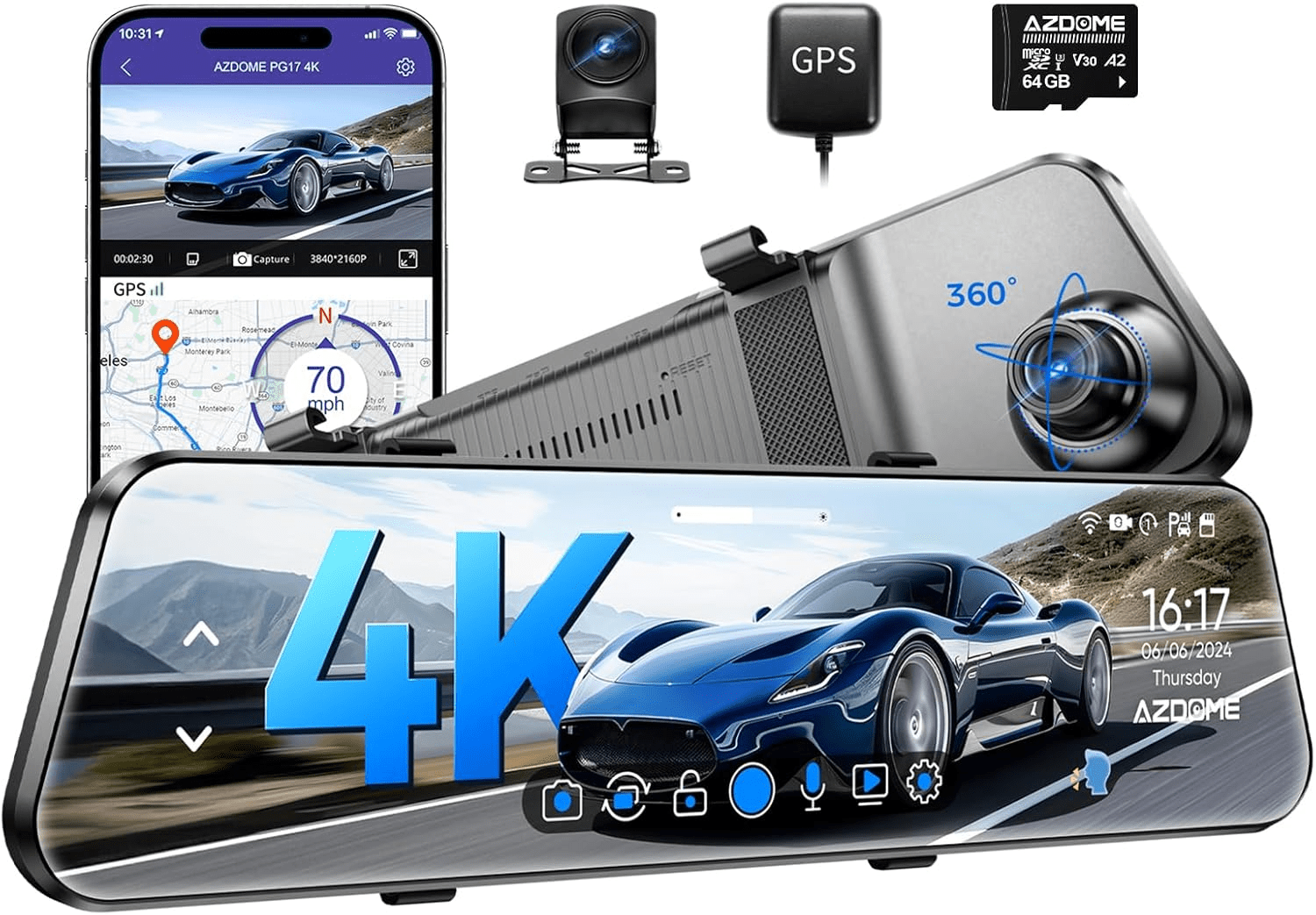
AZDOME PG17 Max Ultra
gearnudge.com
- Best if
- mirror-style front/rear setup with rear display interest
- Avoid if
- you do not want mirror fit checks or rear-camera routing
- Evidence
- Listing and source evidence.
Verify true buffered parking behavior and required power accessories.
Check price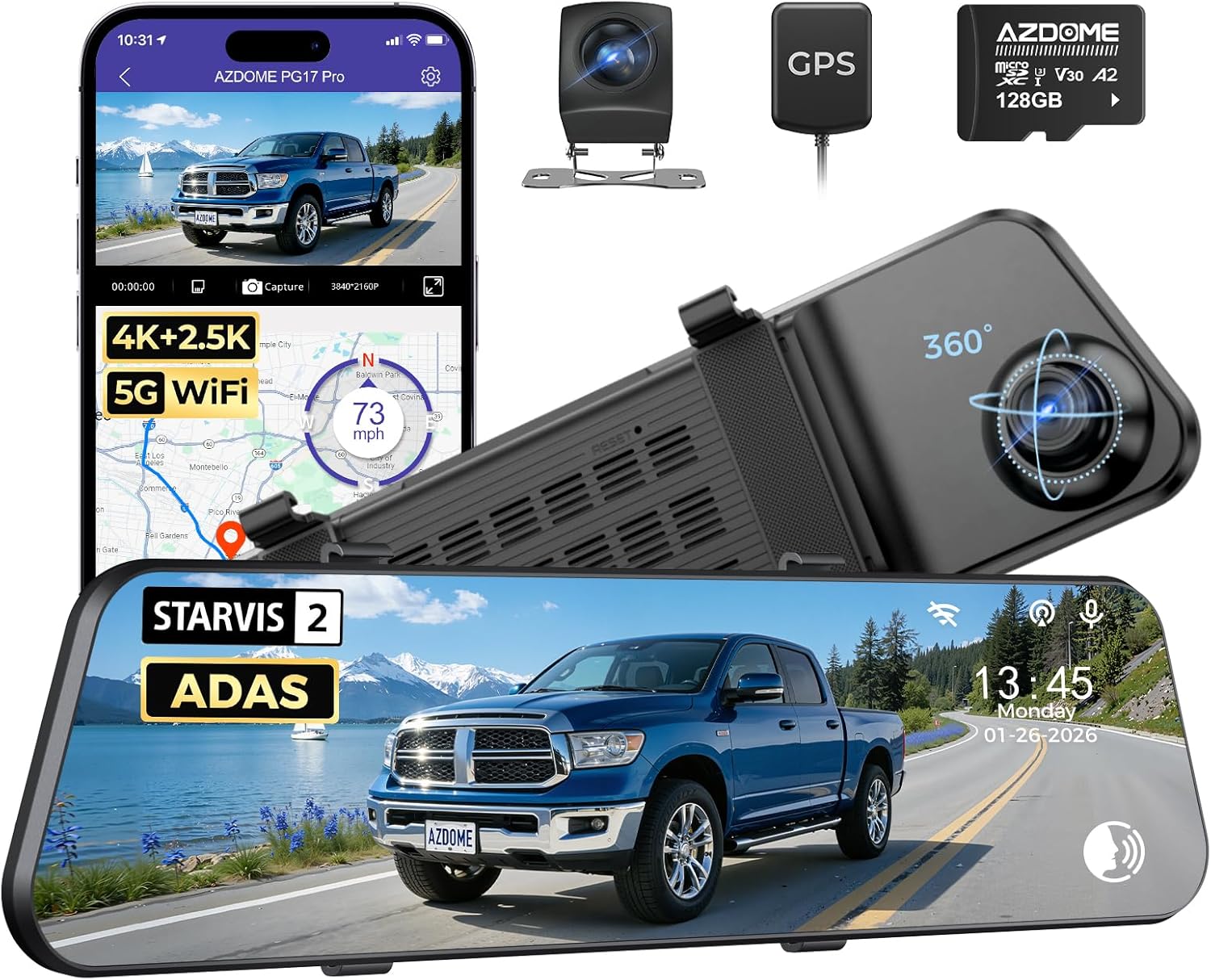
AZDOME PG17 Pro
gearnudge.com
- Best if
- mirror-style alternative with large touchscreen approach
- Avoid if
- you prefer a standard windshield-mounted dash cam
- Evidence
- Listing and source evidence.
Verify exact parking mode and whether parking power hardware is included.
Check price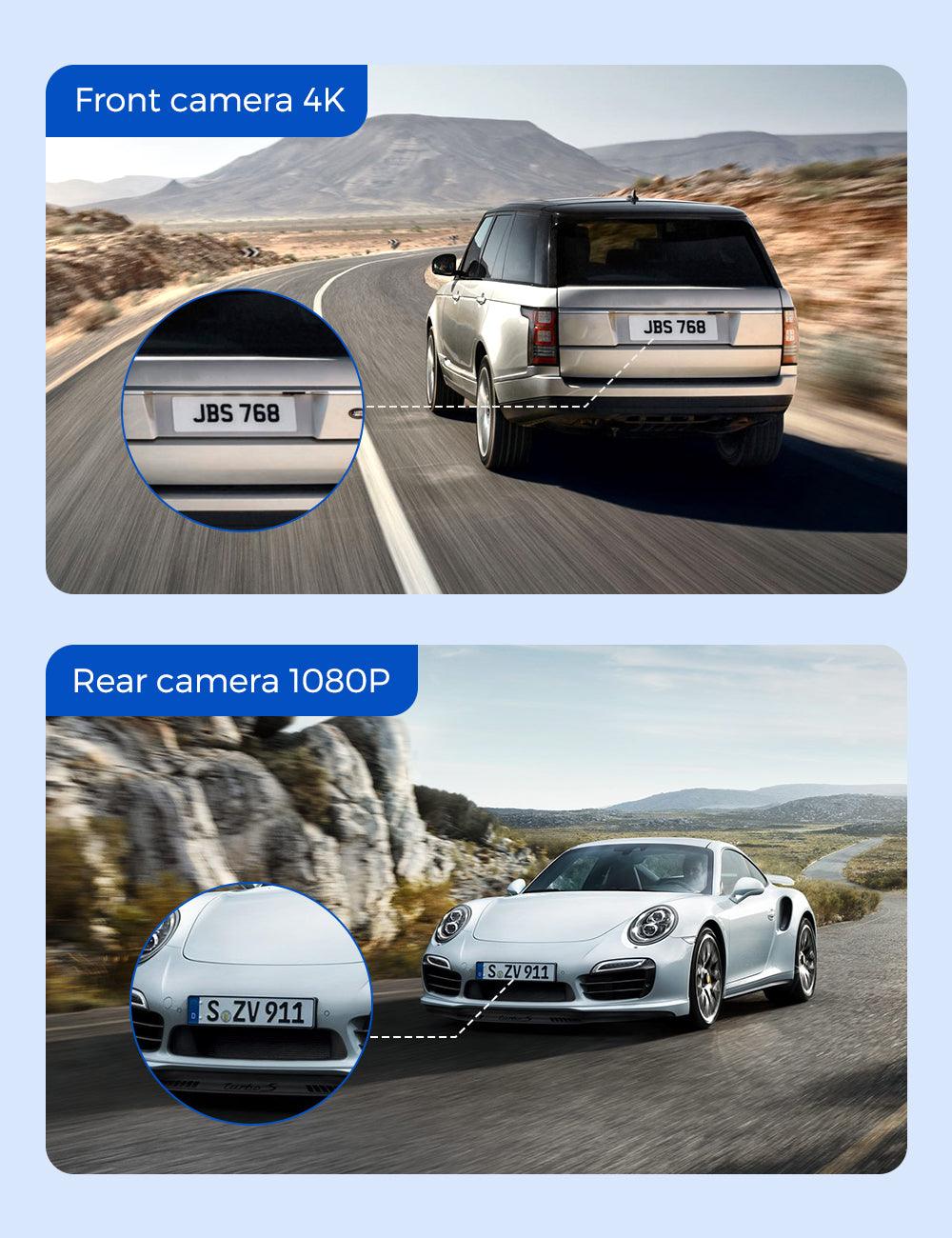
AZDOME M550 Pro
gearnudge.com
- Best if
- front/cabin context for rideshare, delivery, family, or interior activity
- Avoid if
- you mainly need rear-road evidence
- Evidence
- Listing and source evidence.
Front/cabin is not the same as front/rear; verify buffered parking behavior.
Check price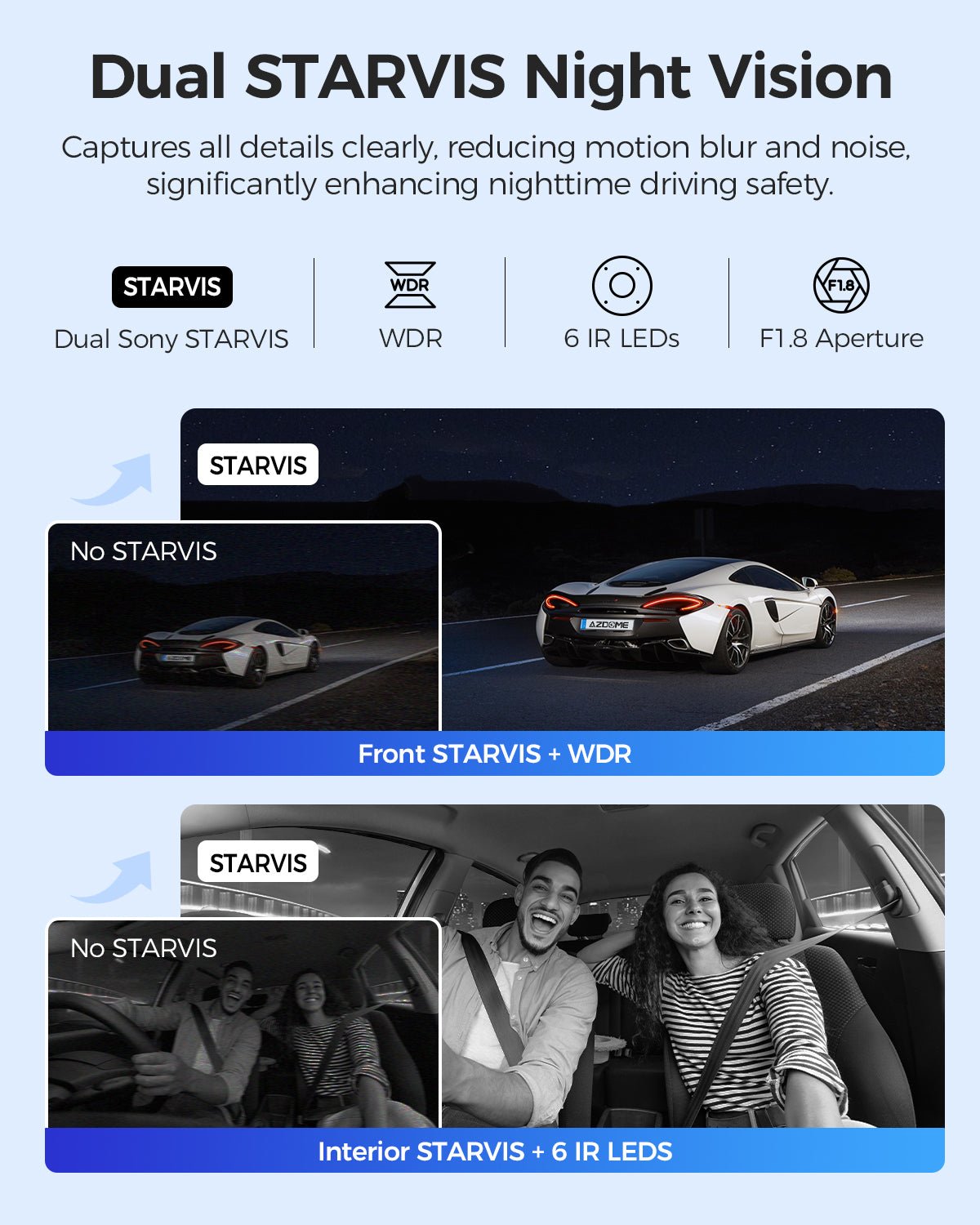
AZDOME M550 Max
gearnudge.com
- Best if
- front, cabin, and rear context
- Avoid if
- you want the simplest install
- Evidence
- Listing and source evidence.
More channels can increase power, storage, and setup demands.
Check price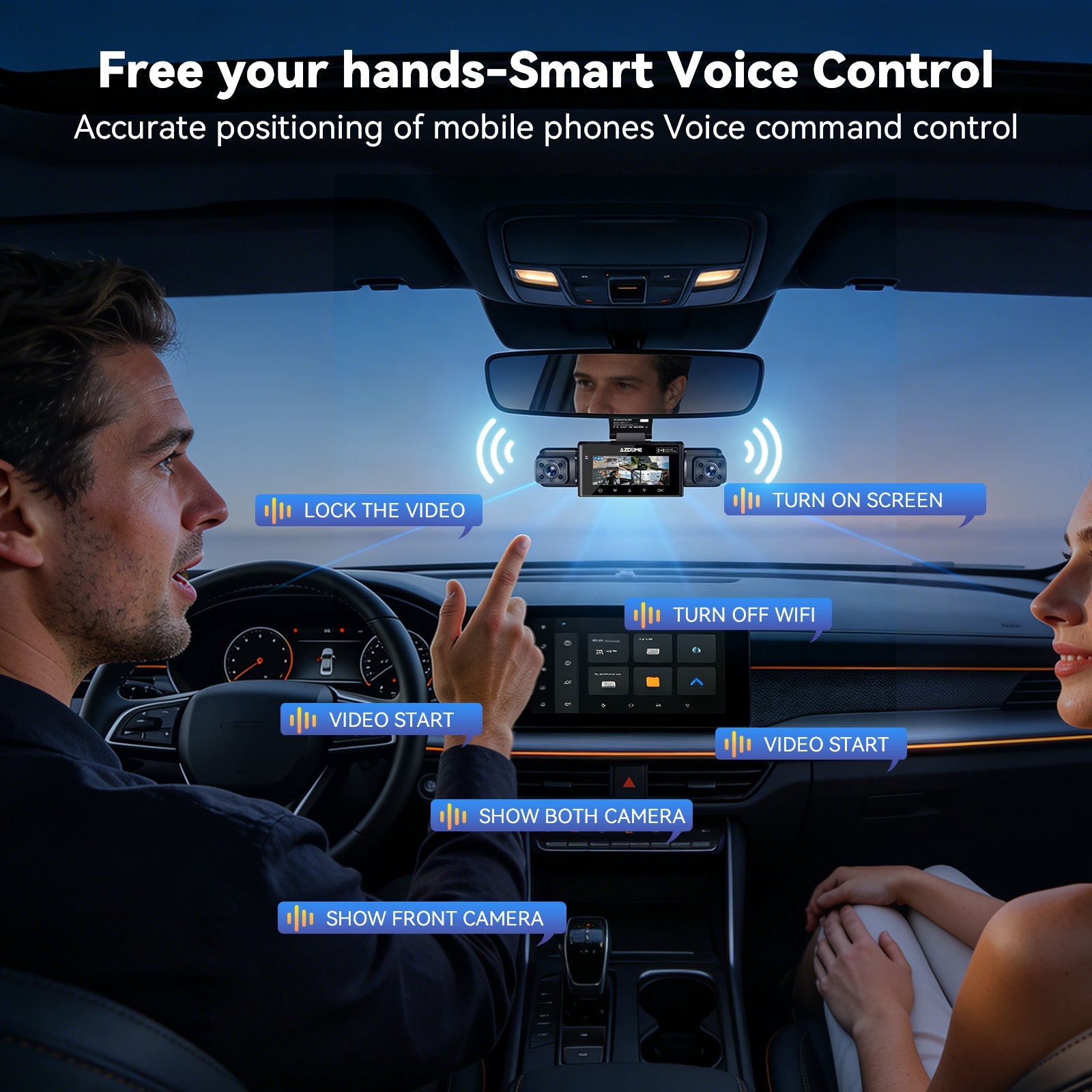
AZDOME M350
gearnudge.com
- Best if
- wider or multi-angle coverage needs
- Avoid if
- you expect wider view to guarantee plate readability
- Evidence
- Listing and source evidence.
Wider coverage can capture more context but may reduce small detail at distance.
Check price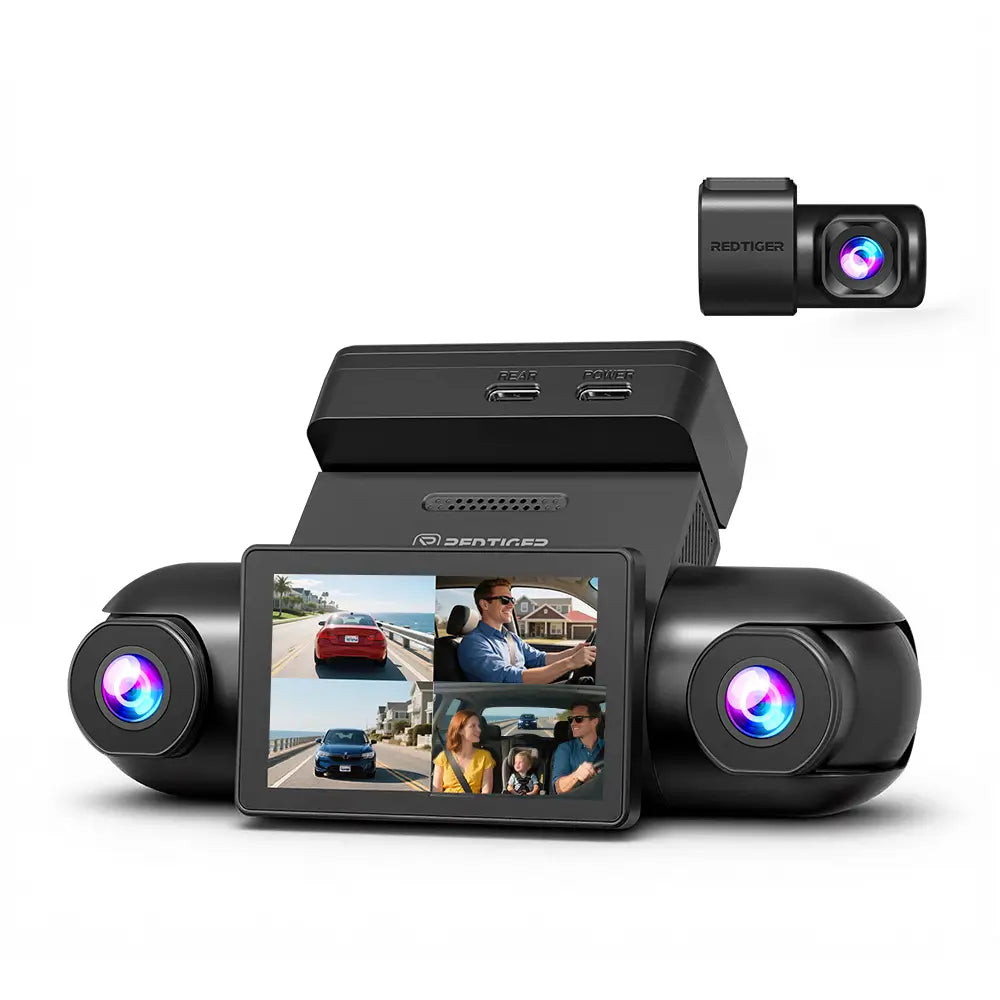
Redtiger VisionPano 40
gearnudge.com
- Best if
- multi-channel context for road and parked situations
- Avoid if
- you do not want extra install and storage complexity
- Evidence
- Listing and source evidence.
Verify hardwire or battery requirements and actual parking-mode behavior.
Check price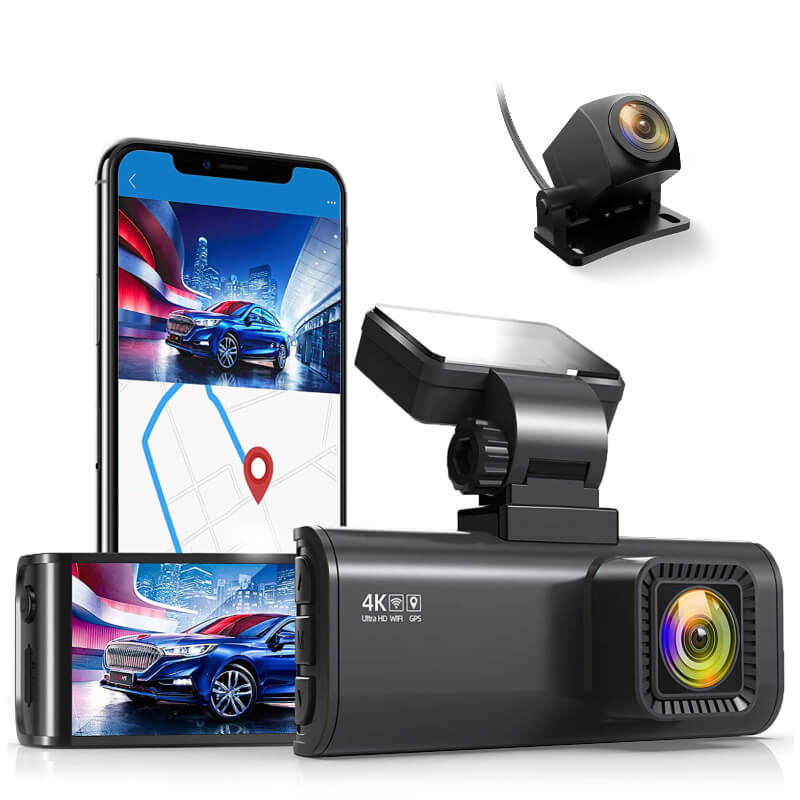
REDTIGER Dash Cam for Cars
gearnudge.com
- Best if
- conventional front/rear buyer comparing driving and parking coverage
- Avoid if
- you need confirmed true buffered pre-event recording without further verification
- Evidence
- Listing and source evidence.
Check whether the parking mode is buffered, motion-only, impact-only, or another mode.
Check price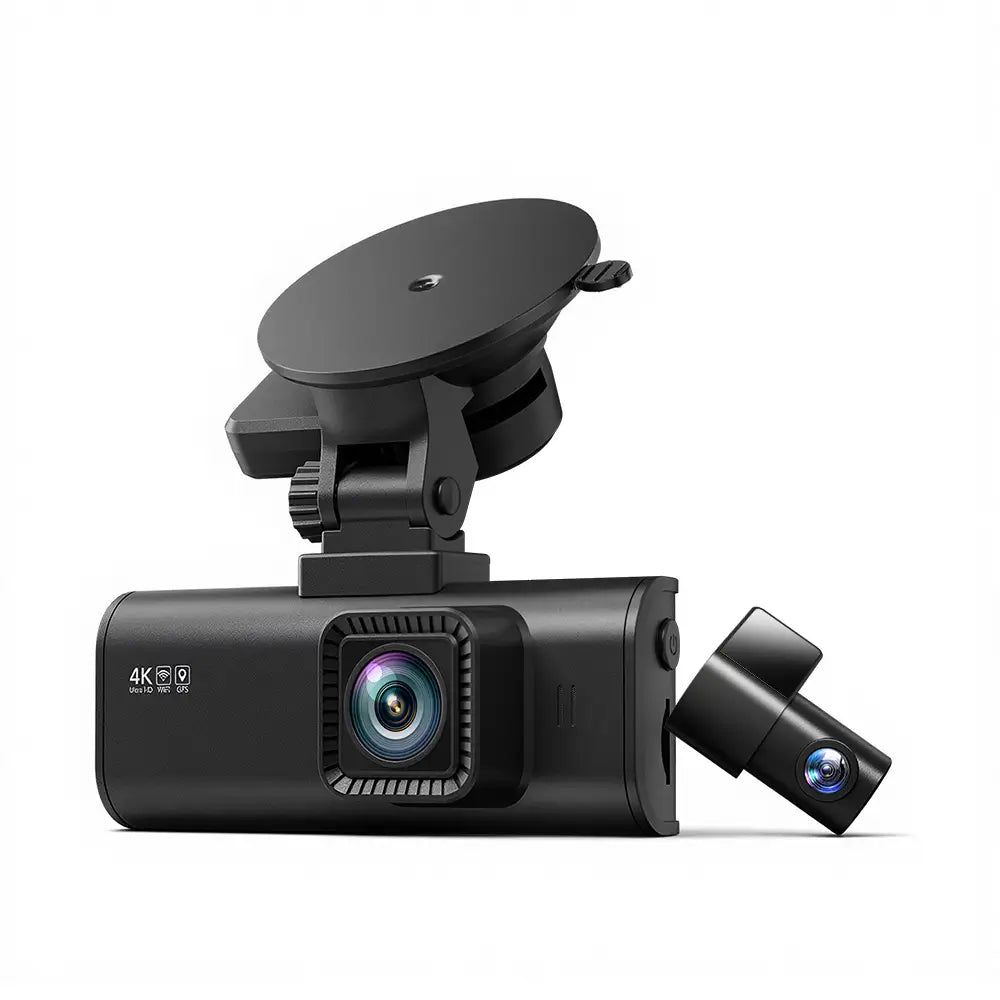
REDTIGER F7NP HDR version
gearnudge.com
- Best if
- front/rear buyer comparing STARVIS 2 and HDR-style listing claims
- Avoid if
- you cannot verify the exact listing and parking accessories
- Evidence
- Listing and source evidence.
Confirm mode behavior before assuming pre-event parking footage.
Check price REDTIGER F7NP WDR version
gearnudge.com
- Best if
- front/rear buyer comparing WDR-style listing claims
- Avoid if
- you expect a clear difference from the HDR listing without seller confirmation
- Evidence
- Listing and source evidence.
Keep this listing distinct only where the product page supports a real difference.
Check price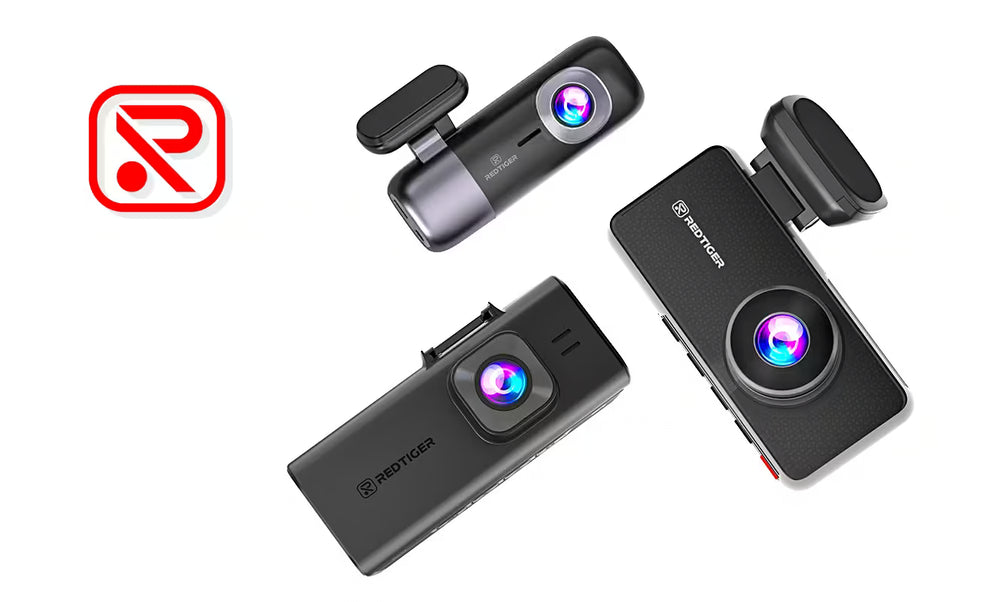
REDTIGER 4K compact mini camera
gearnudge.com
- Best if
- small, simpler front-focused setup
- Avoid if
- you need rear-end or behind-the-car evidence
- Evidence
- Listing and source evidence.
Compact/front-focused setups may miss rear impacts.
Check price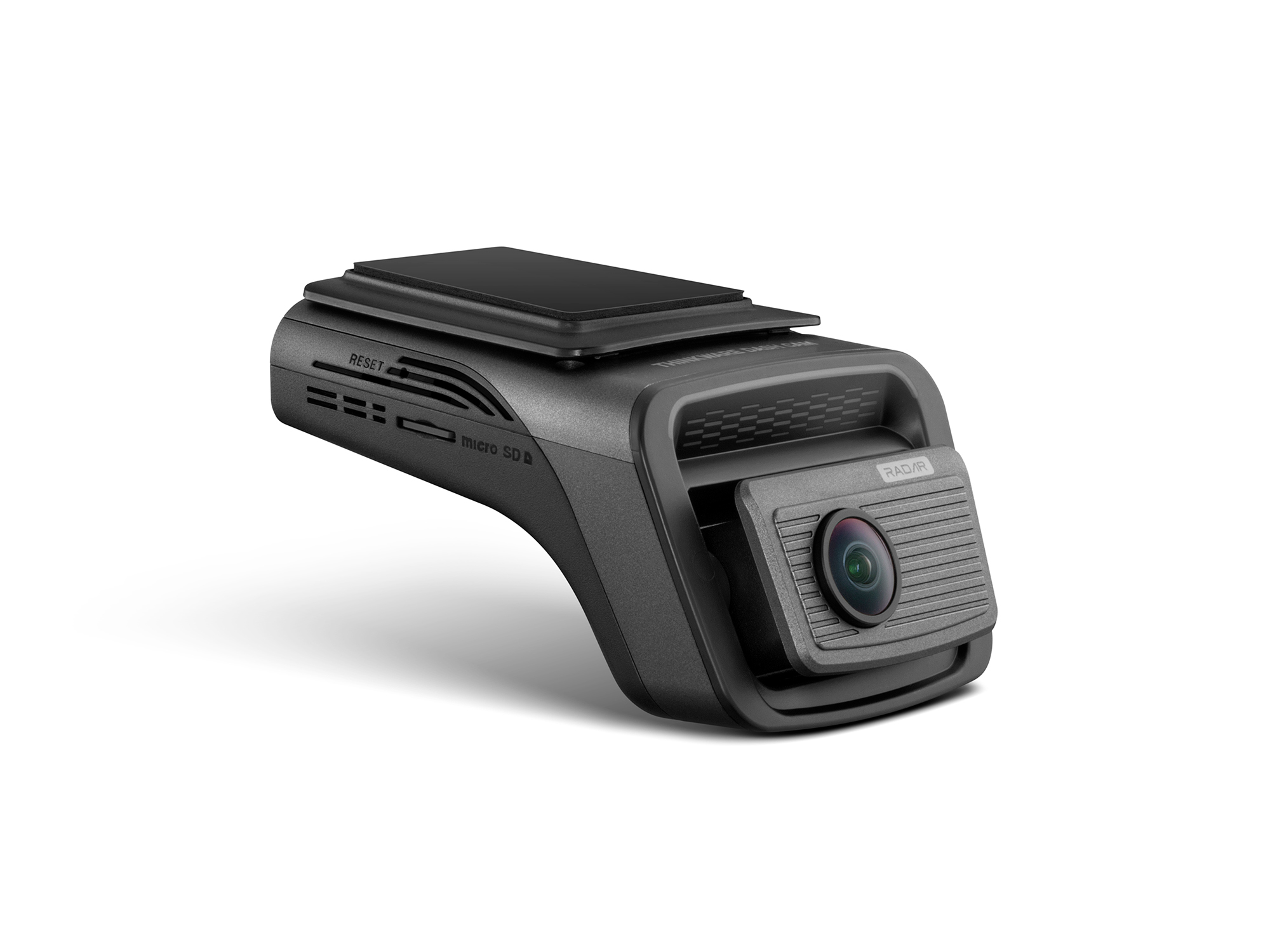
Thinkware U3000 Pro
gearnudge.com
- Best if
- premium parking-focused comparison with model-specific buffer evidence
- Avoid if
- you do not want to verify mode settings, radar behavior, app setup, and power accessories
- Evidence
- Evidence supports 10 seconds pre-event and 10 seconds post-event in motion/impact and radar parking modes.
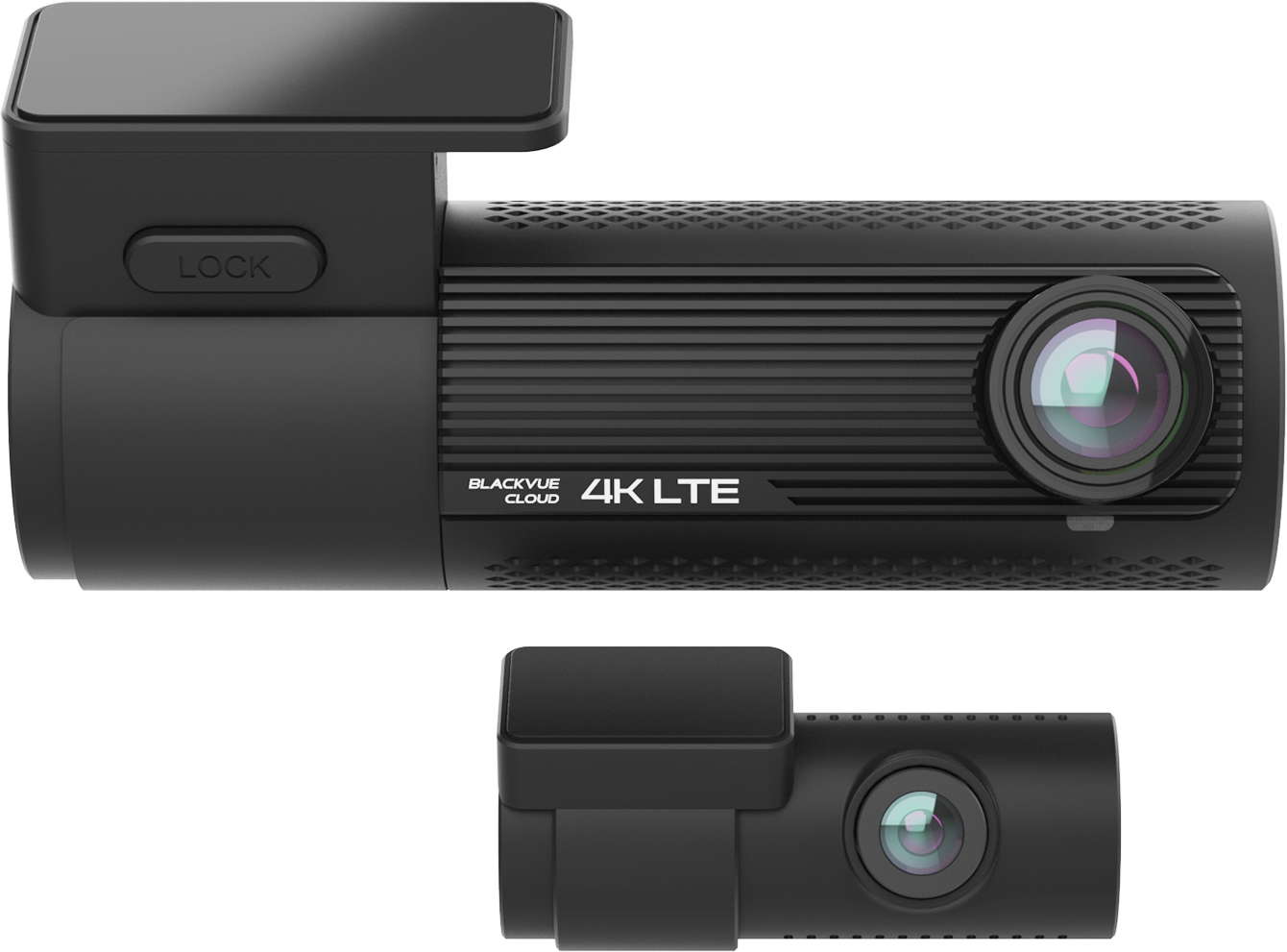
BlackVue DR970X-2CH
gearnudge.com
- Best if
- premium front/rear parking comparison with model-specific pre-buffer evidence
- Avoid if
- you cannot confirm exact DR970X version and parking-mode setup
- Evidence
- Evidence supports a pre-buffer for impact events, with Plus/Plus II distinctions handled carefully.
Mirror-style buyers
Choose a mirror-style dash cam only if the form factor fits your car and your driving preferences.
The AZDOME PG17 Max Ultra and AZDOME PG17 Pro are both worth comparing if you want a rear-camera display and a cleaner mirror-integrated look.
Best fit: Drivers who want front/rear recording with a mirror-style screen.
Avoid if: You dislike mirror overlays, have fit or glare concerns, or do not want to route a rear camera.
Setup or fit risk: Check mirror size, rear camera placement, cable routing, and whether parking power accessories are required.
Evidence note: Treat parking-mode wording cautiously unless the product page or manual confirms true pre-event buffered recording in the mode you will use.
Front/cabin buyers
The AZDOME M550 Pro is the more natural fit when cabin context matters.
That can include rideshare, delivery, family use, or interior security. It is not a substitute for rear-road footage.
Best fit: Drivers who care about cabin activity plus front-road evidence.
Avoid if: Rear-end evidence is your top priority.
Setup or fit risk: Cabin camera angle, IR reflection, privacy expectations, and storage use all matter.
Evidence note: Verify exact buffered parking behavior and required parking power accessories before relying on it.
Multi-channel buyers
The AZDOME M550 Max, AZDOME M350, and Redtiger VisionPano 40 fit the “more context” buyer.
This can help when a simple front/rear setup feels too limited. But more cameras mean more work.
Best fit: Drivers who want front, cabin, rear, side, or wider surrounding context.
Avoid if: You want a quick, low-effort install.
Setup or fit risk: More channels can increase power draw, memory-card demand, cable routing complexity, and clip-review time.
Evidence note: Do not assume multi-channel coverage guarantees plate readability or true buffered parking mode. Verify both separately.
Standard front/rear buyers
The REDTIGER Dash Cam for Cars and both REDTIGER F7NP listings are standard front/rear options to compare.
This category makes sense if your first priority is road proof with behind-the-car context.
Best fit: Drivers who want a conventional front/rear layout for road incidents and some parked-car coverage.
Avoid if: You need confirmed buffered pre-event parking footage and cannot verify the exact mode.
Setup or fit risk: Rear-camera routing, app setup, SD card capacity, and parking power accessories can still matter.
Evidence note: Confirm whether “parking mode” means buffered recording, motion-triggered recording, impact recording, time-lapse, or another mode.
Premium parking-mode examples
The Thinkware U3000 Pro and BlackVue DR970X-2CH are useful reference points because there is stronger model-specific evidence around pre-event parking behavior.
The Thinkware U3000 Pro has evidence supporting 10 seconds before and 10 seconds after an event in motion/impact and radar parking modes.
The BlackVue DR970X-2CH has evidence supporting a pre-buffer for impact events, with a careful distinction between original and Plus/Plus II versions.
Best fit: Buyers who care most about verified parking-mode behavior and are willing to check exact model version, settings, and accessories.
Avoid if: You want a simple plug-in setup or do not want to deal with power planning.
Setup or fit risk: Premium parking features still depend on hardwire or battery power, settings, app access, voltage behavior, storage, and testing.
Evidence note: Stronger model-specific buffer evidence does not remove the need to confirm the exact mode you will use.
Avoid If / Wait On These
Buffered parking mode is not always worth the money or setup effort.
Wait or choose a simpler setup if:
- You mostly need driving proof.
- Your car usually parks in a private garage.
- You cannot safely power the camera while parked.
- You are not willing to hardwire, use OBD-II, or add a battery pack.
- You do not want to test the setup after installation.
- You cannot confirm the mode includes pre-event recording.
- You do not want to manage app setup, storage, and clip retrieval.
Avoid relying on vague claims like:
- “24H parking monitor”
- “Parking mode”
- “G-sensor parking”
- “Motion detection”
- “Time-lapse parking”
Those phrases may be useful, but they do not automatically mean the camera saves pre-impact video.
Also avoid assuming buffered mode fixes everything.
It does not guarantee:
- License plate readability.
- Night detail.
- Driver identification.
- Side coverage.
- Rear coverage.
- Reliable recording in extreme heat.
- Safe multi-day parking.
- Easy clip download.
A good parking setup is the camera, the view, the power method, the storage, and the test routine working together.
What to Verify Before Relying on Parking Mode
Use this checklist before you buy and again after installation.
- Does the specific model support true buffered recording?
- Does buffered recording work in the exact mode you plan to use?
- Is the mode motion/impact, radar, low-bitrate, time-lapse, power-saving, or wake-up?
- How many seconds are saved before the trigger?
- How many seconds are saved after the trigger?
- Is the hardwire kit, OBD-II cable, or battery pack included?
- What low-voltage cutoff settings are available?
- Is there a timer cutoff?
- Does the camera clearly confirm parking mode has activated?
- Are parking settings controlled through an app?
- Are app reviews and support history acceptable?
- What memory card type and capacity are recommended?
- Where are event clips stored?
- How do you lock, download, and share a clip?
- Will the camera tolerate your summer parking temperatures?
- Does the camera view match your likely incident?
If you install a parking setup and an accessory does not power on, GearNudge’s guide to an accessory not powering on may help you narrow down the issue.
FAQ
Buffered Parking Mode FAQ
Is buffered parking mode the same as motion detection?
No. Motion detection can trigger recording, but buffered parking mode saves footage from before the trigger if the camera was already maintaining a rolling buffer.
Can a dash cam save footage before an impact?
Yes, if that specific model and parking mode support true pre-event buffering and the camera still has power when the event happens.
Does every 24H parking mode include buffered recording?
No. Some parking modes are impact-only, motion-only, time-lapse, wake-up, low-bitrate, or power-saving modes without the same pre-event behavior.
Will buffered parking mode drain my battery?
It can. Parking mode uses power while the car is off. Low-voltage cutoff helps, but weak batteries, low cutoff settings, and multi-day parking still need caution.
Do I need a hardwire kit?
Usually, true parking mode needs constant power. A hardwire kit is common, but some setups use OBD-II power or a dedicated dash cam battery pack.
Is a dedicated battery pack required?
Not always. It can make sense for longer parked coverage or if you want to reduce drain on the starter battery.
Will buffered mode make license plates readable?
No guarantee. Buffered mode helps preserve timing. Plate readability still depends on speed, angle, distance, glare, resolution, exposure, field of view, and lighting.
Which is better: front/rear or multi-channel?
Front/rear is often the practical starting point for road and parked incidents. Multi-channel adds context, but also adds install, power, storage, and review complexity.
Bottom Line
Choose coverage first.
For many drivers, front/rear is the practical starting point because it covers the road ahead and behind. Choose front/cabin if interior context matters. Choose mirror-style if the display and fit make sense in your vehicle. Choose multi-channel if surrounding context is worth the extra install, power, storage, and review work. Choose a compact front-focused camera if simplicity matters more than rear evidence.
Buffered parking mode is worth it when parked-car evidence matters and the dash cam can safely stay powered.
Its value is the pre-event footage. It can show the approach before the trigger, not just the aftermath. But do not buy based on vague “parking mode” wording. Confirm true buffered recording in the exact mode you will use, plan the power setup, and test activation, event saving, and clip retrieval.
AZDOME PG17 Max Ultra 4K+4K Dual Mirror Dash Cam | STARVIS 2 Night Vision & ADAS
gearnudge.com
- Best for
- recommended option from article product list
- Avoid if
- You need confirmed live price or guaranteed fit from this page.
- Evidence
- Listing and source evidence
AZDOME M550 Max 3-Channel 4K Dash Cam | Front, Cabin & Rear Night Vision
gearnudge.com
- Best for
- recommended option from article product list
- Avoid if
- You need confirmed live price or guaranteed fit from this page.
- Evidence
- Listing and source evidence
All Products Covered
Use this as the complete product list for comparison.
References
Sources used while preparing this guide.
Official sources
- 70mai T80070mai.com
- Battery Protection Voltage Cut-Off — Thinkware Supportsupport.thinkware.com
- BlackVue DR970X-2CH LTE Plus IIblackvue.com
- BlackVue Elite 9-2CHblackvue.com
- Selecting a Parking Mode — Thinkware Supportsupport.thinkware.com
- Thinkware U3000 Prothinkwarestore.com
- Vantrue Nexus 5vantrue.com
- Vueroid S1 4K Infinite 3CHvueroid.com
- What is Auto-Event Detection? — VIOFO Supportsupport.viofo.com
- Why isn't parking mode working? — VIOFO Supportsupport.viofo.com
- forum.blackvue.com (official support)forum.blackvue.com
- support.viofo.com (official)support.viofo.com
- wolfbox.com (official)wolfbox.com
User reports
- Parking Impact Problem — BlackVue DR750S impact not saved as eventdashcamtalk.com
- Problem with HK6 — physical switch did not cut off at 12.4V settingdashcamtalk.com
- VIOFO HK3 drains the car battery to the voltage cutoff when parking mode is disableddashcamtalk.com
- VIOFO HK6 Hardwire Kit Testdashcamtalk.com
- dashcamtalk.com (forum)dashcamtalk.com
- dashcamtalk.com (forum)dashcamtalk.com
- dashcamtalk.com (forum)dashcamtalk.com