You park on the street, come back in the morning, and notice a new scrape. The hard part is not just finding a dash cam. It is finding a parking-mode setup that records the right moment without leaving your car struggling to start.
Quick Answer
The best dash cam parking mode setup starts with the recording behavior you need, then the power method that can support it safely.
For overnight parked-car evidence, look for:
- Buffered or pre-record parking mode when you want the best chance of seeing what happened before an impact.
- Impact/G-sensor recording when bumps and hit-and-runs are the main concern.
- Motion detection when activity around the car matters, with the warning that it can trigger late or too often.
- Time-lapse or low-bitrate recording when longer parked coverage matters more than maximum detail.
- Low-voltage cutoff in the hardwire kit, OBD-II cable, or power system, because parking mode can drain a weak or poorly protected battery.
If you want broad parked-event context, the strongest selected candidates to compare are the AZDOME M550 Max, AZDOME M350, REDTIGER A6, and AZDOME PG17 Max Ultra. Treat them as coverage-first candidates, not as guaranteed buffered-parking winners, unless the current product page or manual confirms the exact parking mode.
If you want a power shortcut, the VIOFO OP100 OBD-II Power Cable belongs in the setup section, not the camera ranking. It is an OBD-II power accessory with low-voltage protection, so it may help if your camera and vehicle are compatible.
Fast Parking-Mode Options to Compare
quick visual shortlist for the main coverage and power decisions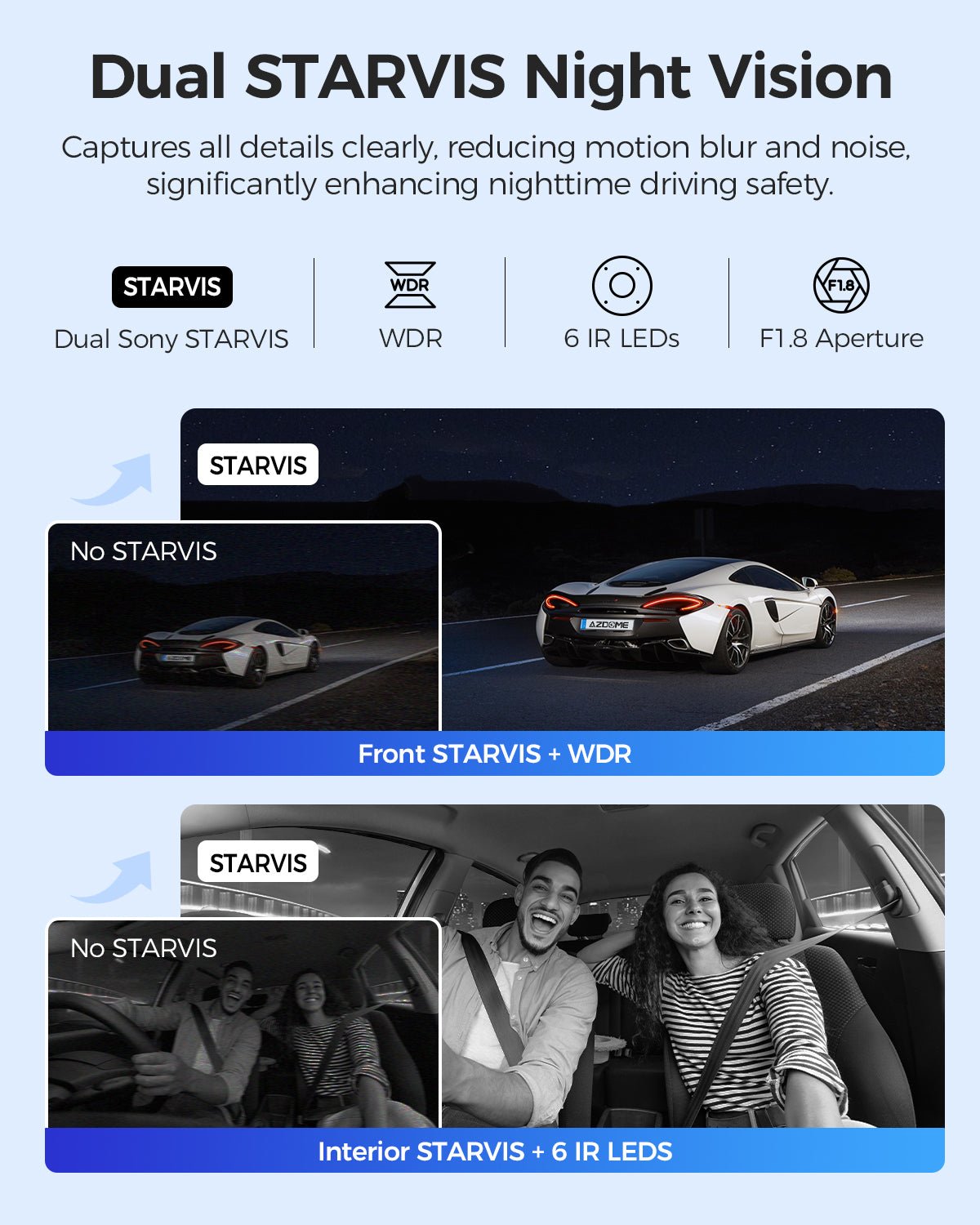
Broad 3-channel candidate
front, cabin, and rear context
Avoid if: you want no wiring work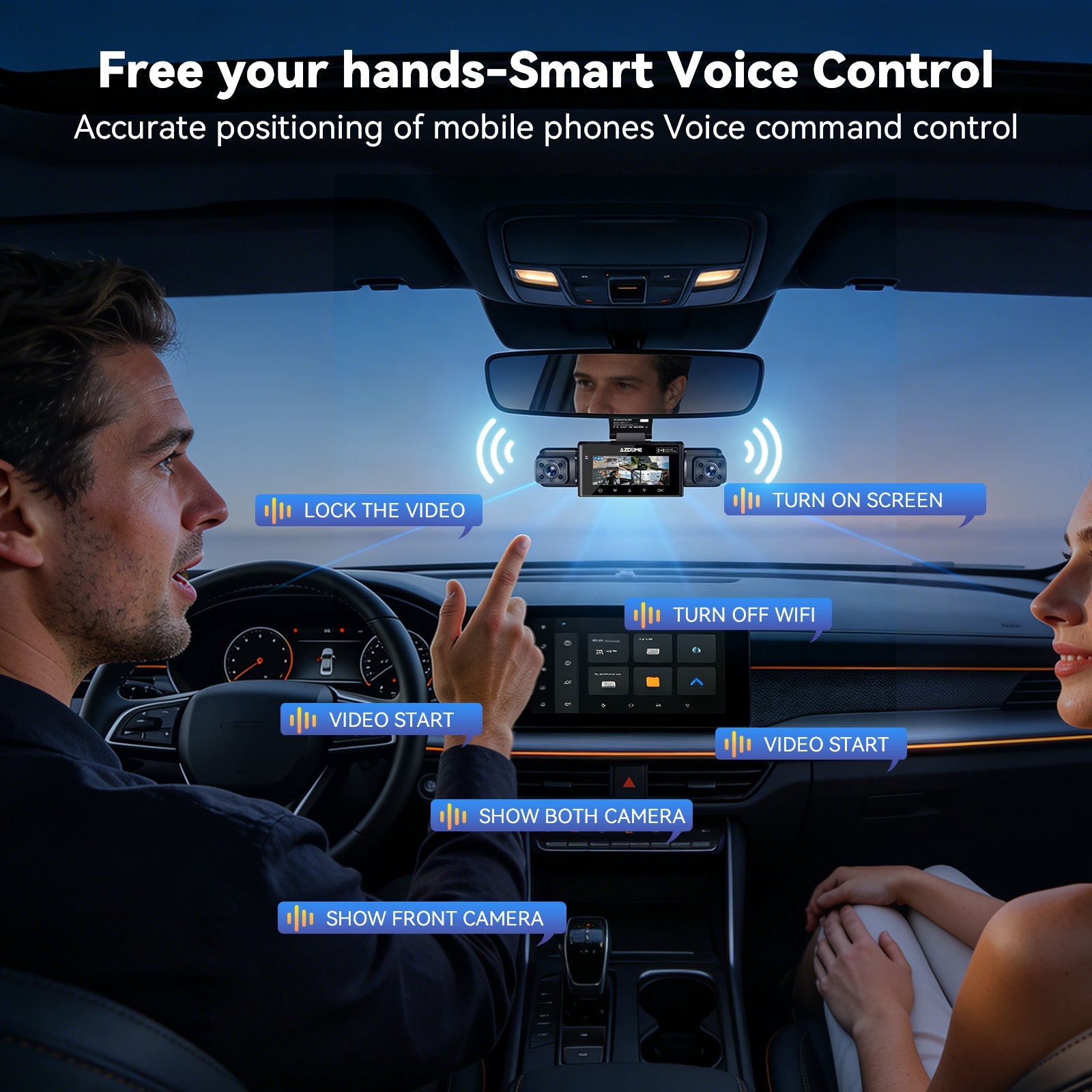
Wider multi-angle candidate
drivers who want more than front/rear coverage
Avoid if: you want the simplest low-power setup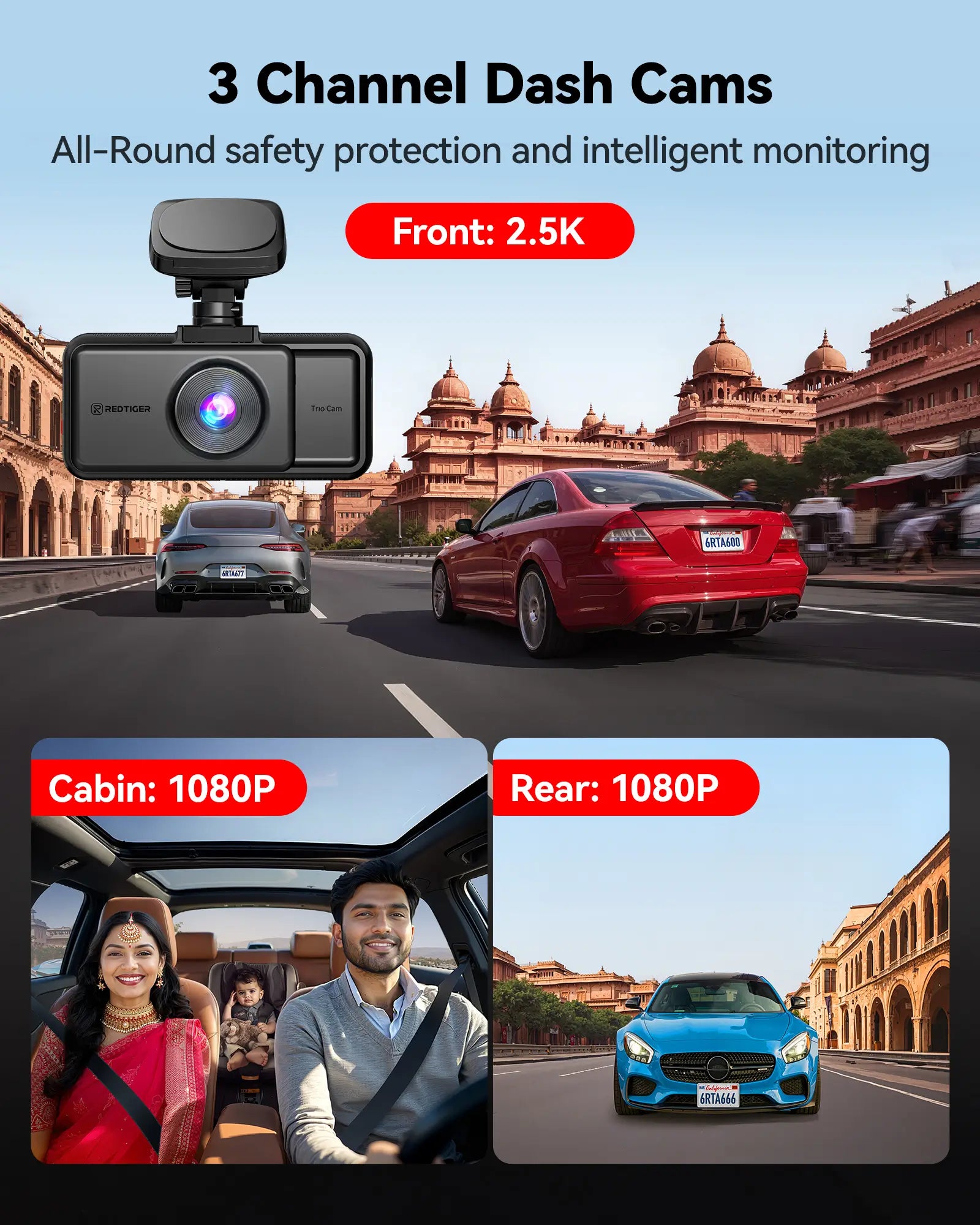
Multi-channel parking-mode candidate
front/rear/cabin-style comparison shoppers
Avoid if: you need confirmed buffered behavior before purchase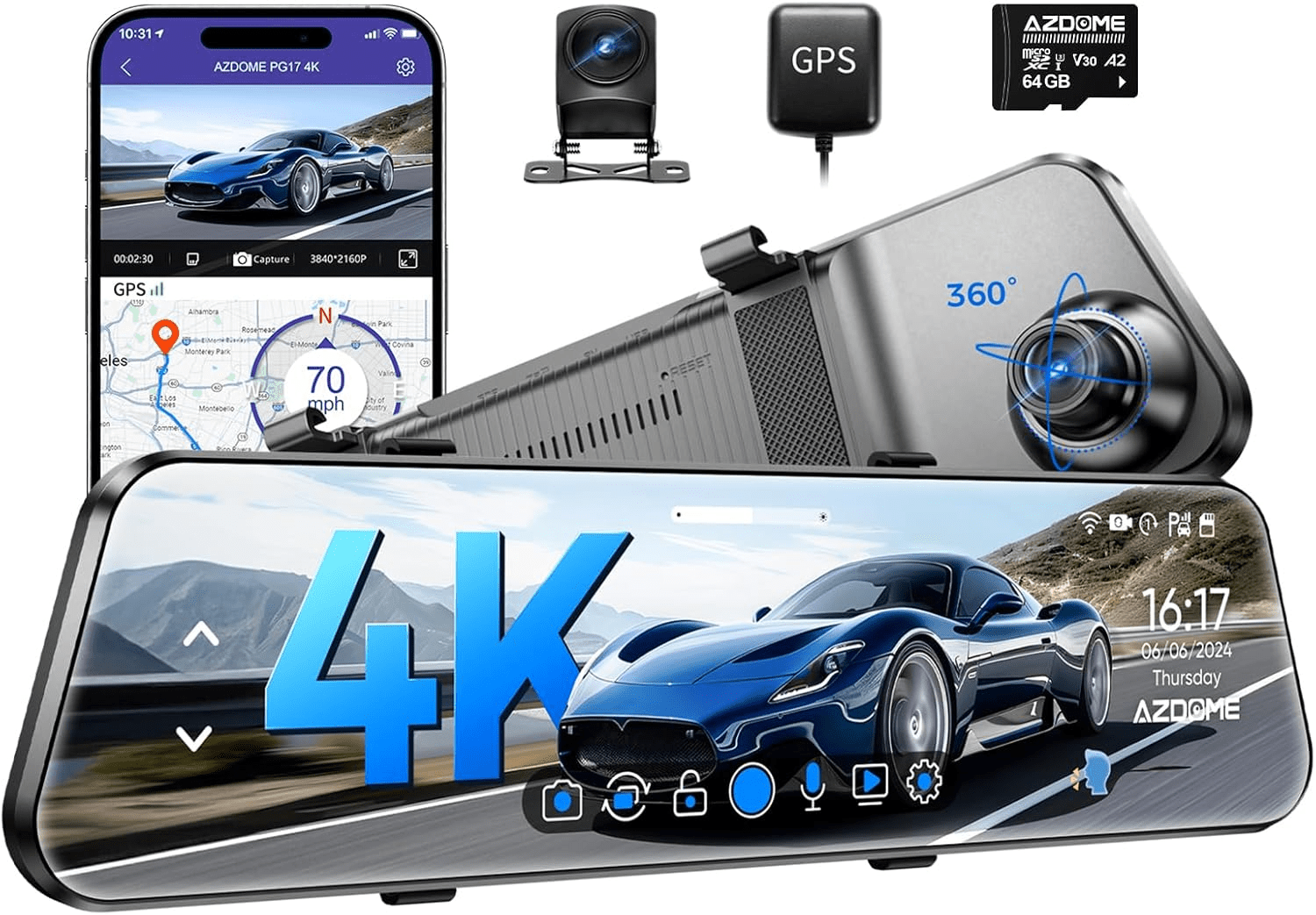
Mirror-style candidate
drivers who prefer a mirror display and rear-camera setup
Avoid if: mirror fit or rear-camera routing is uncertain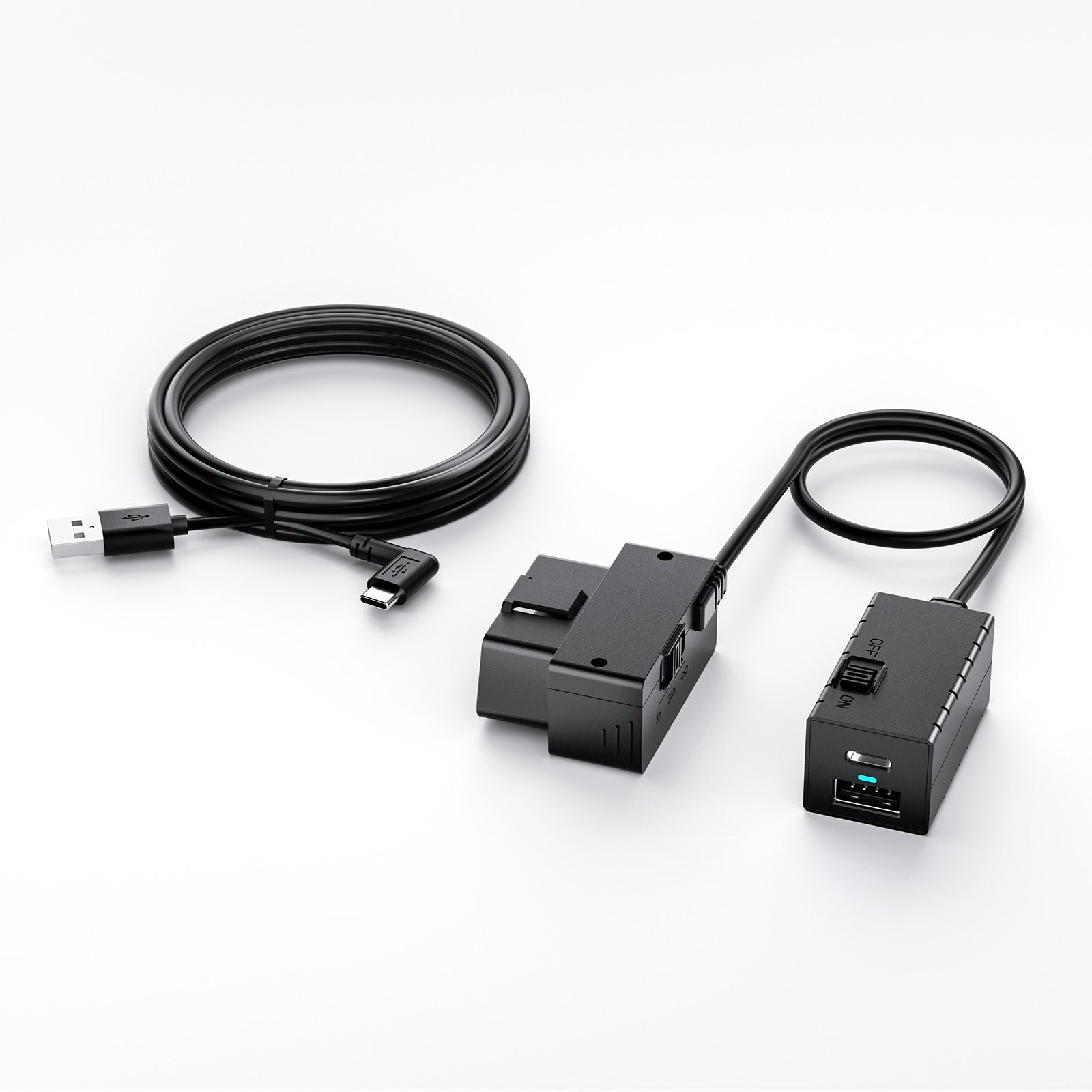
Power accessory
OBD-II parking power with low-voltage protection
Avoid if: your camera or vehicle is not compatibleHow Parking Mode Actually Records Overnight
Parking mode sounds simple, but several different features get sold under that name.
A dash cam may detect motion, impacts, or tampering while parked, but the way it saves the clip matters. A general parking-mode article describes parked dash cams as detecting motion, impacts, or tampering, but that does not mean every model records the same way or catches the same evidence.
Here are the terms that matter.
- Buffered parking mode: The camera keeps a short rolling memory and saves footage from before a trigger. This is often the most useful evidence style for parking hits because it can show the approach, not only the aftermath. A DashCamTalk thread about collision detection and “before-impact / pre-recording” shows why buyers ask about this exact behavior.
- Motion detection: The camera reacts to movement in view. It can help in busy lots, but it may also create false clips from pedestrians, trees, rain, or headlights.
- Impact/G-sensor detection: The camera reacts to bumps. It can help with hit-and-runs, but a light door ding or soft contact may not always trigger it.
- Time-lapse: The camera records periodic frames. It can save storage and power, but it may miss fine detail.
- Low-bitrate mode: The camera records continuously at lower data rates where supported. It can be useful for longer sessions, but detail may drop.
- Low-voltage cutoff: The power kit should shut the dash cam down before the car battery drops too far. This helps, but it is not a cure for a weak battery, wrong wiring, or unrealistic overnight runtime.
Parking mode also depends on coverage.
A front-only camera can show what happened ahead. A front/rear camera is better for rear-end, tailgating, and lane-change context. A 3-channel camera can add cabin or interior context. A 4-channel or 360-style setup may capture more around the car, but it also adds wiring, storage use, and power draw.
DashCamTalk describes the AZDOME M550 as a three-channel dash camera, which is why M550-style models are relevant for front/cabin/rear parked-event context. But that does not automatically prove buffered recording, all-channel parking recording, or ideal overnight runtime.
If you need help after installation, GearNudge also has guides on dash cam parking mode setup and dash cam battery drain.
Choose the Parking Mode and Coverage Before the Camera Brand
Start with the incident you are trying to prove.
| If your main worry is… | Prioritize… | Watch out for… |
|---|---|---|
| Parked hit-and-run | Buffered/pre-record or reliable impact-triggered parking mode | Motion-only clips may start too late |
| Rear-end or tailgating evidence | Front/rear coverage | Front-only cameras miss rear context |
| Door dings or side activity | Wider or multi-channel coverage | Side detail may still be limited |
| Rideshare or cabin incidents | Front/cabin or 3-channel coverage | Cabin-focused models may be weaker for rear evidence |
| Mirror replacement or rear visibility | Mirror-style dash cam | Fit, glare, screen behavior, and rear-camera routing |
| Long overnight recording | External battery pack or careful hardwire/OBD setup | Low-voltage cutoff is not a guarantee |
A good buying order is:
- Pick the evidence job. Front, rear, cabin, mirror, or wider coverage.
- Pick the parking behavior. Buffered, impact, motion, time-lapse, or low-bitrate.
- Pick the power path. Hardwire kit, OBD-II cable, external battery pack, or 12V socket.
- Check battery protection. Low-voltage cutoff, battery health, expected runtime, temperature, and channel count.
- Check storage. High-endurance card, loop recording, locked clips, and app retrieval.
- Check installation. Rear-camera routing, fuse taps, grounding, OBD-II fit, and warranty concerns.
A source on dash cam selection says video quality, parking protection, and storage capacity all matter. That is the right way to think about this category: the camera is only one part of the system.
Hardwire Kit vs OBD-II Cable vs Battery Pack vs 12V Socket
For reliable overnight parking mode, the power method matters as much as the lens.
Hardwire kit
A hardwire kit is the traditional clean parking-mode install.
It connects to the vehicle fuse box and usually needs:
- a constant power circuit,
- an accessory/ignition circuit,
- the correct fuse tap,
- a solid ground,
- and a low-voltage cutoff setting.
This can be the neatest setup, but it is also the easiest to get wrong. Forum posts and hardwire-kit discussions show that buyers often ask about fuse choice, hardwire compatibility, and whether hardwiring affects battery drain or warranty. Treat those posts as caution signals, not proof that every kit or brand fails.
Best fit: You want a clean install and understand ACC/BATT circuits or plan to use an installer.
Avoid if: You are not comfortable identifying fuses, grounding properly, or checking cutoff settings.
Main risk: Wrong fuse choice or poor grounding can break parking mode or create electrical issues.
OBD-II power cable
An OBD-II cable is often easier than fuse-tap hardwiring because it plugs into the diagnostic port.
The tradeoff is compatibility. You still need to confirm:
- the cable works with your dash cam,
- your vehicle’s OBD-II port behavior supports the setup,
- low-voltage protection is included,
- and it does not interfere with diagnostics or physical access.
AZDOME has OBD-style power accessories described as permanent power or parking-mode support in official product listings, but those listings are not proof that every AZDOME camera works with every OBD kit.
The VIOFO OP100 OBD-II Power Cable is the selected accessory here because it directly fits the OBD-II parking-power decision and includes low-voltage protection in its product positioning.
VIOFO OP100 OBD-II Power Cable for Dash Cam, 24H Parking Mode with Low Voltage Protection
gearnudge.com
- Best for
- shows the OBD-II power accessory used for parking-mode power planning
- Avoid if
- your vehicle or dash cam is not compatible
- Evidence
- accessory fit is strong, but compatibility must be checked
Best fit: You want an easier parking-power path than fuse taps.
Avoid if: Your vehicle has OBD-II limitations, you need the port free, or your camera is not compatible.
Setup or fit risk: OBD-II behavior varies by vehicle, and not every cable works with every camera.
Evidence note: The evidence supports OBD-II permanent-power and parking-mode accessory use generally, but model-by-model compatibility still needs checking.
External battery pack
An external dash cam battery pack is the premium path for longer parked recording.
It reduces reliance on the starter battery because the dash cam draws from the battery pack after the vehicle is off. The tradeoff is cost, charging time, heat placement, and install planning.
Best fit: Your car sits for long periods, or you want to reduce load on the vehicle battery.
Avoid if: You want the lowest-cost or simplest setup.
Main risk: Runtime depends on battery pack capacity, camera draw, temperature, channel count, and parking mode.
12V socket
A 12V cigarette-lighter or USB plug is usually fine for driving.
It is often weak for true parking mode because many vehicles turn the socket off with ignition. If the socket stays on, you may still lack proper low-voltage cutoff protection.
Best fit: Simple driving recording.
Avoid if: You expect dependable overnight parking mode without verifying socket behavior and battery protection.
For newer vehicles and EVs, also see GearNudge’s guide to dash cam battery drain and parking mode in EVs and newer cars.
Parking-Mode Dash Cams to Compare by Reader Need
This is not a universal “best overall” ranking. The evidence is not equally strong for every model’s exact parking behavior.
Use this section to match the camera style to your use case, then verify the official manual or product page before buying.
Compare Parking-Mode Candidates by Use Case
Verify exact parking-mode behavior, power kit compatibility, and channel recording before relying on any model overnight. AZDOME M550 Max
gearnudge.com
- Best if
- front, cabin, and rear context for parked and road incidents
- Avoid if
- you want a no-wiring setup
- Evidence
- M550 is described as a three-channel dash camera in DashCamTalk context
verify buffered/pre-record, motion, impact, time-lapse, low-bitrate, cutoff settings, and all-channel parking behavior
Check price AZDOME M350
gearnudge.com
- Best if
- wider multi-angle or 360-style coverage
- Avoid if
- you want the simplest low-power overnight setup
- Evidence
- strong fit as a broad-coverage candidate
model-specific parking-mode type and parked channel behavior are not fully verified here
Check price REDTIGER A6
gearnudge.com
- Best if
- multi-channel shoppers who want parking-mode positioning
- Avoid if
- you need confirmed buffered behavior and cutoff details before buying
- Evidence
- product positioning includes parking mode
verify exact model configuration, parking mode, power requirement, and low-voltage protection path
Check price AZDOME PG17 Max Ultra
gearnudge.com
- Best if
- mirror-style front/rear setup with a large display
- Avoid if
- mirror fit, screen behavior, or rear-camera routing is uncertain
- Evidence
- PG17 user context exists, but it does not prove parking reliability
verify mirror fit, rear routing, parking mode, cutoff settings, and screen behavior
Check price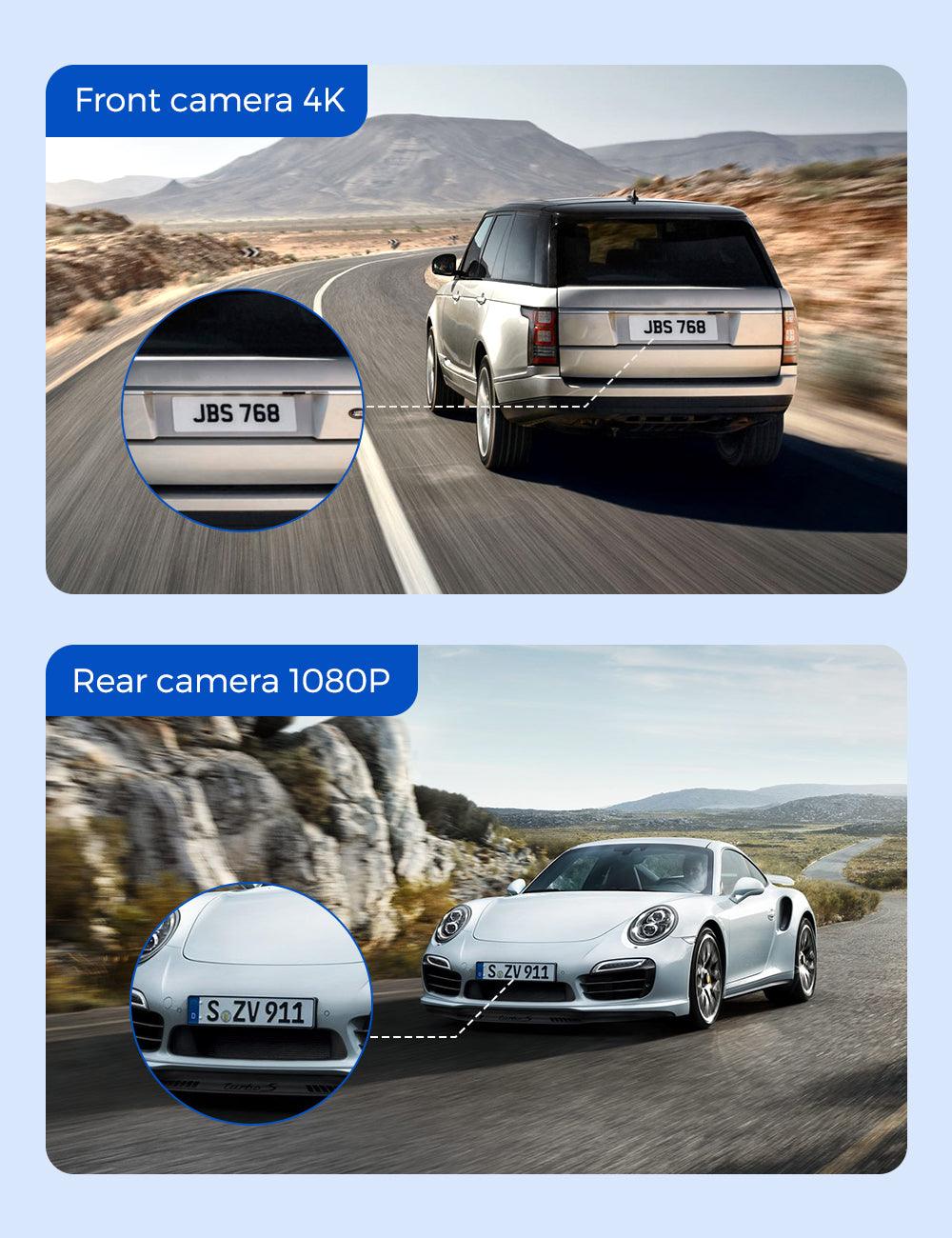
AZDOME M550 Pro
gearnudge.com
- Best if
- front/cabin coverage and cabin-aware use cases
- Avoid if
- rear evidence is the main goal
- Evidence
- M550/M550 Pro forum context supports caution around long-term questions, not a reliability conclusion
verify whether your chosen kit includes rear coverage or whether another model fits rear incidents better
Check price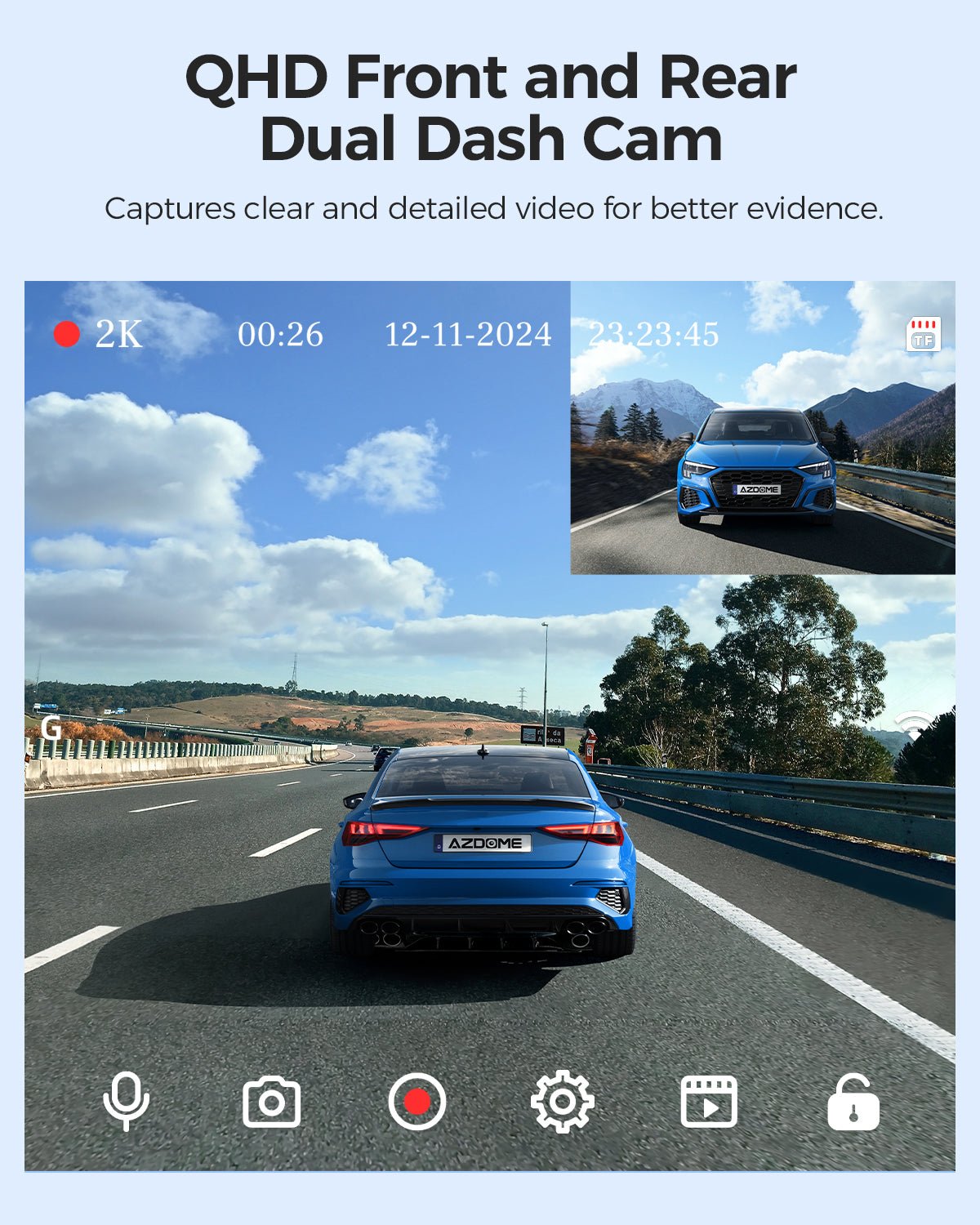
AZDOME M01 Pro
gearnudge.com
- Best if
- lower-complexity AZDOME front/rear candidate
- Avoid if
- you need proven buffered parking and explicit cutoff controls before purchase
- Evidence
- selected product fit supports front/rear consideration
verify parking-mode type, power-kit requirement, and storage needs
Check price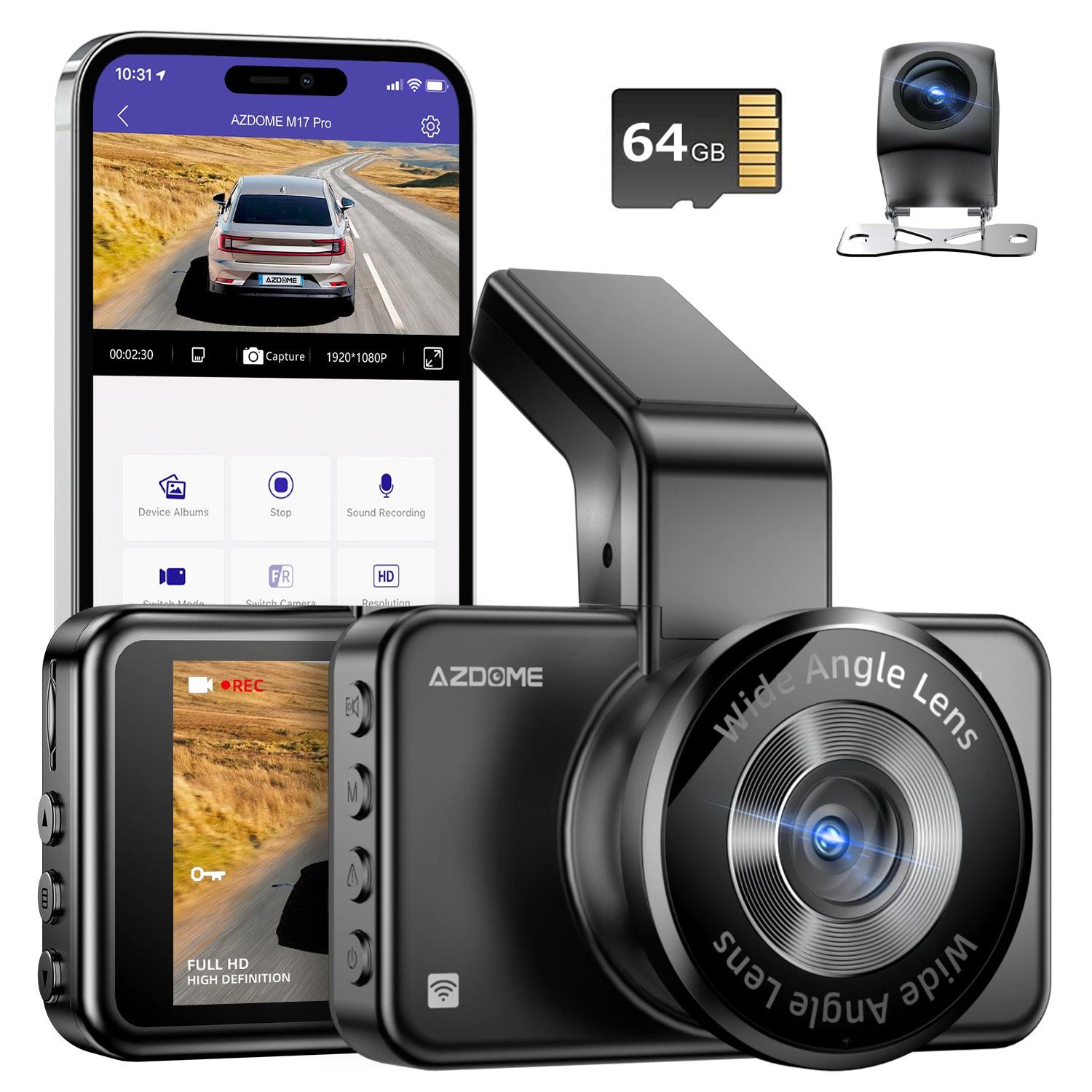
AZDOME M17 Pro
gearnudge.com
- Best if
- stealthier dual-channel AZDOME candidate
- Avoid if
- you need confirmed buffered mode or no-install parking recording
- Evidence
- selected product fit supports cautious front/rear comparison
verify parking support, rear-camera routing, and exact power requirements
Check price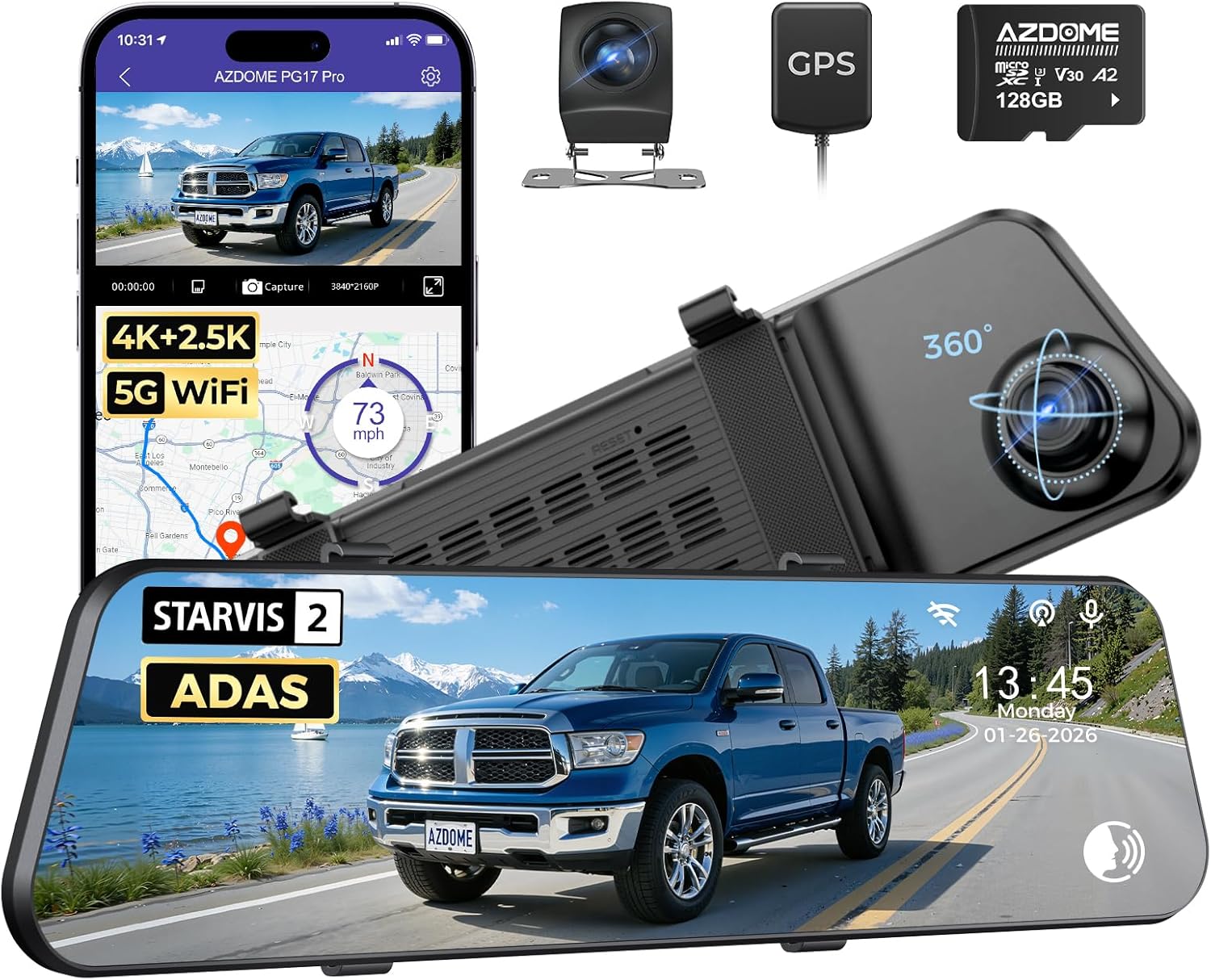
AZDOME PG17 Pro
gearnudge.com
- Best if
- mirror-style alternative to the PG17 Max Ultra
- Avoid if
- you need a fully established fit from the available evidence
- Evidence
- included as a selected mirror-style candidate
verify exact model name, parking features, fit, and power setup
Check priceAZDOME M550 Max: broad front/cabin/rear candidate
The AZDOME M550 Max 3-Channel 4K Dash Cam fits drivers who want more than front-only parking evidence. Front, cabin, and rear views can help when an incident is hard to explain from one angle.
AZDOME M550 Max 3-Channel 4K Dash Cam | Front, Cabin & Rear Night Vision
gearnudge.com
- Best for
- shows the 3-channel camera system for front, cabin, and rear coverage decisions
- Avoid if
- you want a simple plug-in setup with no wiring work
- Evidence
- strong fit for coverage, but exact parking-mode behavior still needs verification
Best fit: You park in areas where front, cabin, and rear context could matter.
Avoid if: You want a simple 12V plug setup and do not want to plan parking-mode power.
Setup or fit risk: Confirm the official parking modes, required hardwire/OBD/battery setup, low-voltage cutoff settings, and whether all channels stay active in parking mode.
Evidence note: DashCamTalk describes the AZDOME M550 as a three-channel dash camera and has M550 review/forum context, but that does not prove the M550 Max’s current parking-mode behavior or overnight reliability.
AZDOME M350: wider multi-angle candidate
The AZDOME M350 3/4-Channel Dash Cam is the selected option for drivers who want wider parked-event coverage around the car.
AZDOME M350 3/4-Channel Dash Cam | 360° View Front, Sides & Rear | 5G WiFi & GPS
gearnudge.com
- Best for
- helps readers inspect the wider multi-channel coverage concept
- Avoid if
- you want the simplest low-power overnight setup
- Evidence
- coverage fit is strong; parking-mode behavior needs verification
Best fit: You want broader context than a basic front/rear setup.
Avoid if: You do not want extra cameras, routing, storage use, or power draw.
Setup or fit risk: Multi-channel setups can be more demanding. Confirm channel behavior while parked and storage requirements.
Evidence note: The fit is based on the coverage role. Do not assume buffered mode, low-bitrate mode, or all-channel parking recording unless the official documentation confirms it.
REDTIGER A6: multi-channel parking-mode candidate
The REDTIGER A6 Dash Cam is relevant because it is positioned as a multi-channel dash cam with parking mode.
REDTIGER A6 Dash Cam Front and Rear, 4K/2.5K+1080P 5.8G WiFi & GPS dashcam, 3 Channel dash Cam with 64GB Card, 2.5K+1080P+1080P Dash Camera for Car, Super Night Vision, Loop Recording, Parking Mode
gearnudge.com
- Best for
- shows the multi-channel kit for parking-mode coverage comparison
- Avoid if
- you need verified buffered parking and cutoff behavior before buying
- Evidence
- strong fit by product positioning, but exact parking behavior needs checking
Best fit: You want a multi-channel candidate and are willing to plan the power setup.
Avoid if: You need a fully verified buffered-parking solution with documented cutoff behavior before purchase.
Setup or fit risk: Confirm the exact model, included card, hardwire requirement, and low-voltage protection path.
Evidence note: The product name and positioning include parking mode, but the available evidence does not confirm whether that means buffered, motion, impact-only, time-lapse, or another mode.
AZDOME PG17 Max Ultra and PG17 Pro: mirror-style candidates
Mirror-style dash cams make sense if you like a large mirror display and rear-camera view. They can also be more install-sensitive.
The AZDOME PG17 Max Ultra is the stronger selected mirror-style candidate. The AZDOME PG17 Pro is a related mirror-style alternative that needs extra verification because its fit is less established in the available notes.
AZDOME PG17 Max Ultra 4K+4K Dual Mirror Dash Cam | STARVIS 2 Night Vision & ADAS
gearnudge.com
- Best for
- shows the mirror-style form factor and display setup
- Avoid if
- your mirror fit or rear-camera routing is uncertain
- Evidence
- strong fit as a mirror-style candidate; parking reliability still needs verification
Best fit: You want a mirror display, rear-camera view, and a setup that feels integrated into the cabin.
Avoid if: You want the easiest removable dash cam or do not want to route a rear camera.
Setup or fit risk: Check mirror size, strap/mount fit, rear camera placement, glare, screen timeout behavior, and parking-mode power.
Evidence note: A user report mentions PG17 screen-saver behavior after reverse gear, but that is a narrow usability detail. It does not prove parking-mode reliability.
AZDOME M550 Pro: front/cabin candidate
The AZDOME M550 Pro 2-Channel 4K Dash Cam fits front/cabin use cases better than rear-impact evidence.
AZDOME M550 Pro 2-Channel 4K Dash Cam | Front & Cabin IR Night Vision | 5G WiFi & GPS
gearnudge.com
- Best for
- shows the front/cabin camera style for cabin-aware parking and rideshare decisions
- Avoid if
- rear evidence is your main goal
- Evidence
- medium fit; model-specific parking behavior needs verification
Best fit: You care about front and cabin context, such as rideshare or interior activity.
Avoid if: Rear-end, tailgating, or rear parked hits are your main concern.
Setup or fit risk: Verify parking-mode type, power requirement, and whether your chosen configuration covers the rear.
Evidence note: Available M550/M550 Pro forum context is useful for caution and long-term-use questions, not for a strong reliability claim.
AZDOME M01 Pro and M17 Pro: cautious dual-channel candidates
The AZDOME M01 Pro 3K WiFi Dual Dash Cam and AZDOME M17 Pro Stealth Dual Dash Cam belong in the lower-complexity front/rear comparison.
They may fit drivers who want dual-channel coverage without moving into wider 3-channel or 4-channel systems.
Best fit: You want front/rear evidence and prefer a simpler camera layout than broad multi-channel coverage.
Avoid if: You need verified buffered parking, explicit cutoff controls, or plug-and-play overnight recording.
Setup or fit risk: Confirm whether parking mode requires a hardwire kit, OBD-II cable, or another accessory. Also check rear-camera routing and storage needs.
Evidence note: These are selected fit-based options. The available evidence does not fully verify their exact parking modes or low-voltage behavior.
BlackVue DR970X, Thinkware U3000, and VIOFO A129 Pro Duo: market-reference examples
The BlackVue DR970X, Thinkware U3000, and VIOFO A129 Pro Duo are useful comparison points, but the available evidence here is weaker for direct recommendation.
Use them as market references when comparing premium parking-mode systems, front/rear systems, and known parking-surveillance brands.
Best fit: You want to compare the selected AZDOME and REDTIGER options against familiar premium or established dash cam names.
Avoid if: You want only products with fully verified current official specs in this evidence set.
Setup or fit risk: Exact model names, current availability, official parking features, and power accessories should be confirmed before buying.
Evidence note: The BlackVue DR970X Plus source context says it is available in front-only and front/rear systems and describes it as a 4K UHD dash camera with a Sony STARVIS 2 sensor. That supports market context, not a full GearNudge hands-on recommendation.
What to Decide Before You Click Buy
Use this checklist before you buy any parking-mode dash cam.
1. Pick the evidence job
Choose the camera layout around the incident you most want to prove.
- Front-only: basic road context.
- Front/rear: rear-end, tailgating, and lane-change context.
- Front/cabin: rideshare or interior context.
- 3-channel: front, cabin, and rear context.
- Mirror-style: rear-camera display and mirror replacement feel.
- Wider multi-channel: more parked-event context, with more setup complexity.
2. Pick the parking mode
Do not accept “parking mode” as a complete answer.
Check whether the model supports:
- buffered/pre-record,
- impact/G-sensor recording,
- motion detection,
- time-lapse,
- low-bitrate continuous recording,
- or a mix of these modes.
If parked hit-and-runs are the main worry, buffered or pre-record support is especially worth verifying.
3. Pick the power path
For overnight use, plan one of these:
- Hardwire kit for a clean install.
- OBD-II power cable for easier plug-in power when compatible.
- External battery pack for longer parked runtime with less reliance on the starter battery.
- 12V socket mainly for driving, unless you verify always-on behavior and battery protection.
4. Check battery protection
Before relying on parking mode, confirm:
- low-voltage cutoff settings,
- vehicle battery health,
- expected parking duration,
- weather and temperature,
- number of active channels,
- and current draw.
A source discussing parking monitoring warns that improper settings or high power use can leave a car unable to start. That is the exact failure this buying process is meant to avoid.
5. Check storage and retrieval
Parking evidence is useless if it gets overwritten or you cannot retrieve it.
Check:
- high-endurance microSD support,
- card capacity,
- loop recording behavior,
- locked event clips,
- app access,
- timestamp/GPS behavior,
- and how quickly you can save a clip after an incident.
GearNudge has a separate guide for dash cam parking mode setup and another for parking mode not working.
Mistakes to Avoid Before Buying
The biggest mistake is buying by resolution alone.
A 4K camera with the wrong parking mode, weak storage, or unsafe power setup can be less useful than a lower-resolution camera that records the right clip safely.
Avoid these mistakes:
- Do not assume “parking mode” means buffered recording. It may mean motion, impact, time-lapse, or something else.
- Do not assume a 12V plug records overnight. Many outlets shut off with ignition.
- Do not hardwire without checking fuse type, ACC/BATT circuits, grounding, and cutoff settings.
- Do not trust low-voltage cutoff as a full battery-drain cure.
- Do not buy 3-channel or 4-channel coverage without checking storage use.
- Do not expect guaranteed plate capture at night.
- Do not treat forum failures as universal proof. User reports about battery drain, failed cameras, app issues, or hardwire questions are useful warnings, not proof that every unit or brand has the same problem.
- Do not rely on market-roundup claims without checking the current official product page.
The open checks that matter most are:
- Which exact parking modes are officially supported?
- Which power setup is required for overnight parking?
- What low-voltage cutoff settings are available?
- Which channels stay active in parking mode?
- What storage card and capacity are recommended?
- Are there vehicle-specific fuse, OBD-II, warranty, or rear-camera routing limits?
Final Checks Before You Rely on Parking Mode
Before you leave the car overnight, verify three things.
Verify the camera
Check the official product page or manual for:
- parking-mode type,
- buffered/pre-record support,
- motion and impact settings,
- time-lapse or low-bitrate support,
- active channels while parked,
- storage requirements,
- clip-locking behavior,
- app workflow,
- and included accessories.
Verify the vehicle
Check:
- 12V socket behavior,
- OBD-II access,
- fuse type and location,
- constant and accessory circuits,
- rear-camera routing path,
- battery age and health,
- and whether your vehicle has unusual electrical behavior.
Verify the install
Check:
- correct fuse tap,
- safe ground,
- cable routing away from airbags,
- secure rear-camera wiring,
- low-voltage cutoff setting,
- and whether a professional install is smarter for your vehicle.
Common Questions Before Choosing
Parking-Mode Dash Cam FAQ
Does parking mode drain the battery?
It can. Power draw, settings, battery health, channel count, temperature, and wiring all matter. Low-voltage cutoff helps, but it is not a guarantee.
Is buffered parking mode worth it?
Usually yes if parked-hit evidence is the priority. It may save moments before a trigger, but only when the exact model and power setup support it.
Is motion detection enough for parking mode?
Sometimes, but it can trigger late, miss events, or create too many clips. Compare it with buffered and impact-triggered modes.
Can a 12V plug record overnight?
Sometimes, but many vehicles turn the outlet off with ignition. If it stays on, you still need battery protection. Hardwire, OBD-II, or battery-pack setups are usually more realistic.
Do I need front/rear or 3-channel coverage?
Front/rear helps with rear-end and lane-change context. A 3-channel or wider setup can add cabin or side context, but it increases wiring, storage, and power demands.
Is OBD-II easier than hardwiring?
It may be easier because it avoids fuse taps, but you still need to verify vehicle compatibility, camera compatibility, and low-voltage protection.
Should I buy an external battery pack?
Consider one if you need longer parked runtime and want to reduce reliance on the starter battery. It adds cost and install planning.
The Safest Way to Choose a Parking-Mode Dash Cam
Buy the camera, power setup, and storage plan together.
If parked hit-and-run evidence is the main job, prioritize verified buffered/pre-record or reliable impact-triggered parking mode. If rear-end or lane-change context matters, choose front/rear or 3-channel coverage over front-only. If the car sits for long periods, consider an external battery pack or a carefully configured hardwire/OBD-II setup with low-voltage protection.
The AZDOME M550 Max is the broad front/cabin/rear candidate. The AZDOME M350 is the wider multi-angle candidate. The REDTIGER A6 is a multi-channel parking-mode candidate that needs exact mode verification. The AZDOME PG17 Max Ultra and AZDOME PG17 Pro are mirror-style candidates. The AZDOME M550 Pro is better framed as a front/cabin candidate. The AZDOME M01 Pro and AZDOME M17 Pro are cautious dual-channel AZDOME options.
The VIOFO OP100 is not a dash cam. It is the selected OBD-II power accessory to consider if your vehicle and camera support that path.
The BlackVue DR970X, Thinkware U3000, and VIOFO A129 Pro Duo are useful market-reference examples, but you should verify current official specs before treating them as direct picks from this evidence set.
AZDOME M550 Max 3-Channel 4K Dash Cam | Front, Cabin & Rear Night Vision
gearnudge.com
- Best for
- recommended option from article product list
- Avoid if
- You need confirmed live price or guaranteed fit from this page.
- Evidence
- Listing and source evidence
AZDOME M350 3/4-Channel Dash Cam | 360° View Front, Sides & Rear | 5G WiFi & GPS
gearnudge.com
- Best for
- recommended option from article product list
- Avoid if
- You need confirmed live price or guaranteed fit from this page.
- Evidence
- Listing and source evidence
All Products Covered
Use this as the complete product list for comparison.
Bottom Line
Use the shortlist above to choose the setup that fits your main problem, then verify fit, power, parking mode, and clip retrieval before relying on it for real evidence.
References
Sources used while preparing this guide.
Official sources
- azdome.eu (official)azdome.eu
- azdome.eu (official)azdome.eu
- azdomethailand.com (official)azdomethailand.com
- azdomevip.com (official)azdomevip.com
- kateminimalist.com (official)kateminimalist.com
Other sources
- accessorytested.com (web)accessorytested.com
- autoroamer.com (web)autoroamer.com
- azdome.app (web)azdome.app
- azdome.eu (web)azdome.eu
- azdomevip.com (web)azdomevip.com
- blackvue.com.au (web)blackvue.com.au
- caranddriver.com (web)caranddriver.com
- cyberspaceandtime.com (web)cyberspaceandtime.com
- dashcameras.net (web)dashcameras.net
- dashcamtalk.com (web)dashcamtalk.com
- dashcamtalk.com (web)dashcamtalk.com
- dashcamtalk.com (web)dashcamtalk.com
- dashcamtalk.com (web)dashcamtalk.com
- dashcamtalk.com (web)dashcamtalk.com
- dashcamtalk.com (web)dashcamtalk.com