You are not really choosing a camera. You are choosing what part of the incident you want recorded when something goes wrong.
A front-only dash cam may be enough if the important action happens ahead of you. But if the crash starts behind you, beside you, or while your car is parked, a front-only view can miss the part that matters most.
Quick Answer
For the broadest road-incident evidence, choose a dual-channel front-and-rear dash cam. It gives you a better chance of capturing rear-end crashes, tailgating, lane-change disputes, highway incidents, parking-lot impacts, and chain-reaction context.
Choose a front-only dash cam if you want a simpler, lower-effort setup for forward-road evidence. It can still help with:
- Vehicles cutting across your path
- Red-light runners
- Forward impacts
- Your own braking and lane position
- Road conditions ahead of you
But front-only recording is weak for:
- Rear-end crashes
- Tailgating
- Rear hit-and-runs
- Side or rear lane-change disputes
- Parking-lot hits behind your car
- Chain-reaction crashes where you are pushed forward
No dash cam setup guarantees a readable plate. Speed, angle, glare, distance, rain, darkness, windshield reflections, compression, and field of view all matter.
Front-Only vs Front-and-Rear Recording Basics
A dash cam can only show what its lens sees.
A front-only camera records through the windshield. A dual-channel camera records the front view plus a rear-facing view through the back glass.
That sounds simple, but it changes the evidence you have after an incident.
If a car cuts in front of you, a front camera may capture the full story. If a car hits you from behind, the front camera may only show your car shaking, braking, or moving forward. It may not show the striking vehicle, its approach, or its plate.
The most useful evidence is often:
- The seconds before impact
- The vehicle’s position
- The direction of travel
- Whether you were stopped or moving
- Whether another vehicle approached from behind
- What happened immediately after the impact
A wider field of view can show more road context. But wider footage can also make small details, including license plates, harder to read.
HDR and better sensors can help in difficult light, but they do not make night plates certain. Advertised 4K alone is not enough. Some budget cameras advertise impressive resolution but still struggle with moving plates at night or at an angle.
Clip retrieval matters too. If you do not save the important file quickly, loop recording can overwrite it. After an incident, lock or download the clip as soon as it is safe.
A standard dash cam setup uses a small camera on the windshield. Dual-channel kits add a rear camera and a cable routed to the back window.
Mirror-style systems replace or strap over the rearview mirror and may show a rear-camera display. This guide focuses mainly on standard dash cam setups.
What to Buy First: Coverage, Then Video Quality, Then Power
Do not start with the product name. Start with the incident you are trying to record.
1. Choose the camera coverage
Front-only can make sense if you mostly want forward-road proof and the simplest install.
Dual-channel makes more sense if you care about:
- Rear-end crashes
- Heavy commuting traffic
- Highway tailgating
- Lane-change disputes
- Parking-lot impacts
- Rear hit-and-runs
- Chain-reaction collisions
2. Check real evidence quality
Do not rely only on “4K” in the product title.
Look for the things that affect usable evidence:
- Sensor quality
- HDR behavior
- Night footage examples
- Plate readability in motion
- Field of view
- Compression quality
- Front and rear camera resolution
A front camera with better detail may be more useful than a poor dual-channel setup in some forward-only situations. But even an excellent front camera cannot record a rear impact by itself.
3. Check storage and clip retrieval
Useful footage must survive long enough for you to use it.
Before buying, check:
- Supported memory card type and capacity
- Whether the camera needs a high-endurance card
- Loop recording behavior
- Emergency file lock behavior
- App download speed and reliability
- Whether GPS, time, and speed stamps are included or optional
If you run into missing files later, GearNudge has a separate guide to dash cam SD card error troubleshooting.
4. Choose the power path
Power is what separates simple driving footage from parking coverage.
| Power method | Best fit | Avoid if | Main risk |
|---|---|---|---|
| 12V plug-in | Easiest road-only setup, renters, multi-car use | You need dependable parking mode | Many 12V sockets turn off with the ignition |
| Hardwire kit | Hidden cables and parking mode with low-voltage cutoff | You are not comfortable with fuse-box work | Wrong install can cause power or airbag-routing problems |
| OBD-II adapter | Easier parking power without fuse-box wiring | You use the OBD port for diagnostics or your car shuts it off | Compatibility varies by vehicle |
| External battery pack | Long parking sessions without draining the starter battery | You want the lowest cost or least interior clutter | Adds cost, space, and another device to manage |
Parking mode can create dash cam battery drain if the setup is wrong. If you drive an EV or newer vehicle with more complex power behavior, see GearNudge’s guide to dash cam battery drain.
5. Confirm the physical install
Front-only is simple. You mount one camera and route one power cable.
Dual-channel adds a rear camera cable. That cable usually runs from the front unit along the headliner and trim to the rear window. Hatchbacks and SUVs can be more involved because the cable may need to pass through the tailgate area.
Match the Setup to Your Driving Risk
If you commute in city traffic
A front-only camera can capture many forward events: sudden stops ahead, cars cutting across your lane, red-light runners, and your own braking.
But stop-and-go traffic also raises rear-end risk. If your commute includes tight traffic, tailgating, or frequent merging, dual-channel recording is safer.
If you drive highways often
Dual-channel coverage is usually the stronger fit.
Rear footage can show a vehicle approaching from behind, tailgating, changing lanes, or moving into your blind spot. That context can matter in lane-change and sideswipe disputes.
If you park in lots, garages, or on the street
A front-only camera in parking mode watches the front view. If a car backs into your rear bumper or clips the side outside the camera’s view, the front camera may only record movement or vibration.
Dual-channel parking mode improves coverage, but it still depends on power, camera angle, motion detection, impact sensitivity, and storage.
Parking lots are also noisy environments for motion detection. Passing cars, pedestrians, shadows, and weather can trigger clips. Impact detection can miss gentle bumps if sensitivity is too low, or create too many false events if set too high.
If chain-reaction crashes worry you
This is one of the strongest reasons to consider front-and-rear recording.
If you are stopped, hit from behind, and pushed into the car ahead, front-only footage may show the forward collision but not the vehicle that pushed you. Rear footage can show the initiating hit.
It still does not “prove fault” by itself, but it can provide context that front-only footage cannot.
If you want the easiest install
Front-only with a 12V plug is the easiest path.
It is a good fit if:
- You only need driving footage
- You rent or switch vehicles
- You do not want to remove trim
- You do not want rear-camera routing
- You do not care about parking mode
Just understand the tradeoff: you are choosing simplicity over rear evidence.
Dash Cam Options by Reader Need
These products are better understood by setup role than by brand alone.
The big split is simple: front-only models reduce install work, while dual-channel models add rear evidence at the cost of more routing and planning.
Front-only options if you want simpler incident recording
Choose a front-only camera if your priority is forward-road footage with less installation work.
Avoid front-only if your main concern is rear-end crashes, highway tailgating, parking-lot rear impacts, chain-reaction context, or side/rear lane-change disputes.
Front-only dash cams for simpler forward-road recording
compare front-only options by setup role, not as rear-evidence solutions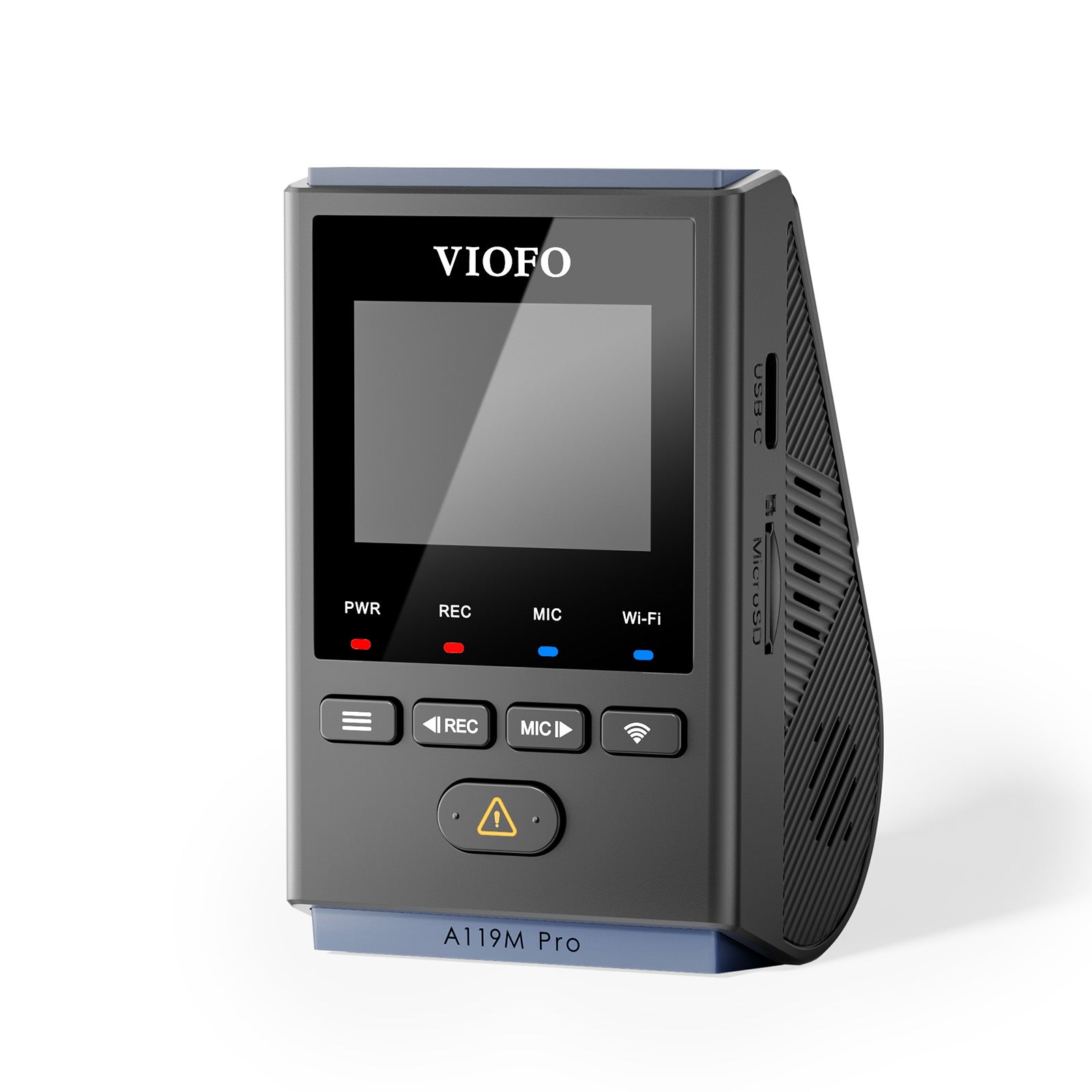
VIOFO A119M Pro 4K HDR Mini
gearnudge.com
- Best if
- drivers who want a front-only 4K-style windshield setup
- Avoid if
- you need rear-end or rear hit-and-run evidence
- Evidence
- product data supports its role as a front camera; rear evidence is not included
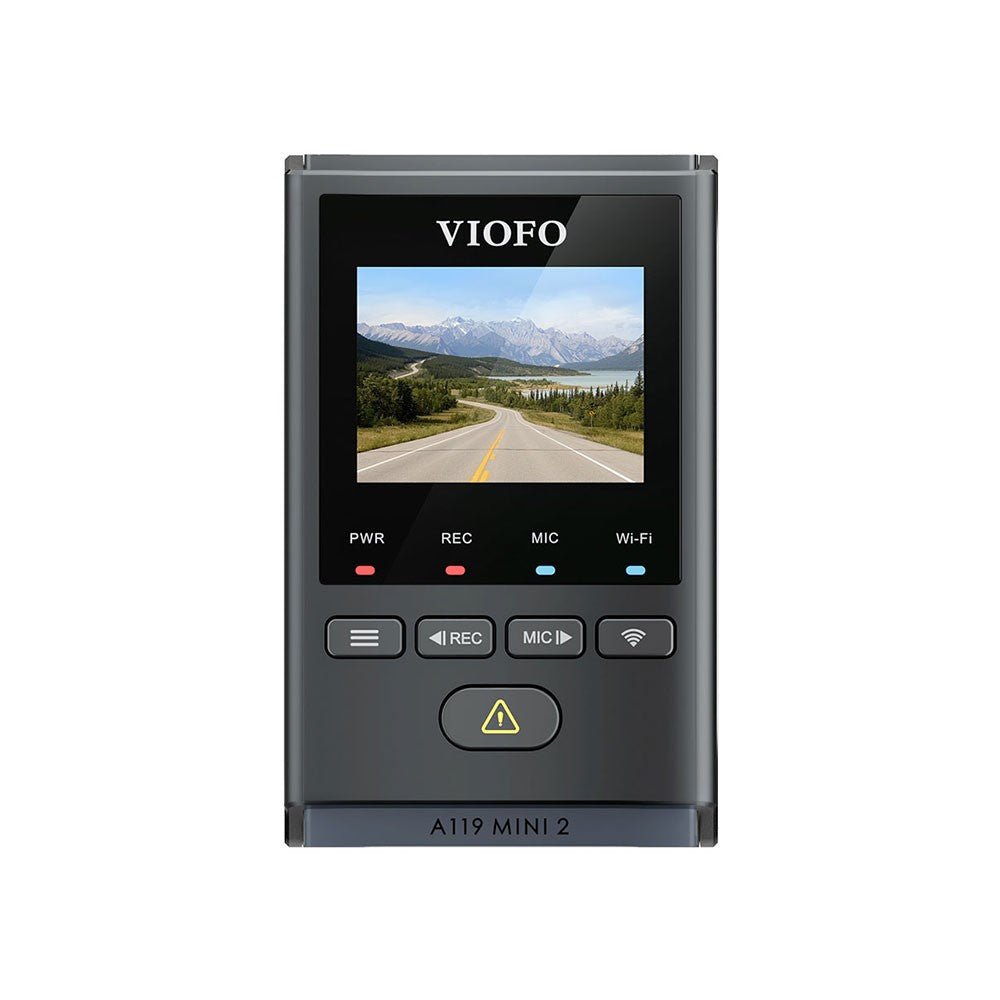
VIOFO A119 Mini 2
gearnudge.com
- Best if
- drivers who want a compact front-only setup with strong budget/front-camera appeal
- Avoid if
- your commute includes major rear-end or lane-change risk
- Evidence
- market notes identify it as a strong budget front-only clarity option, but that should not be read as a plate-capture guarantee
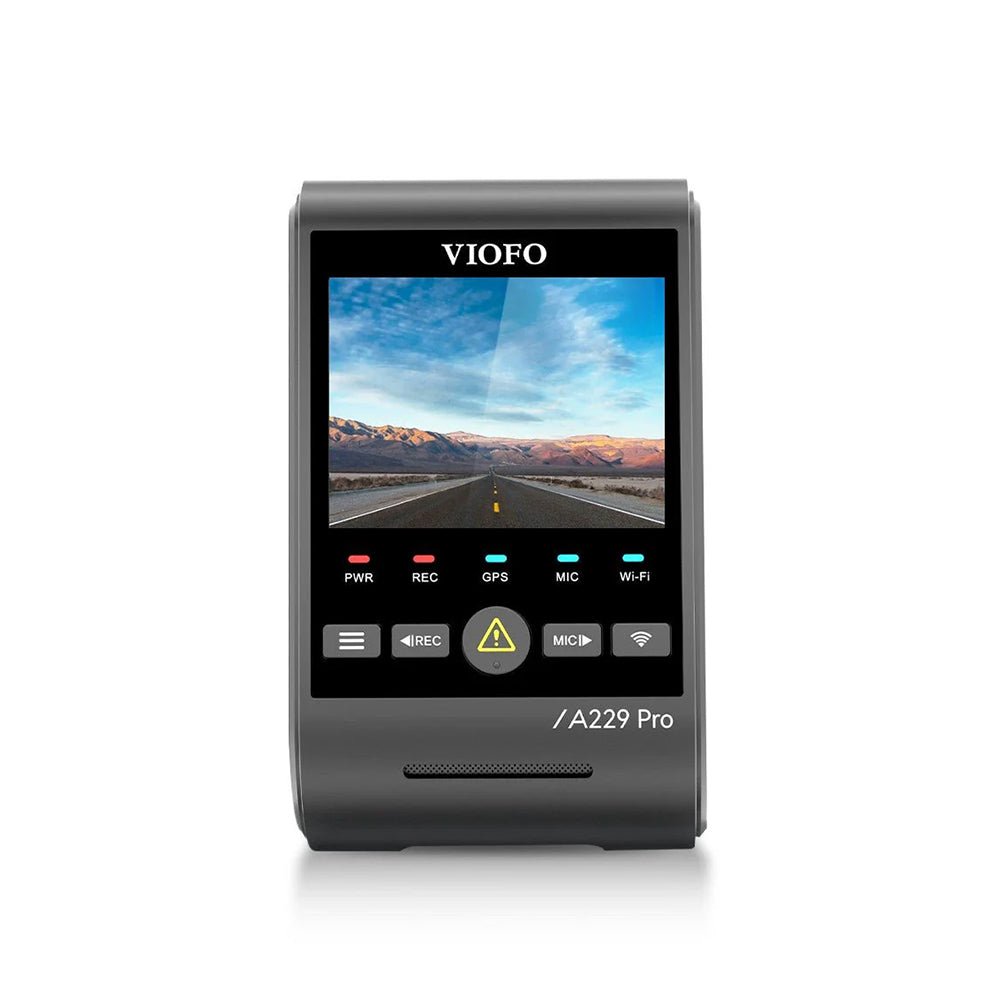
VIOFO A229 Pro 1CH
gearnudge.com
- Best if
- drivers who want a higher-end front camera without rear routing
- Avoid if
- you may later regret not having rear footage
- Evidence
- front-only version keeps the same core limitation: it records only the forward view
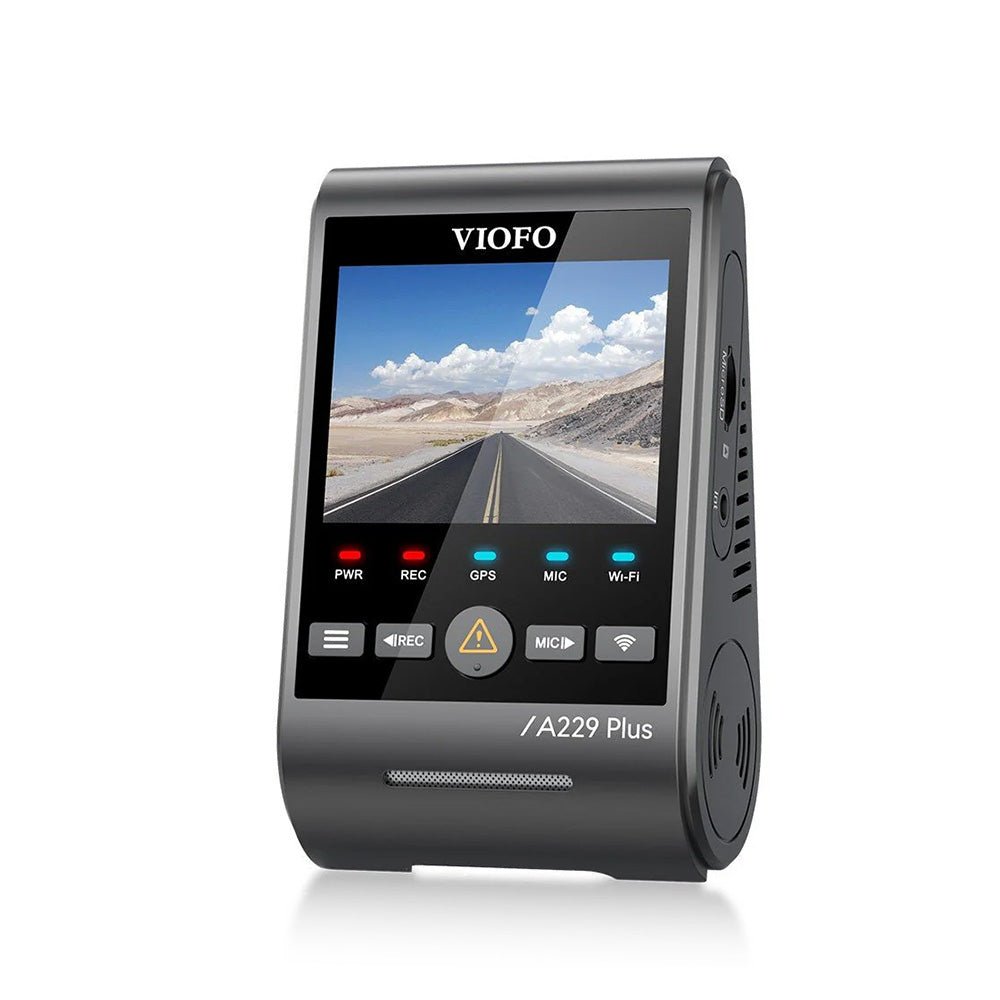
VIOFO A229 Plus 1CH
gearnudge.com
- Best if
- drivers who want a front-only 2K/HDR-style setup
- Avoid if
- parking-lot rear impacts or chain-reaction crashes are a top concern
- Evidence
- verify exact sensor, accessories, and parking-mode requirements before buying
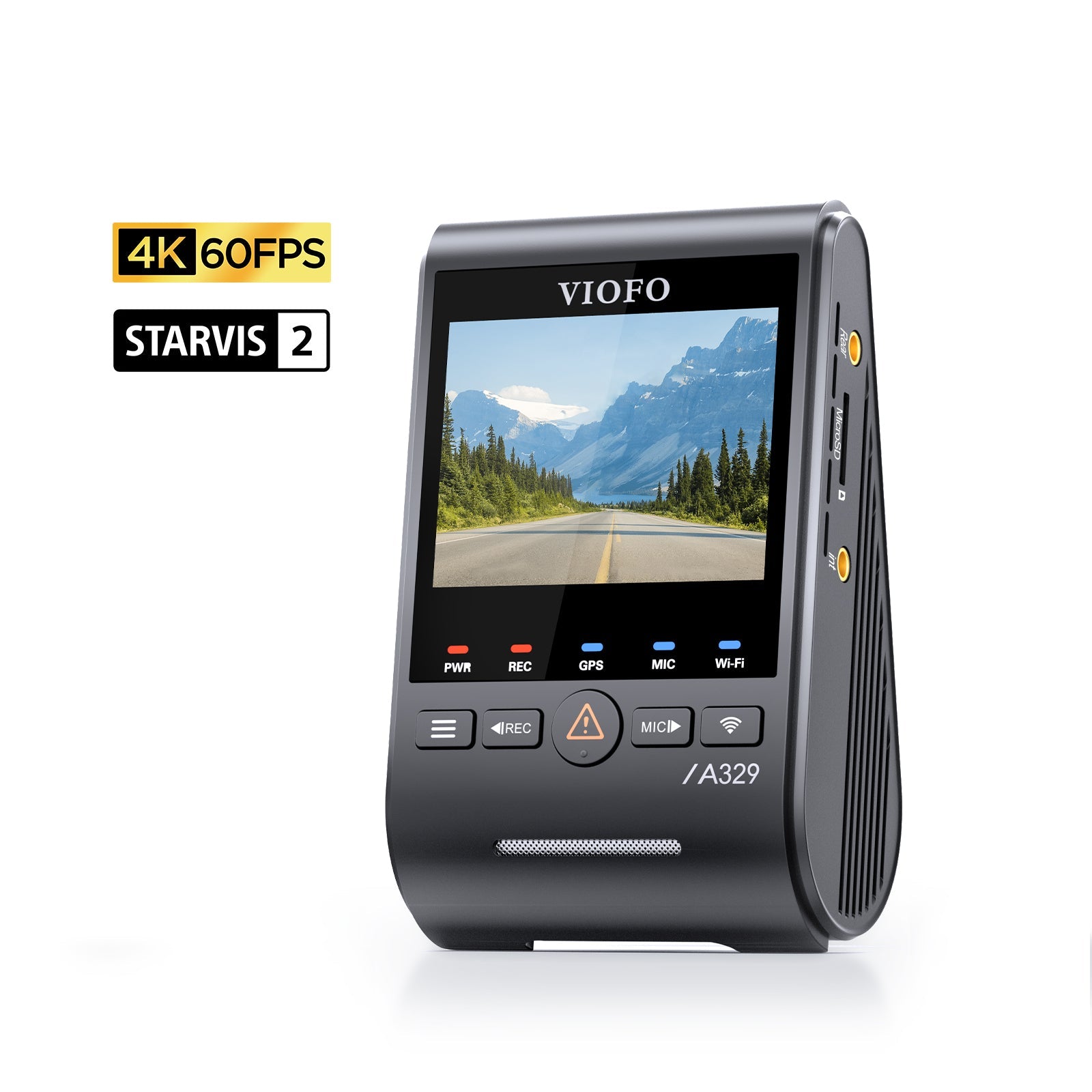
VIOFO A329S 1CH
gearnudge.com
- Best if
- drivers interested in newer front-camera features and storage or parking-related features listed in product data
- Avoid if
- you assume low-power or parking features work without the right power setup
- Evidence
- verify current wiring and feature requirements before relying on parking behavior
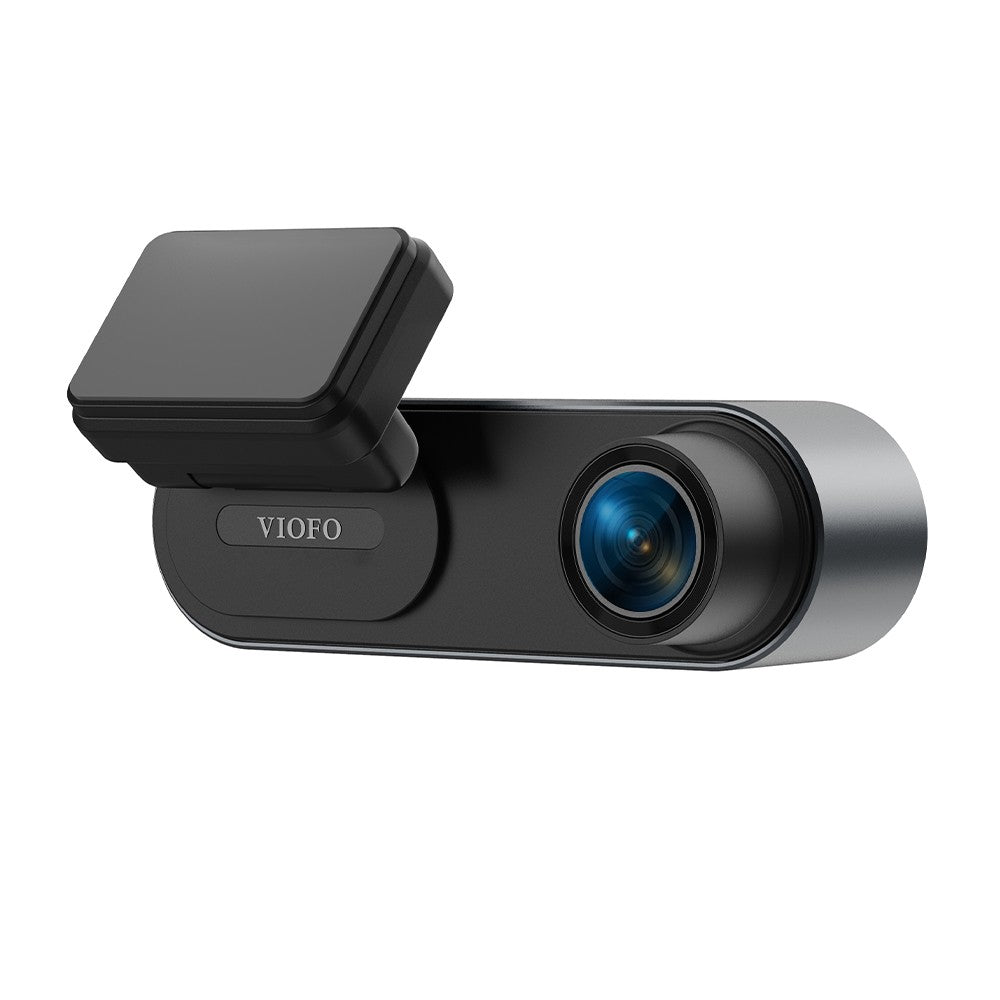
VIOFO WM1
gearnudge.com
- Best if
- drivers who want a smaller, lower-profile front-only camera
- Avoid if
- you need the broadest incident coverage
- Evidence
- compact front-only role is useful, but rear events remain outside its view
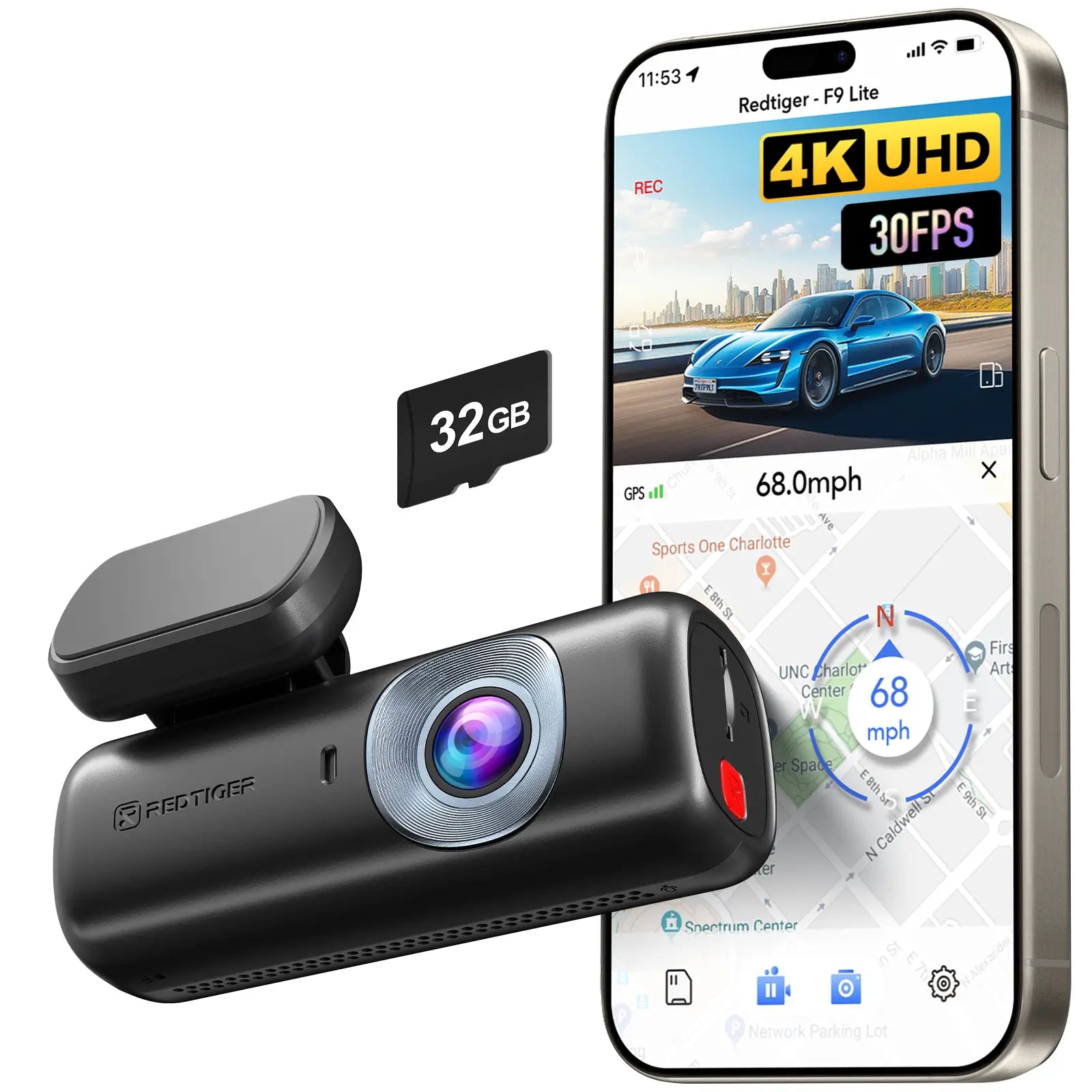
REDTIGER F9 Lite
gearnudge.com
- Best if
- drivers considering a mini front-only camera with advertised Wi-Fi, GPS, ADAS, and night-vision features
- Avoid if
- you are buying mainly for rear evidence or relying on advertised specs without checking samples
- Evidence
- verify current claims, included accessories, and parking setup before buying
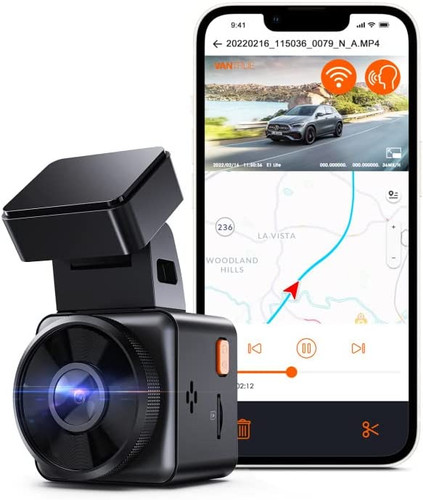
Vantrue E1 Lite
gearnudge.com
- Best if
- drivers who want a basic compact front-only camera
- Avoid if
- you want a plate-readability leader or rear coverage
- Evidence
- 1080p product data means it should be treated as a simple front-recording option, not a guaranteed detail-capture choice
Best fit
Front-only fits drivers who want a lower-cost, lower-effort camera for the road ahead.
It is especially sensible if you park securely, avoid dense highway traffic, and mainly want a record of forward incidents.
Avoid if
Skip front-only if you would be frustrated after a rear-end crash with no rear view.
Also avoid it if your main concerns are tailgating, multi-car collisions, apartment-lot impacts, or rear hit-and-runs.
Setup or fit risk
Most front-only setups are easier to install, but parking mode still needs the right power method.
A front-only camera plugged into a 12V socket may record while driving but stop when the vehicle turns off.
Evidence note
Front-only cameras can provide useful forward evidence. They cannot record events behind the vehicle unless something in front of the car indirectly shows the impact.
Dual-channel options if rear evidence matters
Choose dual-channel if your main goal is broader incident context.
The extra rear camera can help with rear-end crashes, highway behavior, lane-change disputes, and some parking-lot incidents. The tradeoff is more cost, more cable routing, and more power planning.
Dual-channel dash cams for front-and-rear evidence
compare front-and-rear options for drivers who value rear evidence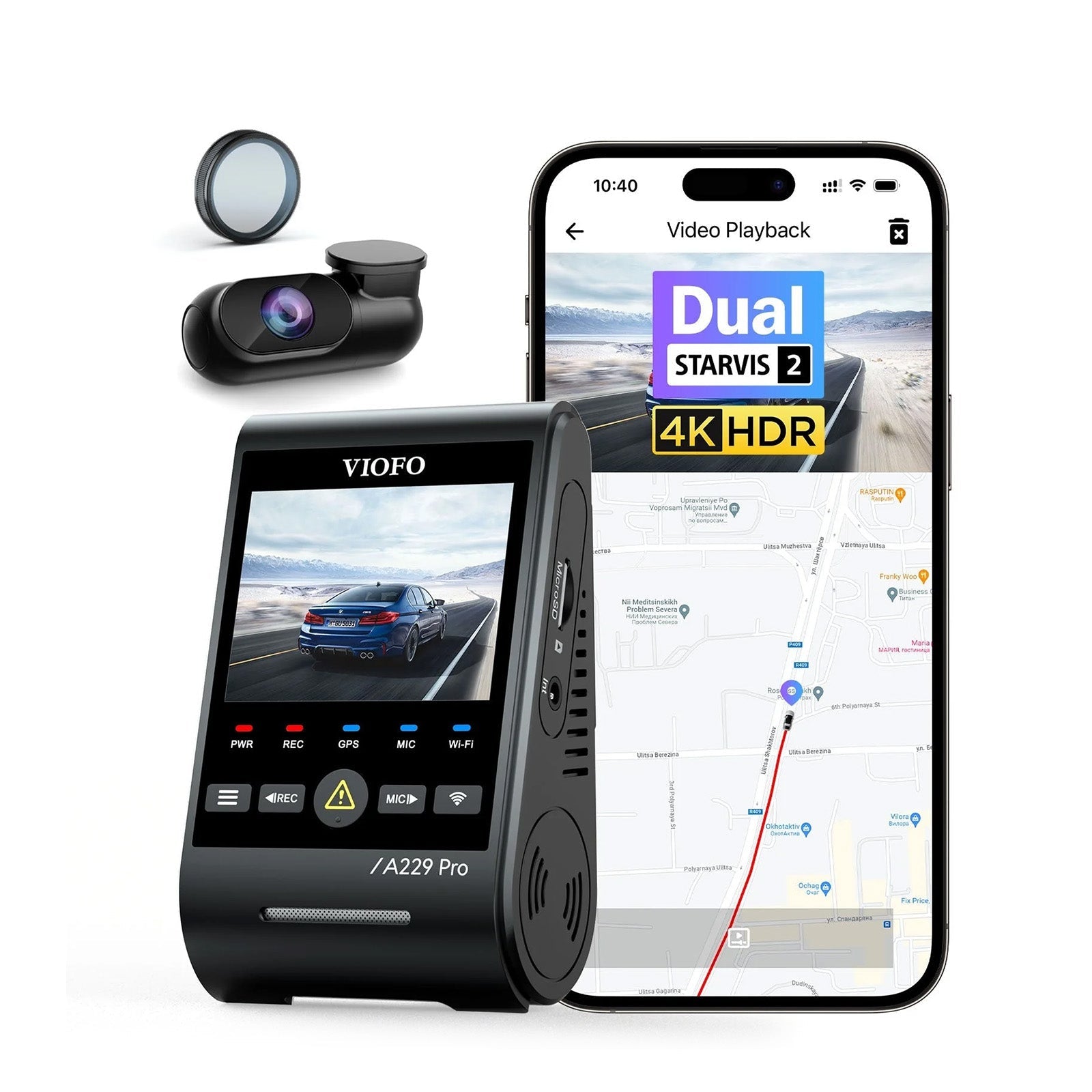
VIOFO A229 Pro 2CH Front and Rear 4K+2K
gearnudge.com
- Best if
- drivers prioritizing stronger front-and-rear coverage
- Avoid if
- you want the simplest possible install
- Evidence
- market notes identify A229 Pro as a strong overall dash cam family; rear routing and power still need planning
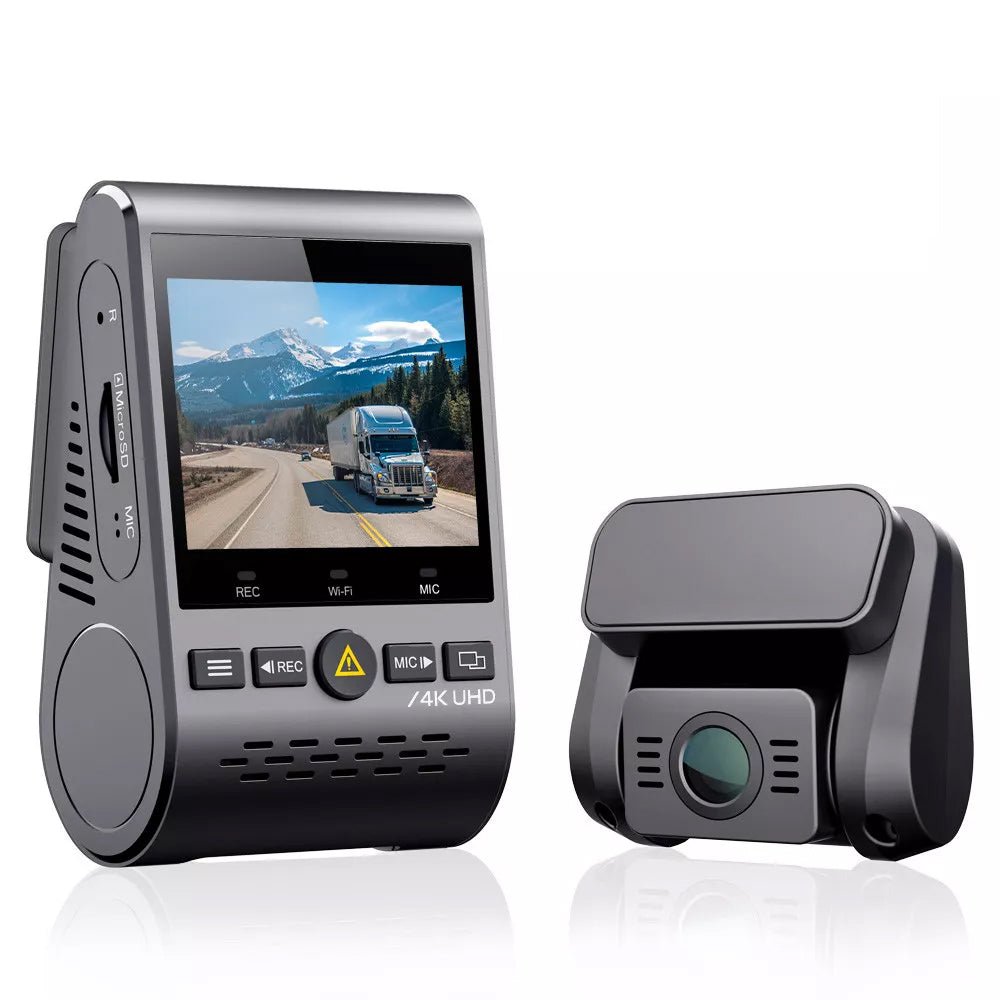
VIOFO A129 Pro Duo Ultra 4K Front + 1080P Rear
gearnudge.com
- Best if
- drivers who want front 4K-class recording with rear context
- Avoid if
- you expect rear 1080p footage to guarantee plate reads
- Evidence
- rear footage adds context, but rear detail should not be oversold
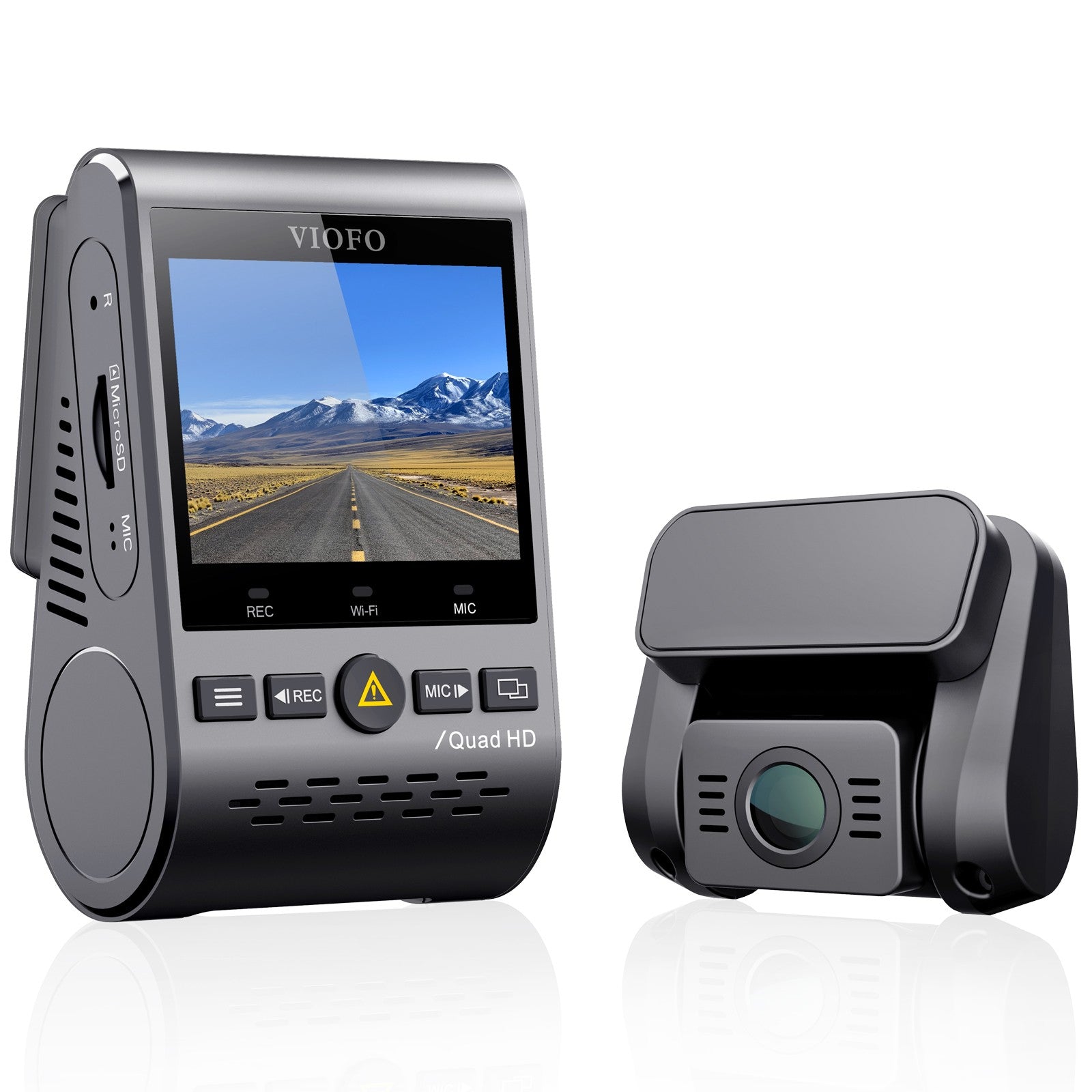
A129 Plus Duo 2K Front + 1080P Rear
gearnudge.com
- Best if
- drivers who want dual-channel coverage at a more moderate setup level
- Avoid if
- you have not verified the exact product version and included parts
- Evidence
- check current naming, rear camera, cable, and accessories before buying
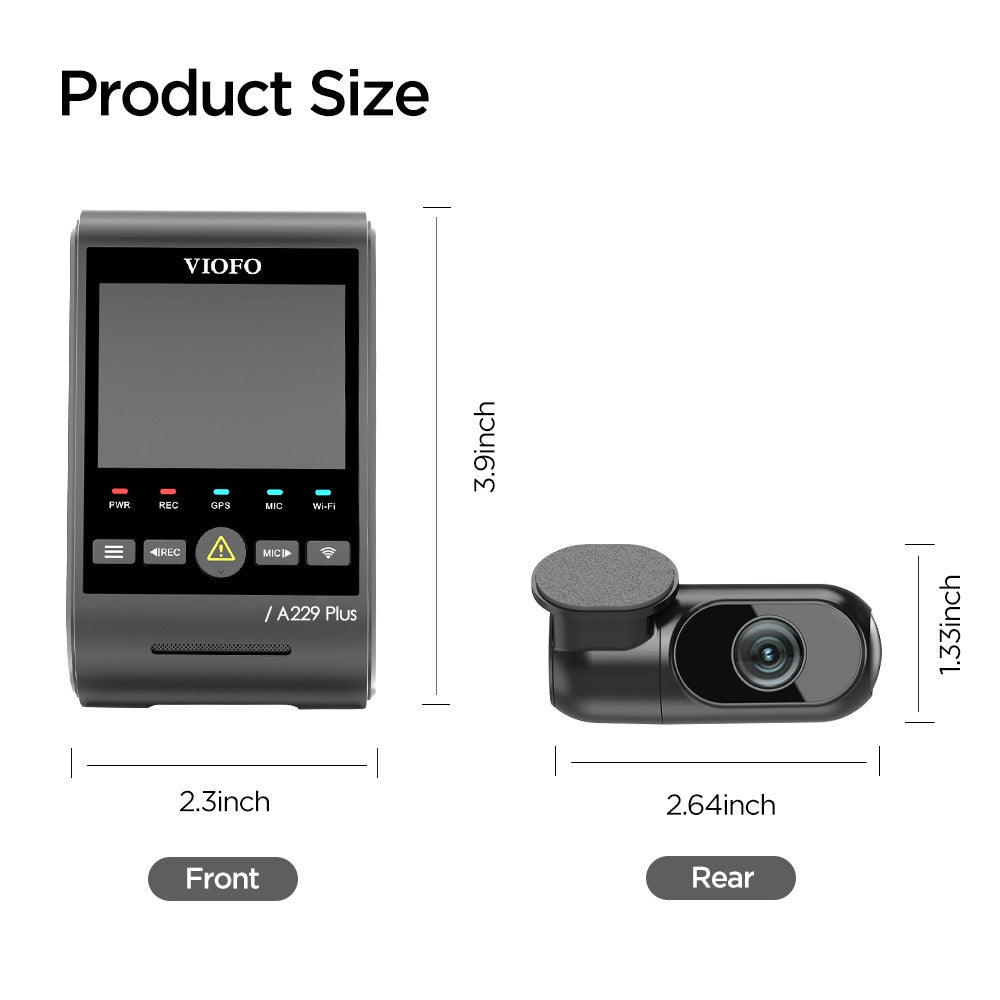
VIOFO A229 Plus 2CH 2K+2K
gearnudge.com
- Best if
- drivers who want balanced front and rear 2K-style coverage
- Avoid if
- you are not willing to route a rear camera cable
- Evidence
- verify rear camera, cable length, and power requirements for your vehicle
Best fit
Dual-channel fits drivers who want the broadest practical evidence for everyday road incidents.
It is a better fit for commuters, highway drivers, dense urban traffic, apartment parking, and anyone worried about rear-end or lane-change disputes.
Avoid if
Avoid dual-channel if you want the lowest-effort install and only care about the road ahead.
Also pause if you are not comfortable routing a rear cable or paying for installation.
Setup or fit risk
Rear cable routing is the main friction point.
Sedans are often simpler than hatchbacks and SUVs. Tailgates can add extra steps because the cable has to move with the hatch while staying protected.
Parking mode also needs constant power. Dual-channel systems can draw more power than front-only systems, which can reduce parking runtime when using an external battery pack.
Evidence note
Rear footage can provide context that front-only cameras miss. It does not guarantee fault decisions, claim outcomes, or plate capture.
What to Verify Before You Buy
Check 1CH vs 2CH naming
Many product names look similar.
A 1CH model is front-only. A 2CH model includes front-and-rear recording. Do not assume you can add a rear camera later unless the exact model supports it.
Check what is in the box
Before buying, confirm whether the package includes:
- Rear camera
- Rear camera cable
- GPS mount or GPS module
- Hardwire kit
- CPL filter
- Memory card
- Adhesive mounts
- Trim tool
- Parking-mode cable
- Correct power adapter
Some dash cams support parking features but require a separate hardwire kit, OBD-II adapter, or battery pack.
Check the parking-mode plan
Parking mode is not magic.
A camera may have a parking-mode menu, but it still needs power after the car is off. A 12V plug is easiest for driving footage, but many 12V sockets shut off with ignition.
Hardwire kits with low-voltage cutoff are common for parking mode. OBD-II adapters can be a middle ground, but some vehicles cut OBD power after shutdown. External battery packs can avoid starter-battery drain, but they add cost and interior clutter.
Check your vehicle’s install limits
Look for:
- Fuse-box access
- Airbag locations
- Rear hatch or trunk cable path
- Rear-window tint
- Defroster lines
- Lease restrictions
- Warranty concerns
- Whether you use the OBD-II port for diagnostics
If a dash cam or accessory does not power on after installation, start with basic accessory not powering on checks before assuming the camera is defective.
Check plate-readability expectations
Do not buy based only on a big resolution number.
Even a good camera can miss a plate if the car is moving fast, angled away, lit by glare, far from the lens, or passing at night. Rear cameras can be especially limited if they use lower resolution or record through dark tint.
Check how you save clips
After an incident:
- Pull over safely.
- Stop the camera from overwriting the file if needed.
- Lock the emergency clip.
- Download or back up the clip.
- Save the front and rear clips if you have dual-channel recording.
If your dash cam is not recording, missing files, or parking mode is unreliable after setup, GearNudge also covers dash cam not recording troubleshooting.
Setup Mistakes That Can Ruin Useful Footage
Using 12V plug-in power for parking coverage
A 12V plug is great for easy driving footage.
It is not always enough for parking mode because many outlets turn off with the car. If the camera loses power when parked, it cannot record a parking hit.
Hardwiring without low-voltage protection
A hardwire kit can enable parking mode and hide cables.
But it should protect the starter battery. Low-voltage cutoff turns the camera off before the battery gets too low. Without protection, parking recording can drain the battery.
Assuming an OBD-II adapter works in every car
OBD-II power can be easier than fuse-box wiring.
But it is not universal. Some vehicles shut down the OBD port after the car is off. Some owners also need the port for diagnostics, insurance dongles, or tuning tools.
Forgetting that dual-channel uses more power
A dual-channel camera records two views. That usually means more power draw than a single front camera.
If you use parking mode with an external battery pack, expect runtime to depend on camera draw, settings, temperature, and battery capacity.
Mounting the camera where it cannot see clearly
Before sticking the mount in place, check the view.
Avoid placing the front camera behind:
- Heavy tint dots
- Stickers
- Wiper-blind areas
- Mirror housings
- Dirty windshield areas
For the rear camera, avoid:
- Heavy rear tint
- Defroster obstructions where possible
- Cargo or headrests blocking the view
- Angled glass positions that point too high or too low
Letting storage fail quietly
Use the memory card type recommended by the camera maker. For daily recording, a high-endurance card is usually the safer choice.
Format the card as instructed. Check recordings occasionally. A dash cam that silently stopped recording is worse than no dash cam because it gives you false confidence.
Common Questions Before You Choose
Common questions
Is a front-only dash cam enough for a commuter?
It can be enough for simple forward-road proof. Dual-channel is stronger if your commute includes stop-and-go traffic, tailgating, rear-end risk, or lane-change disputes.
Is dual-channel worth the extra install work?
Often yes if rear-end, highway, parking-lot, lane-change, or chain-reaction evidence matters. If you only want the simplest low-cost forward camera, front-only may be enough.
Can any dash cam guarantee license plate capture?
No. Resolution helps, but speed, angle, lighting, distance, glare, weather, and sensor quality all affect plate readability.
What matters more: 4K, HDR, rear coverage, or parking power?
Coverage comes first for the incident type. Video quality comes next. Parking power matters if the car is unattended. Storage and clip retrieval matter after every incident.
Can I add a rear camera later?
Do not assume it. Many single-channel purchases are not simple rear-camera upgrades, so choose the channel count before buying.
Does parking mode work with a cigarette-lighter plug?
Often no. Many 12V sockets turn off with the ignition. Parking mode usually needs hardwire power, an OBD-II adapter, or an external battery pack.
Bottom Line: Choose the Camera View for the Incident You Need to Prove
If you want the broadest evidence coverage for real road incidents, start with a dual-channel front-and-rear setup.
That is the safer direction for rear-end crashes, highway driving, lane-change disputes, parking-lot impacts, and chain-reaction scenarios.
If you want a simpler, lower-cost install and mainly need forward-road footage, front-only is still useful. Just be honest about what it cannot see.
Do not buy by resolution alone. Coverage, real video quality, power setup, storage, mounting, and clip retrieval all matter.
For parking concerns, choose the power method before assuming parking mode will protect the car. For rear-end and lane-change concerns, rear footage is the reason to accept the extra cost and cable routing.
VIOFO A119M Pro 4K HDR Mini Dash Camera with Sony STARVIS 2 Sensor, Super Night Vision, Ultra Fast Wi-Fi 6 & Precise GPS
gearnudge.com
- Best for
- recommended option from article product list
- Avoid if
- You need confirmed live price or guaranteed fit from this page.
- Evidence
- Listing and source evidence
VIOFO A119 MINI 2 Voice Control 2K 60fps 5GHz WiFi Dash Camera with Sony STARVIS 2 Image Sensor HDR Super Night Sensibility
gearnudge.com
- Best for
- recommended option from article product list
- Avoid if
- You need confirmed live price or guaranteed fit from this page.
- Evidence
- Listing and source evidence
All Products Covered
Use this as the complete product list for comparison.
Bottom Line
Use the shortlist above to choose the setup that fits your main problem, then verify fit, power, parking mode, and clip retrieval before relying on it for real evidence.
References
Sources used while preparing this guide.
Videos
- Best Dashcams 2025 — The Clear Winner After Testing 13 Models (The Hook Up)youtube.com
- Hit & Run: Rear Dashcam Saves The Day (Vortex Radar)youtube.com
- Best Dash Cams 2026: Buyer's Guide (Vortex Radar)youtube.com
- The Truth About Dash Cams from an Ex-Copyoutube.com
- The Truth About Dash Cams! One Clear Winner! (Project Farm)youtube.com
Official sources
- Miofive S1 Official Product Pagemiofive.com
- Thinkware U3000 Official Landing Pagethinkware.com
- VIOFO A229 Pro 2CH Official Product Pageviofo.com
- redtigercam.com (official product pages)redtigercam.com
- vantrue.com (official product pages)vantrue.com
- viofo.com (official product pages)viofo.com
User reports
- Dashcam Buyer's Guide April 2026 (DashCamTalk)dashcamtalk.com
- Does this level of picture quality seem right? (front + rear cam)dashcamtalk.com
- Hood County Breaking News — why don't people invest in front AND rear dash camsfacebook.com
- ROVE Dash Cam Community — front only to dual debatefacebook.com
- Single camera dash cam or dual camera dash cam?dashcamtalk.com
- Vantrue Community — Parking mode useless / battery drainfacebook.com
- dashcamtalk.com (forum)dashcamtalk.com
- dashcamtalk.com (forum)dashcamtalk.com
- dashcamtalk.com (forum)dashcamtalk.com