Quick answer: do you need a wireless CarPlay adapter?
Plug it into your USB port once and your phone connects from your pocket from then on — the rare ~$70 upgrade you feel every single day. So, do you need one? Yes, but only if your car already has wired CarPlay. The single biggest gate before you spend any money is checking your car’s current setup: you must confirm that your car already supports wired CarPlay through the factory infotainment system or a compatible aftermarket stereo.
Prices in this guide are vendor listings as of 2026-08-06 and can change, so confirm the current price on the seller page before you buy.
An adapter is a converter, not a creator. It takes the connection that currently requires a cable and makes it wireless. If your car lacks a wired CarPlay input, no adapter spec or brand can fix that missing requirement. Even if you use Android Auto, it won’t help you get Apple CarPlay.
If you already have to plug your iPhone in to use CarPlay, then an adapter is definitely worth considering.
Pre-buy compatibility checklist
Before you click buy, run through this list to avoid the headache of a return.
- Check your car’s support: Verify with your vehicle manufacturer that your car supports CarPlay. You can also use Apple’s official list of over 800 models to check your exact vehicle year and model.
- Check the adapter’s age requirements: Many makers specify a minimum vehicle year. For example, Quad Lock requires vehicles manufactured from 2016 with built-in wired Apple CarPlay.
- Make sure your iPhone runs the latest iOS: Apple lists the latest version of iOS as a CarPlay requirement, and wireless adapters inherit that requirement. If your iPhone is behind on updates, update it before you buy.
- Verify your phone: Check the adapter’s specific phone requirements. A model like the CarlinKit 5.0, for instance, requires an iPhone 6 or above running iOS 10 or above.
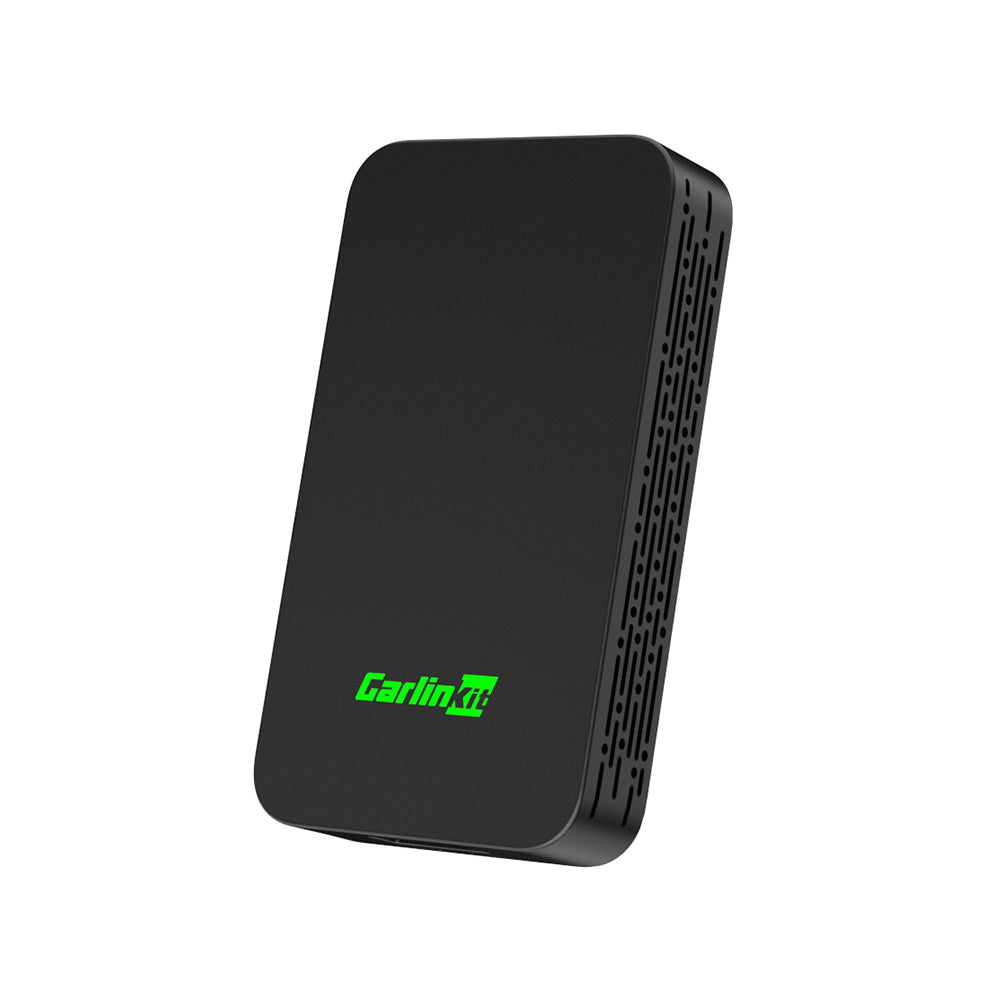
Carlinkit 5.0 (2air): The Wireless CarPlay and Android Auto Adapter
gearnudge.com
- Best for
- Check the Carlinkit 5.0's phone and iOS requirements before buying
- Avoid if
- You need confirmed live price or guaranteed fit from this page.
- Evidence
- Listing and source evidence
- Confirm your region: Make sure your country or region supports CarPlay.
- Check your USB port: Ensure your USB port carries data, not just power. If the adapter lights up but CarPlay never launches, your port might only be for charging.
- Inspect your cables: Use an MFi-certified, data-capable cable. Many people try to use low-quality charging-only cables, which is a top reason why adapters fail to work.
- Test the included cable: Treat the cable that comes in the box as a potential failure point. Shipped cables can be faulty or fail over time. If things aren’t working, try swapping it for a high-quality USB 3.1 power and data cable before you decide to return the device.
Key specs to verify on any adapter
When looking at technical details, don’t get lost in the jargon. Focus on these two things:
Connectivity At a minimum, the adapter must support 5 GHz Wi-Fi in addition to a Bluetooth “handshake.” Bluetooth alone doesn’t have enough bandwidth to keep a CarPlay session stable. You need that 5 GHz Wi-Fi for the heavy lifting.
Heat behavior These small plastic devices can get warm. After about 20 minutes of idling, popular adapters have been measured ranging from 26°C to 47°C. The Carlinkit Ultra and Ultra 3 tend to run on the hotter side.
When checking for heat, don’t just touch the front of the device. Heat is often localized. One test showed a device measured 37°C on the case but reached 44°C at the rear exhaust vents. Always check the vents to see if it is getting too hot.
Return risks: what owners send back and why
Even with a good checklist, some people still end up returning their adapters. Here are the three most common reasons:
- Stability and glitching: This is the number one reason for returns. Some owners have reported that adapters simply glitch during use, making the experience frustrating.
- Compatibility failures: This is a major issue in enthusiast groups. Some users have tried multiple different models on an Android head unit only to have them all fail within two days.
- Call audio latency: This refers to a delay in sound. Some users find that the Wi-Fi audio delay makes phone calls “horrible” because you and the other person end up talking over each other.
Popular brands and price tiers
Prices for mainstream adapters usually run between $40 and $90, though premium options can go much higher.
Carlinkit/Carlink This is the most frequently recommended brand in tester roundups. Most sources suggest Carlinkit, with the CarlinKit Mini Ultra 3 being a top pick for many. You can usually find their models priced between $44 and $64.
Ottocast This is the other heavy hitter in the market.
- The A2 Air Pro is a top pick for Road & Track.
- The Ottoadapter MX is an AutoWeek best overall pick at about $84.
- The U2 Air is a great CarPlay-only option at $39.80.
Other brands If you are looking for different price points, the Teeran sits around $90, while premium options like the Crux ACP-WL can cost up to about $170.
FAQ
How do I confirm my car supports CarPlay?
Check Apple's official list of 800+ models for your exact year and model. If you are still unsure, contact your vehicle manufacturer directly.
Does a wireless adapter work in any car?
No. Your car must already have built-in wired CarPlay. Some adapters also require your car to be a certain age, such as 2016 or newer.
What phone requirements do I need to meet?
You must check the specific adapter's requirements. For example, the CarlinKit 5.0 requires an iPhone 6 or above running iOS 10 or above.
What should I check first before comparing brands?
Start by confirming your region supports CarPlay, verify your vehicle's support with the manufacturer, and ensure your iPhone is running the latest version of iOS.