GearNudge › Car Tech
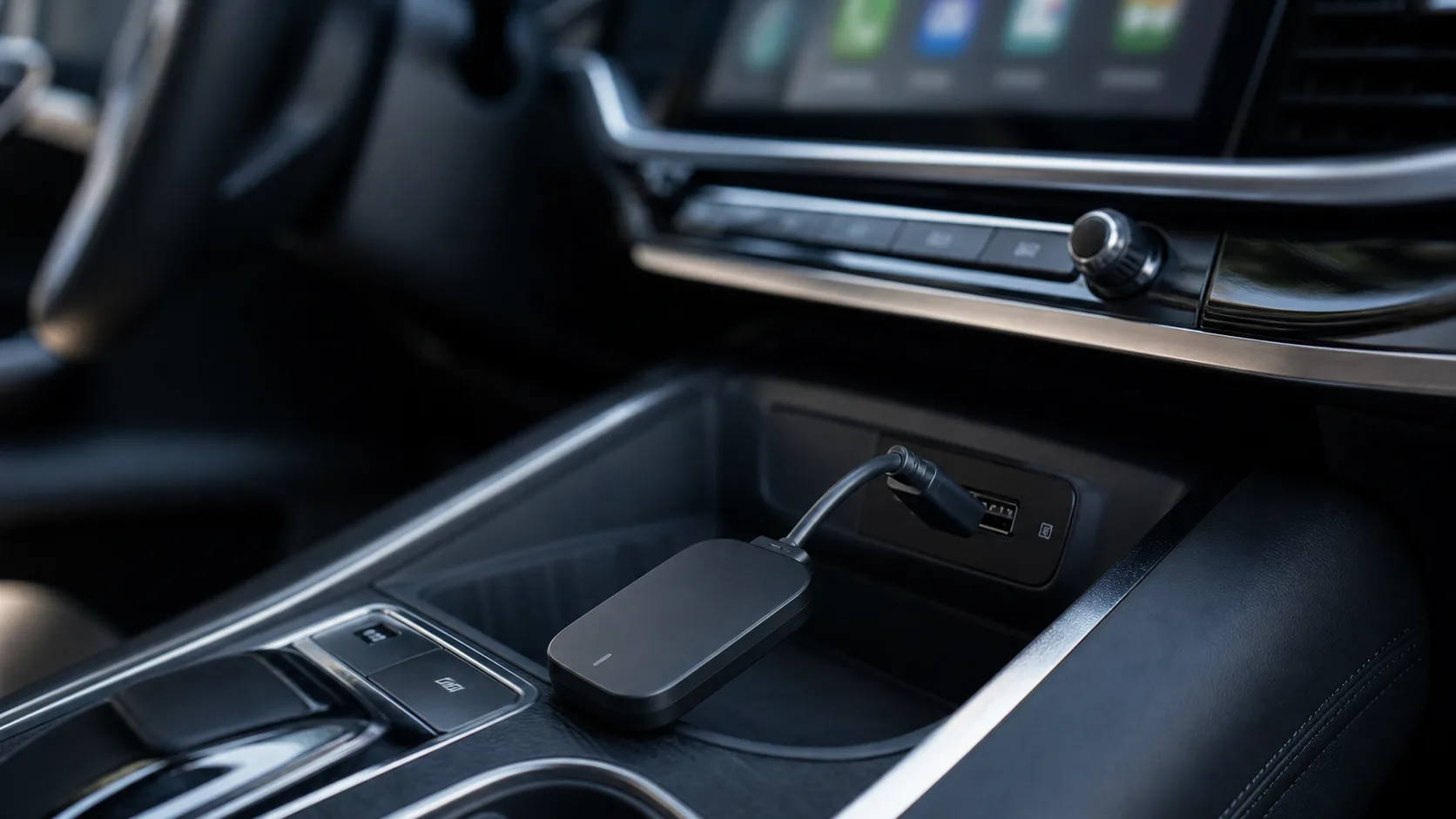
Car Tech
CarPlay, Android Auto, screens, mounts, chargers, cables, and connected car setup help.
Car tech is the gear that connects a phone to the dashboard: wireless CarPlay and Android Auto adapters, portable screens for cars that have no built-in display, phone mounts, USB and 12V chargers, and the cables that tie them together. It is also the section where the most returns happen, because the box rarely tells you whether the product will work in your exact car.
The guides here start from the failure points we see most often. Adapter compatibility depends on head unit firmware and the phone's OS version, not just the make and model. A portable screen needs a mount that clears vents and airbags and a power source that switches off with the ignition. A 12V socket may stay live after the key is out, which quietly drains a battery over a weekend.
Each guide is grouped by the problem it solves: choosing between adapter brands, fixing a connection that drops, wiring power without damage, or picking a screen that fits a specific cabin. Start with the featured guide if you are new to CarPlay adapters, then use the cluster lists below to jump to the setup or fix that matches your car.
Prices and product links point to the seller's page and are checked at the time of writing. Verify the seller's return terms before buying an adapter, because a firmware mismatch is not always obvious until the device is installed.
Start here
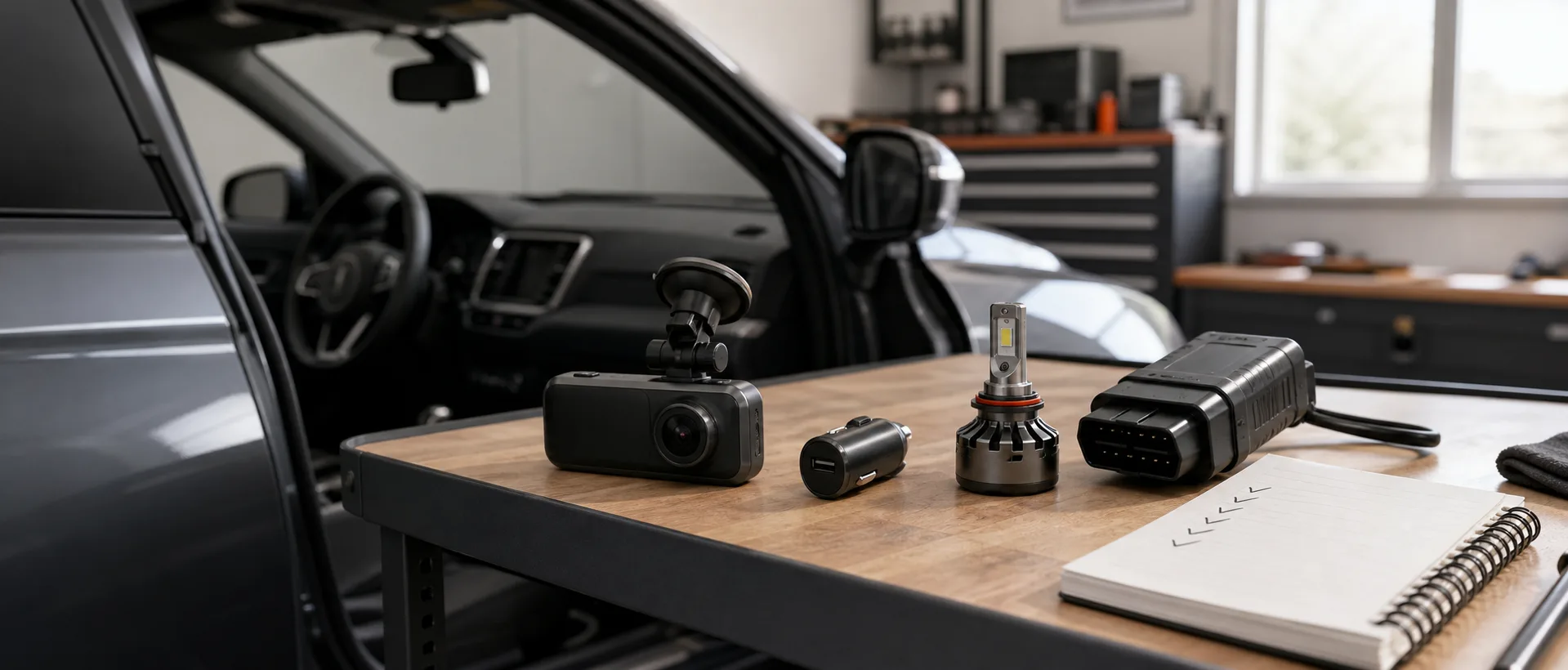
Best add-on CarPlay screens for older cars
Updated 2026-09-26 · Car Tech
Guides
- Best portable CarPlay screen for cars without factory CarPlay2026-09-26
- J1772 vs NACS adapter basics for EV owners2026-09-26
- Carlinkit vs Ottocast vs Autokit: which adapter should you buy?2026-09-25
- Best wireless CarPlay adapters for cars with wired CarPlay2026-08-14
- Cable routing in Tesla and EV cabins2026-08-11
- Car power and USB terms explained2026-08-11
- CarPlay and Android Auto terms explained2026-08-11
- CarPlay and Android Auto upgrade options explained2026-08-11
- EV extension cord and adapter safety basics2026-08-11
- How to check car power ports before adding screens or adapters2026-08-11
- MagSafe car mount checklist before buying2026-08-11
- Tesla to J1772 adapter: what to check before buying2026-08-11
- Why wireless CarPlay adapters lag, freeze, or disconnect2026-08-11
- Wired CarPlay vs no CarPlay: which products can you use?2026-08-11
- 12V socket always on vs switched power: why it matters2026-08-10
- Best screen protectors for Tesla and EV center screens2026-08-10
- EV charging cable organizer checklist2026-08-10
- EV screen and software conflict checklist before adding accessories2026-08-10
- iPhone and Android version checklist for car tech accessories2026-08-10
- Jump starter vs battery maintainer vs charger2026-08-10
- Matte vs clear Tesla screen protector2026-08-10
- Phone mount placement in Tesla and newer EV cabins2026-08-10
- Portable EV charger storage and travel setup2026-08-10
- Rear screen accessories for Tesla passengers2026-08-10
- Road trip charging and cable setup2026-08-10
- USB hub and console hub checklist for Tesla owners2026-08-10
- USB vs 12V vs hardwire power for car tech accessories2026-08-10
- Will a plugged-in car screen drain your battery?2026-08-10
- Wireless CarPlay keeps disconnecting: common causes and fixes2026-08-10
- CarPlay adapter compatibility by car year: what matters most2026-08-09
- Factory screen, aftermarket stereo, or portable screen: what setup do you have?2026-08-09
- How to check car model and stereo compatibility before buying connected car tech2026-08-09
- How to route a rear dash cam cable safely2026-08-09
- Vent mount vs dash mount vs windshield mount for phones2026-08-09
- Where to place a phone mount without blocking screens or controls2026-08-09
- USB-A vs USB-C ports for CarPlay adapters and screens2026-08-08
- 12V USB charger buying guide for connected car setups2026-08-07
- Android Auto not connecting: setup checks that usually fix it2026-08-07
- Best cable routing for phone mounts and add-on screens2026-08-07
- Bluetooth connected but CarPlay not starting: what it usually means2026-08-07
- CarPlay adapter compatibility checklist before buying2026-08-07
- CarPlay audio works but screen does not: what to check2026-08-07
- CarPlay not connecting: basic checks before returning the adapter2026-08-07
- Clean daily driver setup: mount, cable, charger, and screen placement2026-08-07
- Hardwire basics for small cabin tech accessories2026-08-07
- How to reset a wireless CarPlay adapter safely2026-08-07
- Mirror-style CarPlay screen vs dashboard screen2026-08-07
- Phone charging but CarPlay not working: what to check first2026-08-07
- Short vs long cables for CarPlay screens and phone mounts2026-08-07
- USB hub or splitter in car: when it works and when it breaks CarPlay2026-08-07
- USB-C cable checklist for CarPlay and Android Auto reliability2026-08-07
- When to use a separate charger for CarPlay screens and phone mounts2026-08-07
- Why weak USB power causes CarPlay adapter problems2026-08-07
- Why your car USB port charges but does not support CarPlay2026-08-07
- Wireless CarPlay delay and lag: what is normal?2026-08-07
- Add-on CarPlay screen with backup camera: what to check before buying2026-08-06
- Android AI box buying guide for factory CarPlay screens2026-08-06
- Android Auto adapter vs Android AI box: which setup makes sense?2026-08-06
- AUX vs FM vs Bluetooth audio for portable CarPlay screens2026-08-06
- CarPlay adapter with Netflix or YouTube: what works and what does not2026-08-06
- How to route power and audio cables for a portable CarPlay screen2026-08-06
- Portable CarPlay screen vs wireless CarPlay adapter vs stereo replacement2026-08-06
- Wireless CarPlay adapter return risks before buying2026-08-06
- Android AI box problems: lag, heat, boot time, and app issues2026-08-05
- Where to place an add-on CarPlay screen without blocking controls2026-08-05
Method
Car Tech review method
Each section is built around the questions that usually cause wrong purchases.
- 01 Collect sources
Read product pages, manuals, support notes, creator installs, and owner reports where available.
- 02 Match products
Connect article mentions to real product names, sellers, images, and current outbound links.
- 03 Check fit risk
Call out vehicle trim, wiring, firmware, SKU, and install details that can change the answer.
- 04 Mark evidence
Use plain evidence labels instead of stars, scores, or fake live prices.
Evidence level
Medium evidence
Hub pages group related GearNudge guides by reader problem and buying/setup risk.
- product listings
- maker docs
- creator installs
- owner reports