Who this is for
You’re driving home, a car clips your bumper and speeds off — you pull the footage and the camera missed the whole thing. That’s the risk with most budget cams.
This guide points to the few budget models that actually hold up in real testing — so you get usable evidence without spending a fortune.
The silent-recording trap
The real trap with cheap dash cams isn’t grainy video — it’s the “silent failure.” The camera looks like it’s working, lights on, screen showing the road, but it’s barely recording anything.
You might expect to see sixty 1-minute clips for an hour of driving, but find only one or two. Some models even beep to warn you that recording failed, but by the time you pull over to check, the footage is already gone forever.
Other budget cams suffer from different glitches:
- They might freeze at a specific timestamp and then restart from zero, deleting the middle of your trip.
- They might show a live view on the screen while failing to actually write any files to the card.
- They can produce files that are “corrupt,” meaning the computer can’t open them when you need them most.
How to choose a reliable budget cam
Skip the resolution numbers on the box. What matters is whether real people have driven with it and confirmed it records every trip.
No-name brands are a gamble — they’re the ones most likely to skip chunks of your drive, spit out corrupt files, or die after a few months. Stick to models that independent testers have actually run through daily driving.
Night-time plates: the honest limit
Be realistic about night plates: even good budget cams struggle to catch a moving car’s plate in the dark. You might get a parked car at a light, but a speeding car at night? Don’t count on it.
While you might get a clear shot of a stationary car at a stoplight, don’t count on catching a plate from a speeding vehicle in the dark.
However, you can improve your chances by looking for these specific features:
- HDR (High Dynamic Range): This helps balance bright lights and dark shadows.
- CPL (Circular Polarizing Lens): This helps reduce glare from windshields.
- Updated Firmware: Manufacturers often release software updates that improve how the camera handles light and plates.
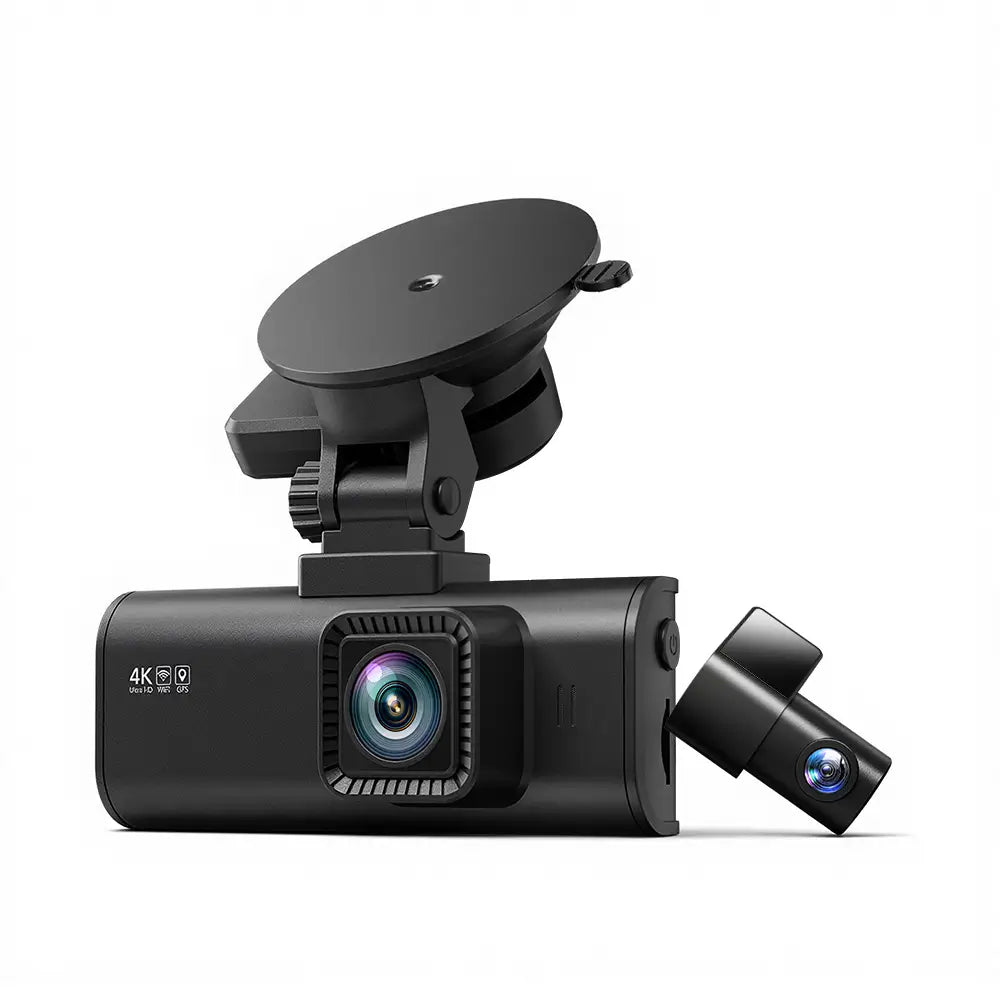
REDTIGER F7NP Dash Cam Front and Rear, 4K Full HD Car Camera with STARVIS 2, 3.18” IPS Screen, Free 128GB Card, 5.8GHz Wi-Fi, GPS, Night Vision, Loop Recording, Parking Mode
gearnudge.com
- Best for
- Offers 4K resolution and a Sony STARVIS sensor for better clarity.
- Avoid if
- You need confirmed live price or guaranteed fit from this page.
- Evidence
- Listing and source evidence
Compatibility and SD card checks
Your evidence is only as good as your SD card. If you use a slow card, your camera will likely experience silent dropouts or create unreadable files.
Most manufacturers require a “U3” (or UHS-3) rated card. If you put a standard, slow card into a high-resolution camera, it won’t be able to keep up with the data, and you will lose your footage.
To keep your camera running, follow these two habits:
- Reformat regularly: Manufacturers don’t always agree on how often to do this. Some suggest every 2–3 weeks, while others say every 6 months. Pick a schedule and stick to it.
- Watch your storage limits: Remember that “loop recording” means the camera overwrites old files. For example, a 32GB U3 card holds roughly four hours of footage before it starts deleting the oldest parts to make room for the new.
Setup and mounting checks
How you install the camera matters just as much as the camera itself. To get the best framing, mount the device dead-center behind your rearview mirror. Place it as high as possible in the windshield tint strip on glass that has been freshly cleaned.
If you want “parking mode” to catch someone hitting your car while you are away, you cannot just plug the camera into the cigarette lighter. Most cigarette lighter sockets turn off when you turn off the engine. You will need a hardwire kit to keep the camera powered while the car is off.
Finally, always update the camera’s firmware before your first real drive. Early software versions on budget models often have bugs that affect how they focus at night or how they render license plates.
Avoid-if guidance and FAQ
Avoid a budget dash cam if:
- You only want to use the cigarette lighter but require parking mode.
- You expect to read license plates of moving cars in the middle of the night.
- You are not willing to check your footage periodically to ensure the card is still working.
Quick FAQ:
- How much storage do I get? A 32GB card gives you about four hours of footage before the oldest files are overwritten.
- Can budget cams actually read plates? Yes, some budget-friendly cams can read plates from 2–3 cars ahead during the day.
- Does the brand matter? Yes. Stick to brands that have been hands-on tested to avoid “silent” recording failures.