Who this is for
This guide is for anyone who wants to record what happens behind their vehicle — not just what’s in front. A front-and-rear dash cam captures the license plate of a hit-and-run driver who rear-ends you and records the full story of an incident, not just half of it. We’ll help you choose a setup that covers the angles that matter and fits your budget, and show you what to expect from the rear camera once installed.
A front-only camera is great for seeing traffic, but it leaves a massive blind spot. It cannot capture the license plate of a hit-and-run driver who rear-ended you. Adding a second rear-facing camera records what happens behind you and captures all the detail the front camera would miss.
A front-and-rear setup is for anyone who wants to record what happens behind the vehicle. This extra coverage captures the details the front camera misses, providing a complete picture of an incident.
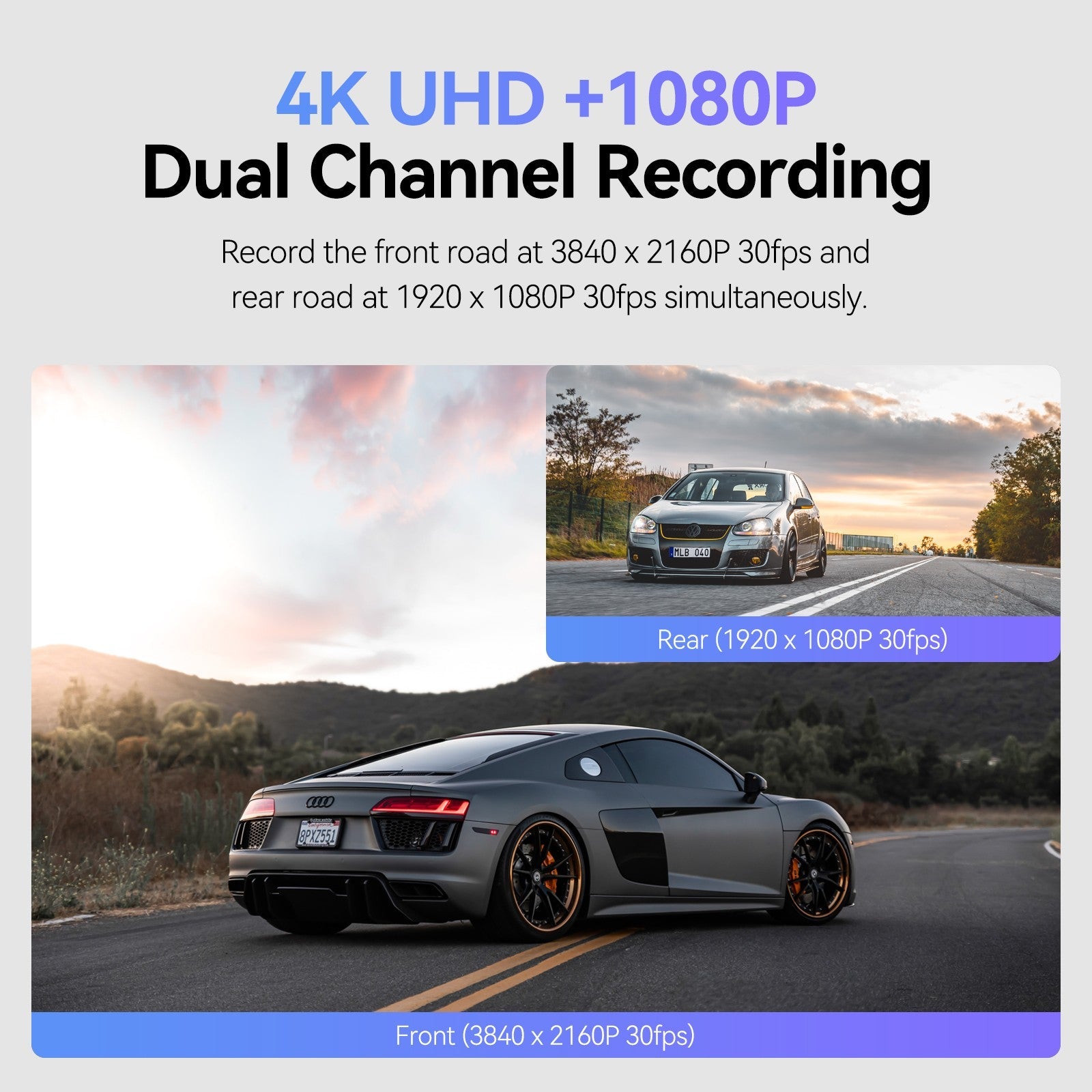
One expectation worth setting before you buy: rear cameras are almost always lower-resolution than the front. Even good dual-cam kits typically pair a 4K front camera with a 1080p rear camera, and owners report the rear footage looks grainier than the front at night. If you can live with that tradeoff, a front-and-rear camera is worth the upgrade.
How to choose: what specs actually matter
Don’t just trust the big numbers on the box. Marketing claims can be misleading, so look at the actual performance and build quality.
- Watch for resolution compromises: Most dual-camera kits do not record in 4K on both ends. It is very common for the rear camera to have a lower resolution, like 1080p, while the front stays at 4K.
- Pick a supercapacitor over a battery: Many cheap cameras use internal lithium batteries. These eventually die and cannot be replaced. A supercapacitor is a different way to hold power that lasts much longer and handles heat better.
- Verify the “Field of View” (FoV): This is the width of the area the camera can see. Independent reviews show that manufacturers claim a much wider view than the camera actually provides.
- Double-check “4K” claims: Some budget models advertise as 4K but actually record in 1440p. Always look for independent reviews to confirm the real resolution.
Premium dual-channel picks
If you want the best chance of reading a license plate at highway speeds, these premium kits are worth the investment.
VIOFO A129 Pro Duo Ultra 4K Front + Full HD 1080P Rear Dual Channel Wi-Fi GPS Dash Camera
gearnudge.com
- Best for
- A reliable choice for true 4K front recording.
- Avoid if
- You need confirmed live price or guaranteed fit from this page.
- Evidence
- Listing and source evidence
The VIOFO A229 Pro is a powerhouse. In hands-on testing, its 4K front footage allowed reviewers to read license plates two cars ahead during the day. It also features a modular design, meaning you can start with a two-channel setup and add more cameras later.
The VIOFO A129 Pro Duo Ultra is another heavy hitter. It records true 4K on the front and 1080p on the rear using Sony sensors. It includes GPS and dual-band Wi-Fi, but keep in mind you will need to buy your own SD card.
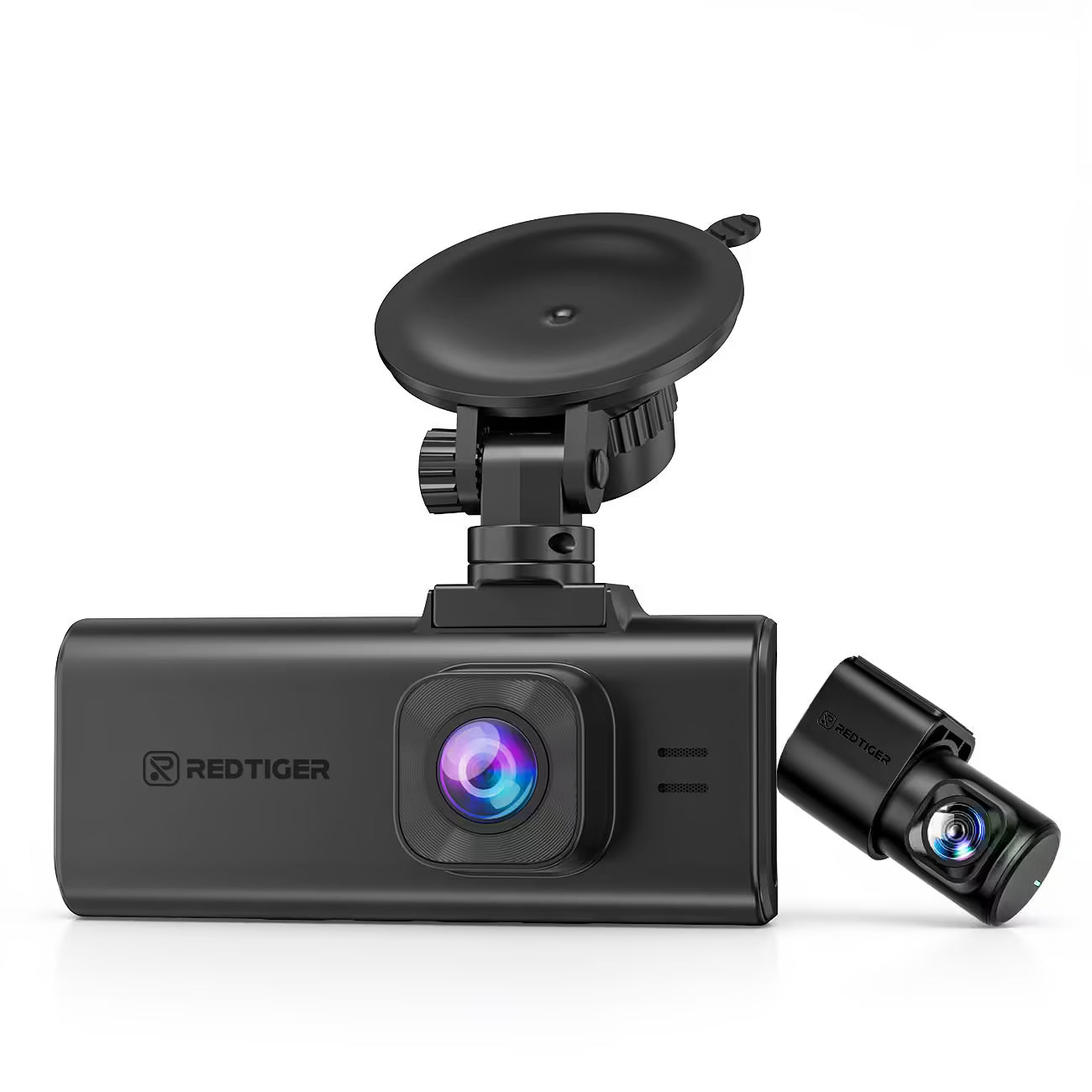
REDTIGER F7NA 4K Dual Dash Cam, STARVIS 2 IMX678, 8MP, 5GHz WiFi (20MB/s Fast Download), 4K Front 1080P Rear, GPS, Voice Control, WDR, HDR Night Vision, 24H Parking Mode, Support 512GB Max(No SD Card)
gearnudge.com
- Best for
- High-end 4K dual-dash cam with Starvis 2 technology.
- Avoid if
- You need confirmed live price or guaranteed fit from this page.
- Evidence
- Listing and source evidence
The 70mai 4K A810 is a great option for those who want high-end features like crisp HDR video across both the front and rear cameras without a massive price tag.
Budget and multi-channel options
Prices in this guide are vendor listings as of 2026-08-09 and can change, so confirm the current price on the seller page before you buy.
You don’t have to spend a fortune to get protected. The options below range from $74.99 up to $211.99, so you can choose between simple dual cameras or full 360-degree coverage based on your needs.
- The Budget Value Pick: The REDTIGER F7NP is an affordable 2-channel option. For around $129.99 (with a 128GB card), you get 4K front video, 1080p rear video, and a supercapacitor.
- The 3-Channel Choice: The AZDOME M550 Max offers a front, cabin, and rear view. It features a 4K front and 2.5K rear, and it’s often available on sale for around $160.99.
- The Entry-Level 3-Channel: If you need to record the inside of the car too, the REDTIGER A3 provides 2.5K front and dual 1080p (front/rear/interior) coverage for about $74.99 when bundled with a hardwire kit.
- The 4-Channel Total Coverage: For complete protection, the AZDOME M350 covers the front, back, and both sides of your vehicle. It uses 1080p for the side and rear channels and is priced around $211.99.
- The Stealth Option: The AZDOME M17 Pro is a 2-channel kit with a 3K front and 1080p rear. It also features WiFi 6 and ADAS (Advanced Driver Assistance Systems) for $139.99.
Compatibility checks before you buy
Before you click “buy,” make sure the hardware will actually work with your car.
First, check your fuse box. If you want “parking mode” (recording while the car is off), you’ll need a hardwire kit. You must match the kit’s fuse tap to your vehicle’s specific fuse type. MINI is the most common, but others like ATC or MICRO2 exist.
Second, look at the rear camera details. You need to know three things:
- The connector brand: Brands like Thinkware, BlackVue, and Viofo use different plugs.
- The cable length: Make sure the cable is long enough (6m, 9m, or 12m) to reach from your dashboard to your rear window.
- The signal type: Ensure it is compatible with your setup (analog vs. digital).
Note: Most aftermarket backup cameras won’t work with dash cams. They use different video standards, so don’t assume they are interchangeable.
Setup and reliability notes
Dash cams are “set it and forget it” devices, but they can fail without you knowing.
- Watch for silent failures: A camera might stop writing to the SD card, but it won’t always tell you. Check your footage regularly to ensure it is actually recording.
- Protect the cables: The wire running to your rear camera is a common weak point. A single kink or an exposed wire can cause the rear video to cut out.
- Mind the heat: In the summer, the adhesive on rear-camera mounts can melt, causing the camera to fall off the glass. Plan to use a high-quality mount or an alternative mounting solution.
- Protect your car battery: When using parking mode, always use a 3-wire hardwire kit. These kits have a low-voltage cutoff that shuts the camera off if your car battery drops below ~11.8V, so you don’t end up with a dead car in the morning.
Red flags and who should skip it
Avoid these common traps to save money and frustration.
If a brand is making massive claims about 4K quality, be skeptical. As mentioned before, some “4K” cams are actually 1440p. Also, avoid any dash cam that uses an internal battery instead of a supercapacitor. Batteries degrade in car heat and will eventually fail.
You should also know that rear cameras are almost always grainier than front cameras, especially at night. If you are expecting crystal-clear 4K video from the rear, you might be disappointed.
Finally, if you truly only care about what is happening in front of you, stick to a front-only camera. It is simpler, cheaper, and easier to install.
FAQ
How good is the rear camera quality?
Rear cameras are almost always lower resolution than the front. Even on premium "4K" kits, the rear is commonly 1080p. It is also normal for the rear footage to look grainier at night compared to the front.
Do I need a special SD card?
Yes. You should use a Class 10 U3 microSD card. Sizes between 32GB and 256GB are generally recommended.
How do I get 24-hour parking mode?
You will need a separate hardwire kit to connect the camera to your car's power. Most cameras do not include this in the standard box.