Why dash cam date and time keep resetting
You park, shut off the engine, and come back to find every clip stamped 2015 — or a date that jumps forward a few hours every time you drive. The clock didn’t just drift; it reset because the camera lost its backup timekeeper.
Most dash cams use a tiny, soldered clock battery (often called an RTC or Real-Time Clock cell) to keep track of time when the car is off. These small batteries usually last about five to six years. Once they die, the camera loses its “memory” of what time it is and defaults to a stale date, like 2015 or 2018.
It is also important to understand what the internal power component actually does. Whether your cam has a small Lithium Polymer (LiPo) battery or a supercapacitor, that part isn’t meant to run the camera for a long time. Its main job is to provide just enough juice to finish saving your last video file and shut down safely when you turn off the engine.
If your camera has no internal battery at all, it relies entirely on your car’s power. As soon as that power is cut, the clock can reset because there is nothing left to hold the “state” of the device.
GPS changes the equation. A GPS-equipped cam pulls the correct time from satellites every time it gets a lock, so even a dead clock battery doesn’t leave you stuck in 2018 — the date fixes itself once you start driving.
Who this is for
This guide is for drivers whose cameras still record video but stamp every file with the wrong date or year. By the end, you’ll know exactly why it happens, which quick checks might fix it without buying anything, and which replacement cameras prevent the problem for good. If your camera is stuck on a specific year from the past, you are likely dealing with a hardware issue.
However, before you go out and buy a new camera, check a few things:
- Timezone settings: If the time is just off by a few hours, you might just need to adjust your timezone in the app.
- Sync settings: If your camera has GPS, try turning off “sync time with phone” to see if the GPS can handle it.
- Charging: Don’t assume that charging the camera overnight will fix a dead clock cell. For many owners, this doesn’t work at all once the internal battery has aged out.
What to buy: GPS + supercapacitor vs. battery-based cams
When you shop for a replacement, you will see two main types of power designs. Choosing the right one can prevent this headache from ever happening again.
Supercapacitor + GPS models These are generally the most reliable for keeping time. A supercapacitor doesn’t act like a traditional battery that “ages out” in the same way, and the built-in GPS acts as a constant time reference. Even if the internal power fails, the GPS will grab the correct time from satellites as soon as you start driving.
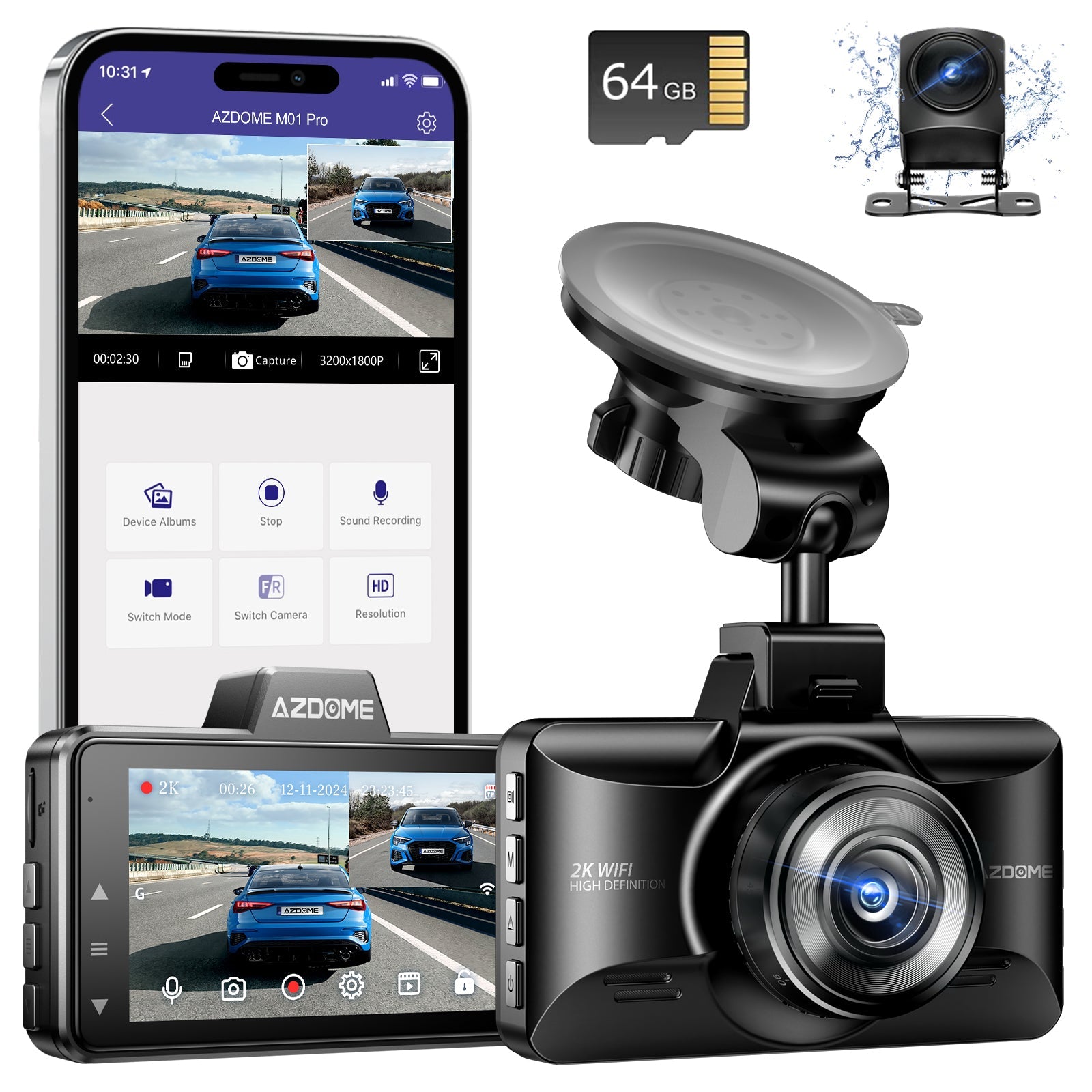
AZDOME M01 Pro 3K WiFi Dual Dash Cam | Front & Rear 3" IPS Screen | ADAS & GPS
gearnudge.com
- Best for
- A GPS-capable option to help maintain accurate time.
- Avoid if
- You need confirmed live price or guaranteed fit from this page.
- Evidence
- Listing and source evidence
Battery-based models Some cameras, like the Nextbase 622GW, use an internal battery to provide a few minutes of recording if power is lost. While useful for recording during a power cut, these batteries can eventually wear out, leading to the same date-resetting issues you are seeing now.
How to choose (buying checklist)
Before you click buy, make sure the new camera has these five features to ensure your footage is always properly dated:
- Built-in GPS time sync: This allows the clock to self-correct using satellite signals.
- Supercapacitor backup: Look for this instead of an internal LiPo battery to avoid parts that age out and reset your settings.
- Automatic date setting: A good camera should let you pick a timezone and then handle the date automatically via GPS.
- App-based sync: Many modern cameras let you sync the time via a smartphone app as an extra backup.
- Constant power options: Check if the camera supports hardwiring for a more stable power supply.
Setup and compatibility checks before you buy
Once you have your new camera, the setup matters just as much as the hardware.
If you are buying a camera that requires constant power, plan to hardwire it to your car’s fuse box. You shouldn’t rely on an internal battery to hold the time. On some GPS models, the GPS module is actually in a separate mount. If you find your settings aren’t saving, try unplugging the camera from the mount to see if the mount’s memory is overriding your settings.
If your current camera is acting up, you can try these troubleshooting steps:
- Check your timezone settings.
- Update the camera’s firmware.
- Perform a factory reset.
- Reset the GPS module specifically.
Fix it if you can — and know the limits
If you are handy, there are ways to try to fix your current camera, but it isn’t always easy.
Some owners have successfully fixed the “wrong date” issue by replacing the failed internal LiPo battery. For example, replacing a 3.7V 500mAh cell can sometimes restore the ability to save the date and time. On certain models like 70mai, a “time reset” warning is a clear sign that the internal battery can no longer accept a charge.
However, be aware that many clock cells are soldered directly to the circuit board and are not meant to be user-serviceable. Most manufacturers suggest that these parts have a fixed lifespan, and once they fail, the camera may require a professional repair or a firmware reflash.
Verification note
This guide is based on manufacturer support pages, owner reports, and published reviews. While the connection between dead backup power and resetting clocks is well-documented, the success of DIY battery replacements can vary depending on your specific camera model.
FAQ
Does GPS time sync fix a reset clock?
Yes. A GPS-equipped camera gets its time from satellites. Even if the internal clock battery is dead, the GPS will force the camera to the correct date as soon as it gets a signal.
How do I fix timezone problems?
Don't try to manually change the date. Most GPS cameras set the date automatically in UTC (Universal Coordinated Time). You only need to select your specific timezone in the camera settings or the app.
Is backup power for long-term recording?
No. The battery or supercapacitor in a dash cam is designed to help the camera shut down cleanly and save your current file. It is not meant to keep the clock running for days or to record for long periods after the car is turned off.