Quick diagnosis: why your dash cam is turning off mid-drive
You’re halfway to work when the dash cam goes dark — no warning, no error, just silence where your recording should be. Most mid-drive shutdowns fall into six categories, and you can tell which one you have by when and how it stops. If you don’t find the cause, you’ll have no footage when you need it most — after a crash, a close call, or a parking-lot ding.
- Heat protection: If the camera dies only on hot daytime drives but works fine at night or in parking mode, it is likely protecting itself from heat.
- Power interruption: Because most dash cams have no internal battery and need constant power from your car, a loose plug or a bad hardwire connection will kill the device instantly.
- Low-voltage cutoff: If your car’s battery voltage drops too low, the camera might shut down to prevent draining your car battery.
- Corrupted card: A bad or incompatible SD card can cause the camera to restart constantly, which looks exactly like it is turning off.
- Silent parking mode: Sometimes the camera isn’t off; it has just switched modes because of a wiring quirk.
- Defective unit: If none of the above apply, you might have a genuine hardware fault.
If you hear a voice saying, “System Error, the device will now restart,” that is a software fault, not a power problem.
Who should use this buying guide
This guide helps you decide if you need a quick fix or a whole new camera. By the end, you’ll know exactly which fix matches your symptoms so you can stop guessing and get back to recording every drive.
- Hot-climate drivers: If you live somewhere sunny, you might experience thermal shutdowns. Some owners of the 70mai A800 have reported the sides of the unit getting hot enough to make it difficult to touch before it shuts off.
- Stop-start vehicle owners: If your camera restarts every time you hit a red light, your car’s battery voltage might be dipping below 12V when the engine stops.
- Hardwired installers: If you have a camera wired into your ignition and it dies the moment you turn the key, you might be dealing with a voltage dip or a dead internal battery that can’t bridge the gap.
Power and wiring checks to run first
Most mid-drive shutdowns are solved by fixing the power source. Run these checks before spending money on a new camera.
- Check your amperage: Ensure your power supply provides at least 2A of current. Underpowered adapters or weak 12V sockets are common culprits.
- Avoid USB-C ports: Do not power your camera directly from a vehicle’s built-in USB-C port. These can provide unstable power, which leads to power cycling or corrupted recordings.
- Inspect hardwire connections: If you are hardwired, make sure the fuse tap is fully seated, the fuse isn’t blown, and the ground wire is attached to clean, bare metal. If it still acts up, try a different fuse slot.
- Reset the voltage cutoff: If your camera has a low-voltage cut-off setting, reset it to the 12V default. A setting that is too high can shut the camera off while you are driving.
- Test your car battery: If your car battery is weak, the camera’s battery-protection feature might power down after about five minutes of low voltage.
Heat is the most common shutdown trigger
Thermal protection is a safety feature built into many dash cams. When the unit gets too hot, it will turn itself off to prevent permanent damage — Thinkware units even announce “Shutting down due to Thermal Protection” before powering down.
You can tell a heat shutdown is happening if the timing follows a pattern: it usually happens after sustained driving in warm weather, leaves night recording intact, and might even announce “Shutting down due to Thermal Protection.” A low-voltage cutoff, by contrast, often shows up when the car’s electrical system dips — such as during stop/start engine restarts or when the battery is weak.
Some models have specific reputations regarding heat:
- BlackVue DR750LW-2CH: Owners have reported daytime-only shutdowns while night and parking modes work perfectly.
- Thinkware: These units will actually tell you they are shutting down due to thermal protection and will resume once they cool down.
- Nextbase 622GW: This model has a known automatic shutoff feature to protect against overheating.
- Mini 0805: Some users have reported these units dying after a few months of use due to heat issues.
To avoid this, look for cameras that use a capacitor instead of an internal battery. Capacitors are much better at tolerating extreme temperatures.
It may not actually be turning off
Sometimes your camera isn’t dying; it is just behaving in a way that looks like a shutdown.
A corrupt microSD card is a major cause of this. If the card is failing, the camera might try to restart repeatedly as it struggles to find space to save files. This constant rebooting looks like the power is cutting out.
Another possibility is a wiring issue with your accessory (ACC) wire. If that wire loses and regains power while you are driving, the camera might silently switch into parking mode. It isn’t broken; it just thinks you have parked the car.
Finally, listen for error messages. If the camera says, “System Error, the device will now restart,” it is a software issue, not a loss of power.
When not to buy: defect patterns and refund path
Recognize these patterns so you don’t waste money on a replacement that will fail the same way.
- The “Fixed Time” Failure: If a camera (like the Mini 0805) consistently shuts off after exactly 12 minutes of driving regardless of what power source you use, it has an internal fault. Replacing it with the same model likely won’t help.
- The “Random Shutdown” Loop: If a device shuts itself off randomly multiple times a day even after you have tried different power supplies, it is likely a defective unit.
- The Ignition Failure: If a hardwired front camera dies the moment you turn the ignition on, but the rear camera keeps working, you likely have a dead internal battery in the front unit.
What to choose if you must replace the camera
Prices in this guide are vendor listings as of 2026-08-10 and can change, so confirm the current price on the seller page before you buy.
If you have ruled out wiring and heat, it is time for a new camera. Prioritize durability and proven reliability.
- Go for Capacitors: Always prefer capacitor-based models. They handle the heat of a dashboard much better than battery-based ones.
- Look for Enthusiast Picks: Reviewers often point to Viofo as the premium choice for reliability. The Viofo A329 is considered a highly reliable all-rounder.
When shopping, keep these price points in mind:
- Budget-friendly/Entry 4K: Around $109.99 (like the Rove R2-4K Pro).
- Mid-range: Around $249.99 (like the Nextbase 622GW, though remember it has a known heat shutoff).
- Premium/High-end: Between $279 and $379.99 (like the Viofo A229 Pro or the Garmin Dash Cam Live).
Note that even top-tier cameras can run hot. For example, testers have flagged the Garmin X310 for “getting hot,” so always check how a camera handles heat if you live in a warm climate.
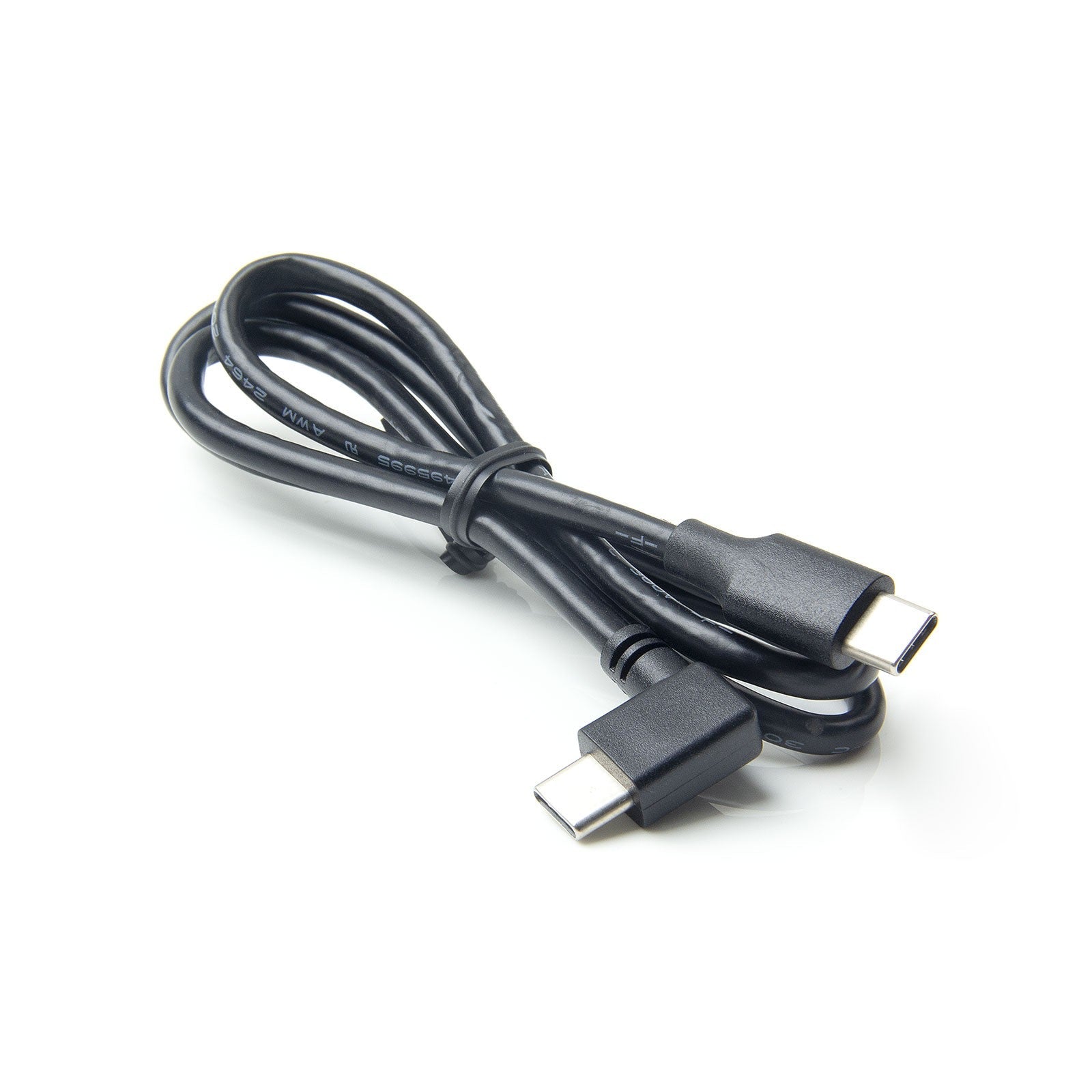
VIOFO USB-C to USB-C Charging Cable for VIOFO Dashcams with Type-C Port
gearnudge.com
- Best for
- A high-quality cable helps ensure stable power delivery.
- Avoid if
- You need confirmed live price or guaranteed fit from this page.
- Evidence
- Listing and source evidence
FAQ: What this guide can and cannot verify
Can this guide provide lab heat benchmarks?
No. There is no broad, brand-wide database of heat shutdowns. We rely on mainstream reviews and official support documents, such as Thinkware's confirmation of thermal shutdown announcements.
Are these the only causes of shutdown?
No, but they are the most common. Our power and wiring advice comes from official support documentation, and our brand recommendations come from enthusiast reviews.