Who this is for
You’re navigating a tight turn in your Tesla and your phone slides off the charger pad into the footwell — again. This guide helps you pick a MagSafe mount that stays put without drilling holes or leaving sticky residue.
Tesla’s vents are narrow horizontal slits, not standard grille slats, so traditional vent clips don’t work. The standard solution is a MagSafe mount that attaches behind the central touchscreen — many fold flat when unused, making them nearly invisible.
Before you buy, keep two things in mind:
- These mounts are magnetic-only. You need a MagSafe-compatible iPhone or an Android phone with a MagSafe adapter.
- You’ll choose between a screen-mounted design (works on most Teslas with a center display) or a vent-mounted design (generation-specific — only certain Model 3/Y refreshes support it).
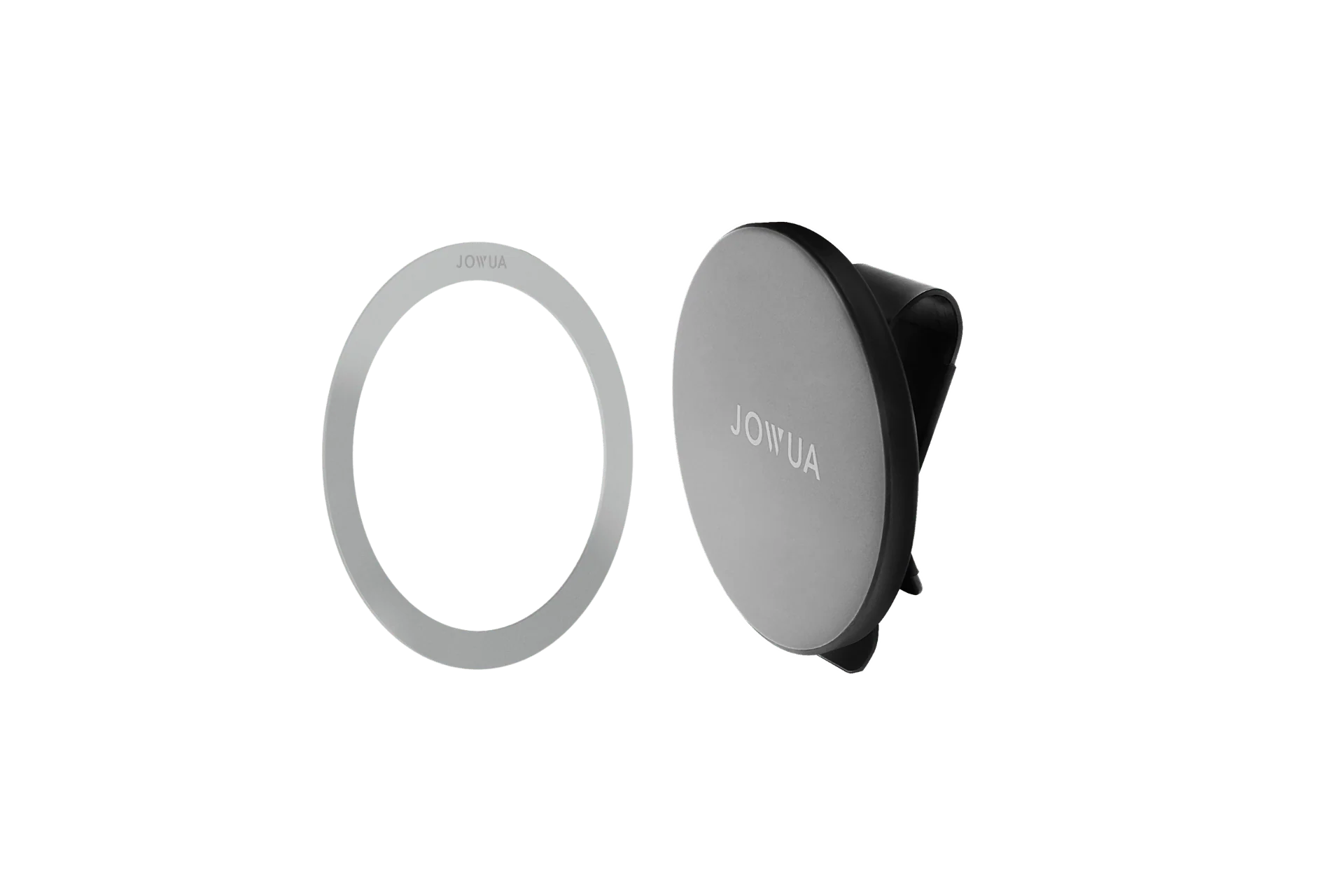
MagSafe Handyhalterung für die Rücksitze des Tesla Model 3/Y
gearnudge.com
- Best for
- A popular option for hands-free mounting in Tesla interiors.
- Avoid if
- You need confirmed live price or guaranteed fit from this page.
- Evidence
- Listing and source evidence
Screen-mounted vs vent-mounted options
There are two main ways to mount your phone in a Tesla.
Screen-mounted mounts are the most popular choice. They attach to the back of your central touchscreen without damaging anything. Many of these designs fold flat so they disappear from view when you aren’t using them. While they are very clean, they do cost a bit more, they can block a small part of your screen, and they only work with MagSafe-compatible devices.
Vent-mounted options are more specialized. These are generation-specific, meaning they only fit certain models. For example, the Spigen TAM100 is designed specifically for the newest Model Y Juniper and Model 3 Highland. It installs without any tools or adhesive and uses 20 magnets to hold your device.
However, vent compatibility is tricky because Tesla’s vent designs change constantly:
- Gen 1 (Pre-2021 Model S/X): These use metal vents with a rotating dial (rotary vents) that have threaded brass inserts.
- Gen 2 (2017–2022 Model 3/Y): These have all-plastic dual-vane vents.
- Gen 3 (2023+): These feature reinforced vanes that can handle more torque.
How to choose: price, charging speed, and hold strength
When you start shopping, you will likely see a wide price range. You can find basic magnetic mounts for about $25, or you can spend up to $100 on a premium aluminum rig that supports fast charging.
Prices in this guide are vendor listings as of 2026-08-10 and can change, so confirm the current price on the seller page before you buy.
If you want to charge your phone while it sits in the mount, pay close attention to the charging specs. Only official “Made-for-MagSafe” certified chargers will provide a full 15W of power. Generic magnetic chargers often cap out at a much slower 7.5W.
For keeping your phone secure, look for mounts that use N52-grade neodymium magnets (the strongest grade commonly used in consumer mounts). Many high-quality mounts use large arrays of these magnets—sometimes up to 20 in one mount—to ensure the phone stays put during potholes, highway speeds, or sharp lane changes.
Compatibility checks before you buy
Before you spend any money, you must verify these details for your specific car.
First, confirm your exact model year. A vent mount like the Spigen TAM100 only fits the Model Y Juniper (2025/2026) and Model 3 Highland (2024–2026). It will not work with older Model 3 or Model Y vehicles.
Check for these specific exclusions:
- Performance Models: Many vent mounts explicitly state they are not compatible with Model Y Juniper Performance or Model 3 Highland Performance variants.
- Drive Side: Most vent-slot mounts are designed for the far-left A/C vent on left-hand-drive cars. If you drive a right-hand-drive vehicle, these likely won’t work.
- Vent Geometry: On refreshed Model S and X vehicles, ensure the mount’s pins match your specific vent blade design.
Setup and use notes
Getting the strongest hold starts with how you prepare the surface.
If you are installing a screen mount that uses adhesive, clean the back shell of your Tesla screen first. Never install a mount immediately after using dashboard cleaners or interior dressings. Those products leave a residue that will weaken the bond and cause the mount to fall. Also, give the adhesive plenty of time to settle before you attach a heavy phone, especially if it is cold outside.
For different mounting styles, follow these tips:
- Suction-style screen mounts: Press the sticky silicone pad down firmly and then lock the clamp on the back of the touchscreen. This creates a vacuum seal that holds heavy phones without wobbling.
- Refreshed Model S/X vent clips: Insert the bottom pin first, then force the top part until it clicks. It requires some strength, but this makes the connection very stable.
- Model 3 Highland and Model Y Juniper vent clips: Make sure you clip the mount to the central vent blades. Do not try to clip it to the far ends of the air vent, or you may lose your grip.
Avoid-if guidance
There are a few situations where these mounts might not be the right choice for you.
Skip vent-mounted options if you drive a Performance variant or own an older Tesla model, as most are not compatible. You should also avoid vent clips if your car’s defroster runs very hot. Heated air can weaken the plastic grip, and the constant vibration from the vents can slowly loosen the mount over time.
A few other things to watch out for:
- Non-MagSafe phones: Don’t buy a magnetic-only mount if your phone doesn’t support MagSafe and you don’t have an adapter.
- Curved surfaces: If you are looking at a mount that sticks to the dashboard, avoid curved sections. These mounts only stick reliably to flat surfaces, such as the area on the steering column.
FAQ
What is the typical price?** Expect to pay between $25 for a basic mount and $100 for a premium, fast-charging aluminum rig. **Will a vent mount fit my Tesla?
The Spigen TAM100 vent mount is specifically for Model Y Juniper (2025/2026) and Model 3 Highland (2024–2026). Other [Tesla models](/ev-accessories/best-tesla-model-y-accessories/) will require a different type of mount.
How fast will it charge my phone?
You will only get 15W charging from official Made-for-MagSafe certified chargers. Generic magnetic chargers typically cap at 7.5W.